 Jonathan Blake

Say you have 1,500 old leads in a spreadsheet, a CRM or a box of invoices. You paid to get most of them. If one in fifty replies and half of those book, that is 15 appointments from a list you already own. At a $400 job and a one in three close rate, that is about $2,000. The cost was a few dollars of texts and an afternoon. I sold face to face since 2015, ran a tree service for six years, and now co-own The Lead Venture. Old lists are the cheapest leads I know.
Short answer: database reactivation is a short campaign that messages old leads and past customers to find the ones who still need what you sell. Clean the list, check consent, send a tiny opener, follow up twice, let AI handle the first replies, and hand booked people to a human. In HighLevel you can build it in an afternoon.
What a database reactivation campaign is (and the math)
You pay for leads, work the ones that answer, and the rest go quiet. They sit in your CRM and you never talk to them again. Your list is not a graveyard. It is people who raised their hand once and never heard from you again.
Some bought elsewhere. Some got busy. Some still need what you sell and never got a nudge. A dead lead reactivation campaign finds those people.
I’ll be straight about results. At The Lead Venture we built a campaign for a home service account that texted contacts with no activity in 90 days. One home service account we run brought in $24,569 from 356 old leads this way, and that client closed over $60,000 for the season by March 2026. These were my results based on my experience. Your results may be different. That was one account in one season, and the point isn’t the number. It is that the list already existed. If you also want new leads, I compared every source for plumbing and roofing.
Customer lifetime value calculator
Plug in your own numbers. The starting values are examples, not data about your business.
-
Lifetime revenue
Add your numbers
-
Lifetime gross profit
Add your numbers
-
Rule-of-thumb max to win one customer
Add your numbers
Do this today: count your contacts with no activity in the last 90 days. That is your starting list.
The play, step by step
Step 1: Export and clean
Pull everything: your CRM, invoicing software, old spreadsheets, past customers and leads who never bought. Put them in one file with first name, phone, email, source, last contact date and what they asked about.
Then clean it. Remove duplicates, contacts with no phone and no email, and current customers with open jobs. Also remove anyone who ever said stop, unsubscribed or asked not to be contacted. That one is non-negotiable.
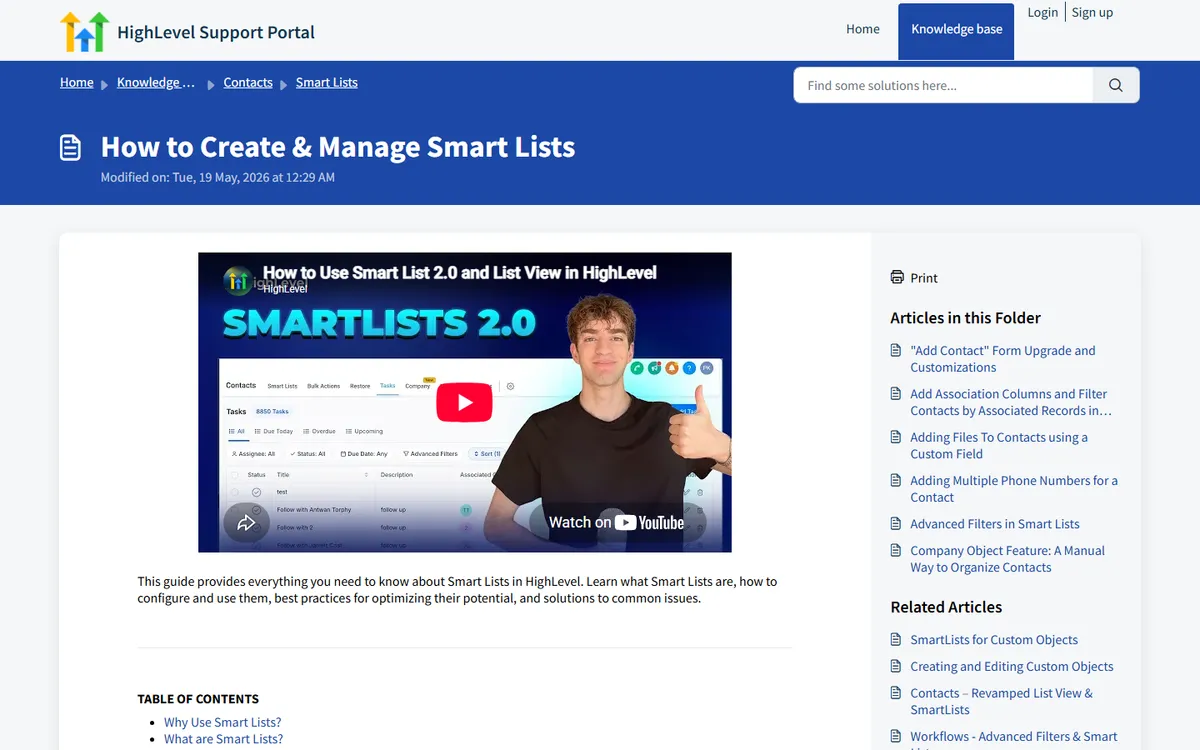 HighLevel’s help article on Smart Lists, which is where you build each segment of your old list, November 2026.
Step 2: Segment
Don’t send the same message to everyone. Three simple groups cover most businesses:
- Quoted but didn’t buy. They saw a price. These are your warmest.
- Asked but never got a quote. They raised a hand and nobody followed up.
- Past customers. They know you. Ask about the next job, a check-up or a referral.
Send the warmest group first.
Step 3: The consent check
This is the step people skip and regret. In plain terms: text people who opted in to texts, and email everyone else. The consent section below has the details. If you can’t tell who opted in, treat them as email-only until you can.
Step 4: The opener
The first message has one job. The opener’s only job is to get a reply, not to make a sale.
Keep it to about nine words and one easy question:
- “Are you still looking for help with your roof?”
- “Did you ever get your kitchen remodel done?”
- “Still thinking about that quote we sent in spring?”
No link. No discount. No paragraph about how great you are. A short question looks like a real person wrote it, and a real person is easier to answer.
For email, keep the body to two sentences with no images.
Step 5: Follow-ups
If there is no reply, send two light follow-ups, not ten:
- Three days later: a second easy question, or a reason to reply (a seasonal opening, a limited schedule).
- Five to seven days after that: a last check-in that gives them an easy way out.
Then stop. If they don’t reply to three messages, they are not ready, and more messages only drive opt-outs.
Step 6: Handle the replies
Replies come in bursts. You send 300 texts at 10 am and 25 people answer by noon. A person can’t keep up, and this is where AI earns its keep. HighLevel’s Conversation AI can read the reply, answer simple questions, qualify the person and offer times to book. I cover the setup in my GoHighLevel AI agents guide, and I go deeper on the setter idea in my post on the AI appointment setter.
Keep the AI on a short leash: one goal (book a call or visit) and clear rules for handing off. Anyone angry, confused or asking about price goes to a human.
Step 7: Book and hand off
The moment someone agrees to a time, the automation should book it on a calendar, tag the contact, create an opportunity and notify a human. A person confirms the appointment. Automation gets the replies. A human wins the job.
Do this today: write the three segments for your list and pick the one you’ll send first.
Copy-paste messages for 5 business types
Change the names and details. Keep them short. Each set has an opener and a follow-up. The last text is the same shape: a short check-in with an easy way out. Every text includes opt-out language.
Law firms and other regulated businesses should keep the message generic, because texts aren’t a private channel. Check with your compliance person before you launch.
For email, use the same words with a plain subject like “Quick question” and an unsubscribe link in the footer.
Do this today: pick the set closest to your business and rewrite the opener in your own words. Read it out loud. If it sounds like a robot, change it.
Build it in GoHighLevel
Menu names shift as HighLevel updates the builder, so look for the closest match. The logic stays the same. If you haven’t set up your phone number and texting registration yet, start with my GoHighLevel setup guide.
- Import the list. In Contacts, import your cleaned file and map the columns. Add a tag like
reactivation-2026and a tag for the segment, such asquoted-no-buy. If you didn’t keep consent records, add asms-oktag only to the contacts you can confirm. - Build a smart list. Make one smart list per segment. For old contacts already in HighLevel, filter on last activity older than 90 days and exclude anyone tagged
do-not-contactor with an open opportunity. - Create the workflow. Automation, then Workflows, then Create Workflow from scratch. Name it “Reactivation: Quoted No Buy.”
- Add the trigger. Use Contact Tag and trigger when the tag
reactivation-2026is added. This lets you release the list in batches by adding the tag to 100 or 200 contacts at a time. - Split by consent. Add an If/Else: if the contact has the
sms-oktag, go down the text branch. Otherwise go down the email branch. - Send the opener. On the text branch, add a Send SMS action with your opener. On the email branch, send the short email.
- Wait for reply. Add a Wait step set to wait for the contact to reply, with a timeout of 3 days.
- If/Else on reply. If they replied, turn the workflow off for that contact and let Conversation AI take the thread (see the next step). If not, send the follow-up.
- Second wait and last text. Wait 5 to 7 days, send the last message, then add the tag
reactivation-finishedand end the workflow. - Turn on Conversation AI. In the AI agent settings, create a bot for this campaign. Set the goal to book an appointment, connect your calendar, paste a short prompt, and add a human hand-off for anything off-script. Use the guardrails from my AI appointment setter guide.
- Booking hand-off. When someone books, add an action that tags the contact, creates an opportunity at the “Booked” stage and sends an internal notification and task to a real person.
- Test it. Add your own phone number as a contact with the tags. Check the opener arrives, reply, make sure the AI answers sensibly, book a slot and confirm the notification fires.
Release the list in batches of 100 and read every reply before the next one.
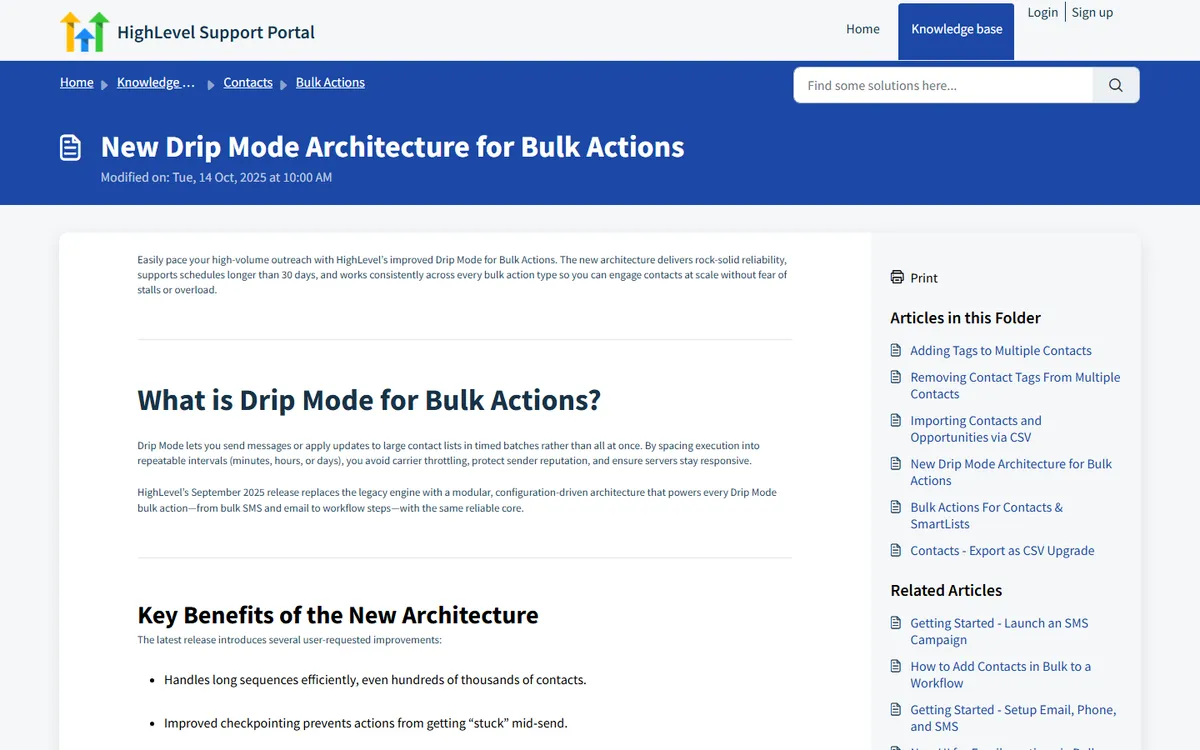 HighLevel’s help article on Drip Mode for bulk actions, the setting that sends a big list in timed batches instead of all at once.
If you’d rather not build all this yourself, the Growth Plan ($97/month, white-label HighLevel, set up for you) is on my bonuses page.
Do this today: build the workflow in a test account with your own number before you touch the real list.
Rules that keep you out of trouble
This is not legal advice, but these are the basics I follow.
- Text only people who opted in. Marketing texts generally need the person’s consent to receive texts from you. A phone number in your records is not proof. If you can’t show where and when they agreed, treat them as email-only.
- Email the rest, properly. Include your business name, a real address and a working unsubscribe link.
- Register for A2P 10DLC. US carriers require business texting to be registered. Approval can take days, so start before you build. Unregistered texts can get filtered or blocked.
- Put opt-out language in every text. “Reply STOP to opt out,” and honor it right away. Tag those contacts
do-not-contactso they never enter another campaign. - Respect quiet hours. I keep texts between 8 am and 8 pm in the contact’s local time. Some states are stricter, so check yours.
Cost for context: LC Phone charges $0.00747 per SMS segment and $1.15 a month for a local number, plus carrier fees. Three texts to 356 contacts is about 1,068 segments, so roughly $8 before carrier fees. Conversation AI is billed separately, as a flat AI Employee plan or by usage, and I break down both in my GoHighLevel pricing guide.
Do this today: start your A2P registration now, even if the list isn’t ready.
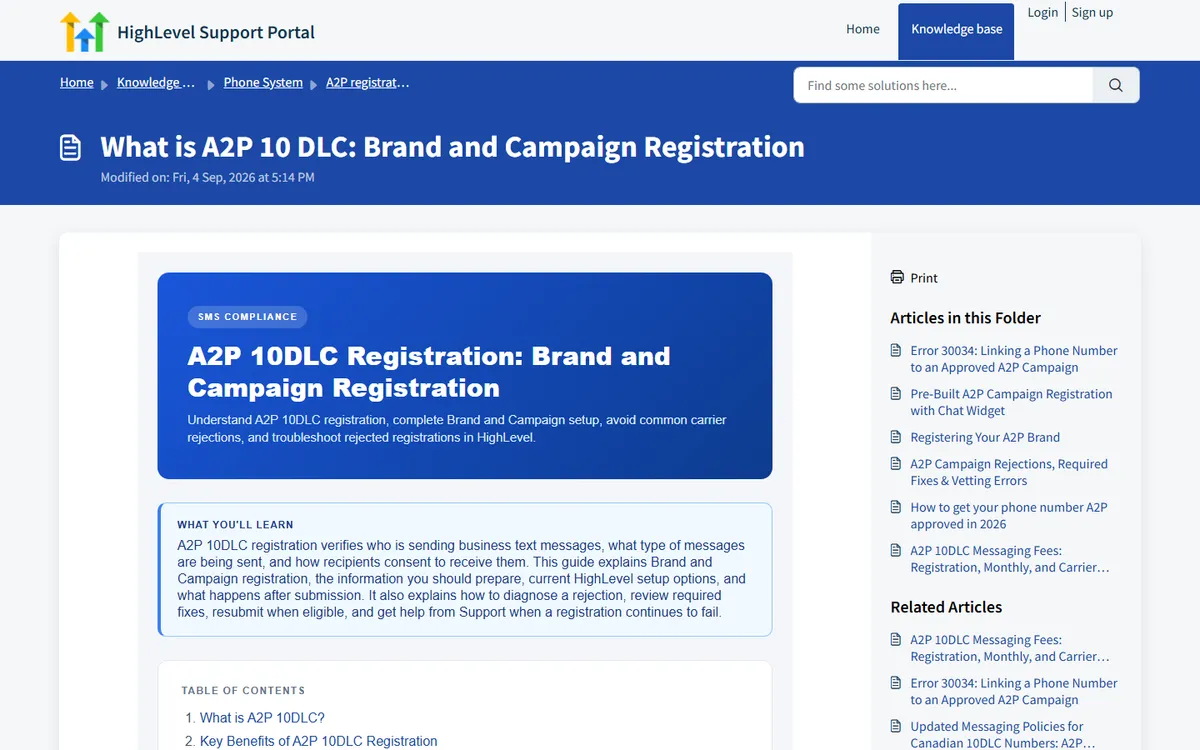 HighLevel’s help article on A2P 10DLC brand and campaign registration, including common carrier rejections, November 2026.
How to measure it
Check three numbers after each batch.
- Reply rate. Replies divided by messages sent. If it is very low, rewrite the opener or check that your texts are delivering. If it is high but nobody books, look at the AI prompt or your calendar.
- Booked appointments. The number that pays you. Multiply by your close rate and average sale, and compare to the math you did at the start.
- Opt-out rate. STOP replies divided by messages sent. Watch it closely. A spike means your list is too old, your message is off, or your consent is shaky. Pause the next batch and fix it.
Do this today: set up a sheet with those three columns.
Selling this to clients (agencies)
If you run an agency, this is one of the easiest offers to sell, because every client has an old list and no one is working it. The pitch is simple: you already paid for these leads, let’s see what’s still in there.
- Ask the owner for an export of old leads and past customers, plus the last contact date.
- Count the contacts with no activity in 90 days or more and run the math with their job value and close rate.
- Show a one-page number: “You have 1,200 dormant contacts, so roughly $X.”
- Offer a one-time campaign setup, or a low monthly fee for twice-a-year runs. Our plans at The Lead Venture run $97 and $297 a month.
Quick wins
Want clients this month? Start here
Set up your own house first. One clear offer for one niche, a simple site, a booking link and your own HighLevel account running the same automations you'll sell. Prospects trust what they can try.
Start with people who already know you
Past employers, old customers, friends who own businesses. Tell them exactly what you set up for local service businesses and ask for 20 minutes.
Do daily outreach
Calls, emails and DMs to a tight list in one niche. Volume and follow-up beat clever copy.
Demo, don't describe
Build a quick AI agent or missed-call text-back demo in your own HighLevel account and let them try it on the call.
Post what you build
Short screen recordings of real automations. One a day on the platform your buyers use.
Partner with people who own your buyers
Web designers, bookkeepers and software resellers already have the relationship. Trade introductions.
Answer every lead in under a minute
Practice what you sell. Set up your own speed-to-lead automation first.
Work a local area in person
- Pick one area and walk into ten businesses in a row. Ask for the owner, keep it to two minutes and leave a card.
- Bring a one-page printout that shows the problem you fix (missed calls, slow follow-up, no reviews) with their name on it.
- Go back a week later. Most first visits are about being remembered, not closing.
Ask for introductions, not referrals
"Know anyone who could use this?" gets a polite "I'll think about it." Asking to be introduced to a specific kind of person gets names. Set it up when they sign:
"If this works the way I think it will, would you be against introducing me to one or two other local service businesses you know? I'll give them a a free dormant-lead audit."
Then follow up once they're seeing results. With a client you get along with, a little humor works:
"So are you keeping me a secret on purpose, or do you just not like your friends?"
Only joke like that with clients you know well. With everyone else, keep it simple and thank them either way.