 Jonathan Blake

Most people who get stuck on HighLevel aren’t missing a feature. They’re missing an order to build things in. The platform does so much that opening it for the first time with no plan is how a free trial turns into a pile of half-finished settings and a cancelled subscription.
This is the setup order I actually use, broken into one job per day for your first week. I run HighLevel every day for home service clients at The Lead Venture, and this is close to the exact sequence a new client’s account goes through before it’s ready to run.
| Day | Job | Time or note |
|---|---|---|
| 1 | Branding, business details, connected email | About 10 minutes |
| 2 | Phone number, test text and email, start A2P 10DLC | Approval can take days |
| 3 | One calendar, one lead form, one test booking | One of each, not five |
| 4 | First workflow: form, text, email, tag and opportunity | One workflow, four steps |
| 5 | Conversation AI in a test sub-account | Try to break it |
| 6 | One landing page with the form and calendar | Prove the chain works |
| 7 | Save it all as a snapshot | Your first real demo |
Before day 1: start the right trial
HighLevel’s standard free trial is 14 days. Start through my link instead and you get a 30-day extended free trial, more than double the standard window, which matters because this guide alone takes a full week and you’ll want time left over to actually use what you built. If you’ve already signed up through my link, claim your free onboarding call and the rest of the Launch Stack before you start day 1, since the onboarding call is most useful early, not after you’ve already built everything yourself.
Day 1: the basics (about 10 minutes, worth doing right)
Before touching any feature, lock in:
- Agency or business branding. Logo, name, colors. This shows up everywhere else you build.
- Business details. Address, time zone and business hours, set correctly the first time. Calendars and automations downstream read from this.
- A connected email. Whatever inbox you want HighLevel sending from.
Ten boring minutes here save you from redoing things later. Skip this step and you’ll find yourself fixing a wrong time zone after you’ve already built three automations around it.
Day 2: phone and messaging
Get a number live and test it with a real call before building anything else, because Voice AI, missed-call text back and most follow-up workflows all sit on top of a working number.
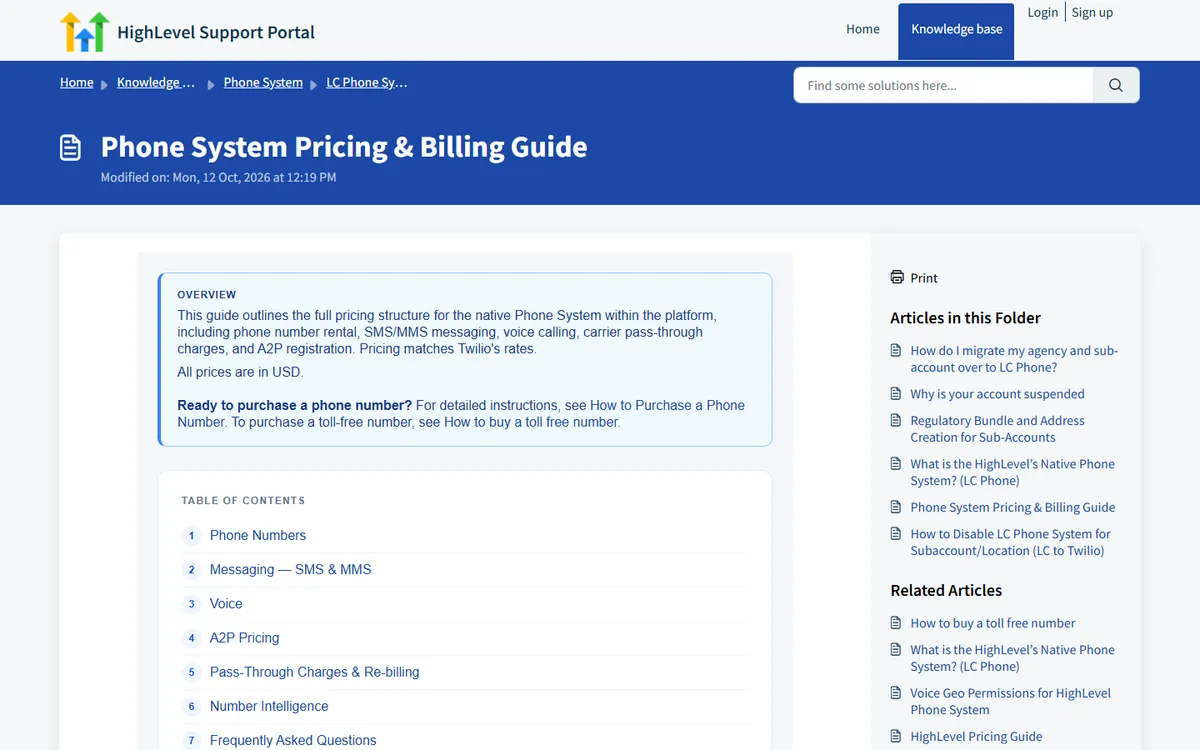 HighLevel’s phone system pricing guide, November 2026.
- Get a local or toll-free number inside the phone settings.
- Send yourself a test text and a test email to confirm both channels actually deliver.
- Start A2P 10DLC registration (the carrier-required texting registration) now, even though approval can take days. It’s the single most common thing that delays a launch, so starting it on day 2 instead of day 10 saves the whole week.
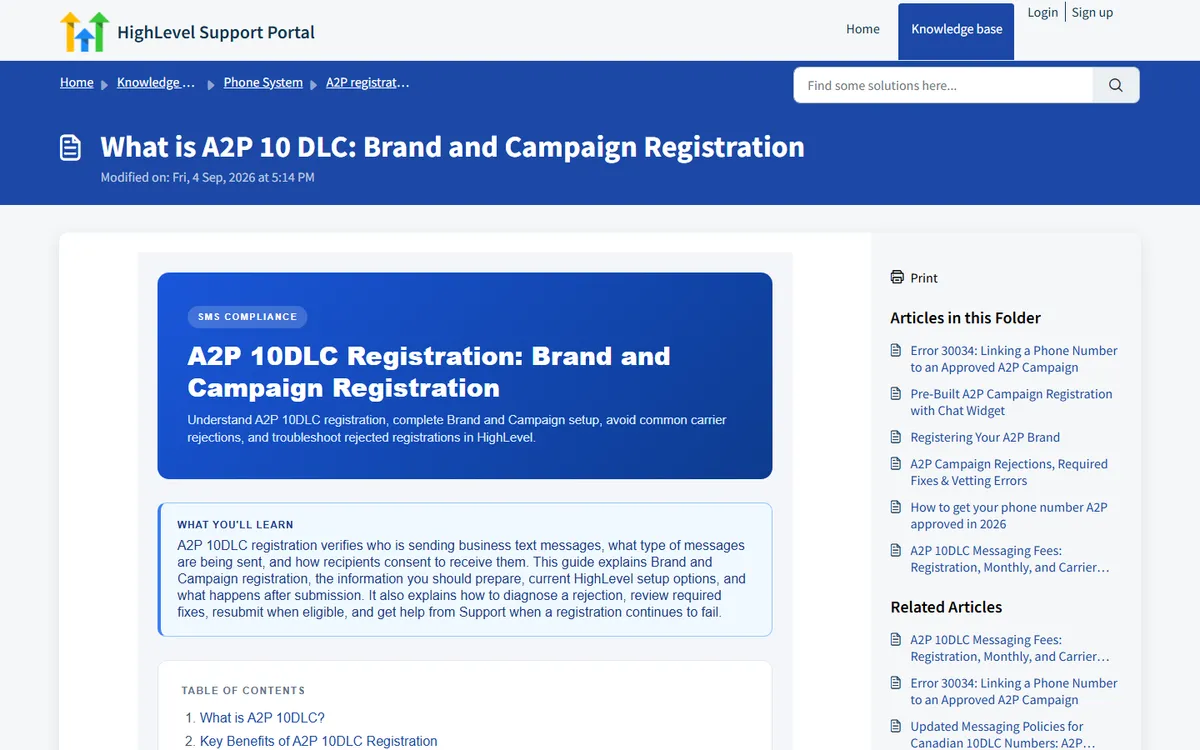 HighLevel’s A2P 10DLC registration guide, November 2026.
Day 3: one calendar, one form
Build exactly one of each, not five:
- One booking calendar. Set your real availability, buffer time and confirmation settings.
- One lead form. Name, email, phone, and the one or two questions that actually matter for qualifying a lead.
- Book a test appointment through the calendar yourself, like a customer would, start to finish. If anything’s confusing to you, a real lead will find it confusing too.
Resist the urge to build every calendar and form you’ll ever need this week. One of each, working correctly, beats five that are half-configured.
Day 4: your first workflow
This is where HighLevel starts to feel like it’s working for you instead of the other way around. Build one workflow triggered by the form you built yesterday:
- Trigger: form submitted.
- Action 1: text back within a minute, confirming you got their info.
- Action 2: email a confirmation with next steps.
- Action 3: tag the contact and create an opportunity in a pipeline, so you can see where the lead actually is.
One workflow, four steps, built and tested with a real submission from yourself. That’s enough for day 4. The workflow builder is deep enough to lose a whole day in if you let it; don’t. When you are ready to connect outside tools with n8n, Make or a webhook, see GoHighLevel integrations.
Day 5: try an AI agent
Turn on Conversation AI in a test sub-account (not a live client’s, yet) and feed it your FAQs and booking rules. Then try to break it:
- Ask it something outside what you told it, and see if it says “let me get someone to help with that” instead of guessing.
- Try to book a slot that’s already taken.
- Ask it a pricing question you didn’t give it an answer for.
I cover the full setup for Voice AI and Conversation AI, including the scripts I actually use, in GoHighLevel AI agents. If you want to connect your own AI assistant (Claude or ChatGPT) to the account itself rather than using HighLevel’s built-in agents, that’s a separate thing covered in GoHighLevel MCP.
Quick wins
Want clients this month? Start here
Set up your own house first. One clear offer for one niche, a simple site, a booking link and your own HighLevel account running the same automations you'll sell. Prospects trust what they can try.
Start with people who already know you
Past employers, old customers, friends who own businesses. Tell them exactly what you set up for new HighLevel accounts and ask for 20 minutes.
Do daily outreach
Calls, emails and DMs to a tight list in one niche. Volume and follow-up beat clever copy.
Demo, don't describe
Build a quick AI agent or missed-call text-back demo in your own HighLevel account and let them try it on the call.
Post what you build
Short screen recordings of real automations. One a day on the platform your buyers use.
Partner with people who own your buyers
Web designers, bookkeepers and software resellers already have the relationship. Trade introductions.
Answer every lead in under a minute
Practice what you sell. Set up your own speed-to-lead automation first.
Work a local area in person
- Pick one area and walk into ten businesses in a row. Ask for the owner, keep it to two minutes and leave a card.
- Bring a one-page printout that shows the problem you fix (missed calls, slow follow-up, no reviews) with their name on it.
- Go back a week later. Most first visits are about being remembered, not closing.
Ask for introductions, not referrals
"Know anyone who could use this?" gets a polite "I'll think about it." Asking to be introduced to a specific kind of person gets names. Set it up when they sign:
"If this works the way I think it will, would you be against introducing me to one or two other new HighLevel accounts you know? I'll give them a a free first-week setup review."
Then follow up once they're seeing results. With a client you get along with, a little humor works:
"So are you keeping me a secret on purpose, or do you just not like your friends?"
Only joke like that with clients you know well. With everyone else, keep it simple and thank them either way.
Day 6: a simple page
Build one landing page with the form and calendar from day 3 on it. Nothing fancy: a headline, three bullets about what you do, the form.
The point of day 6 isn’t a beautiful page. It’s proving the whole chain works end to end: someone lands on a page, fills out the form, the workflow fires, and they can book a slot, all inside the account you’ve built over five days.
Day 7: save it as a snapshot
Once everything from the week works, save it as a snapshot. In HighLevel, that’s a saved copy of your account setup you can load into a new sub-account later.
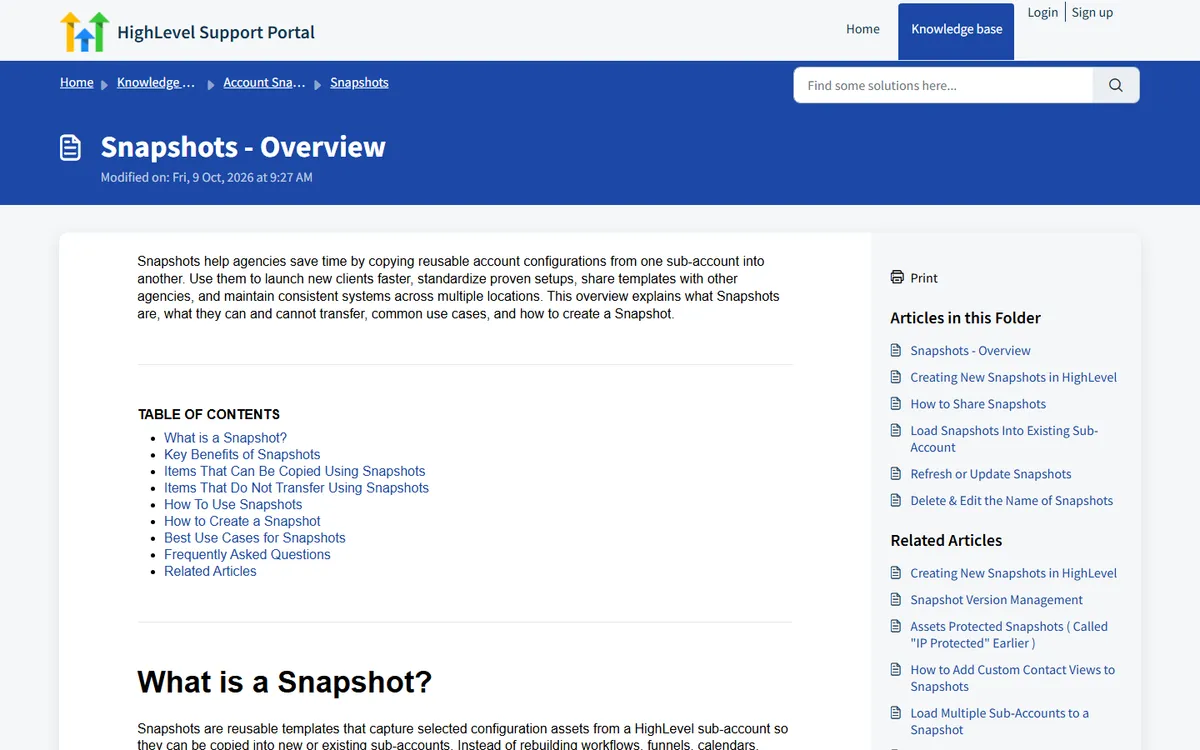 HighLevel’s Snapshots overview in its help center, November 2026.
This is the step most beginners skip, and it’s the one that pays off the most. A snapshot you built yourself, from a week of real work, is worth more than a free one you downloaded and don’t understand. You know exactly what every piece does and why. GoHighLevel snapshots covers building one properly, including the mistakes that cause problems when you load it into a second account.
With a snapshot saved, you’ve also got your first real demo: something you can show a prospect that actually works, instead of talking about features in the abstract.
Start your free HighLevel trial 30-day trial · cancel anytime · keep the bonuses I may earn a commission if you sign up through my link, at no extra cost to you. DetailsWhat to do after day 7
Once the first week is done, decide between a few paths depending on where you’re headed:
- Pick your plan. If you’re past three clients or want white label, move to Unlimited; if you want to resell the platform itself, that’s the $497 Founder plan. The full breakdown is in GoHighLevel pricing.
- Decide if HighLevel is even the right tool going forward. If you got through this week and it feels like overkill for what you actually need, GoHighLevel alternatives is an honest look at when that’s true.
- Use your free bonuses. Everyone who signs up through my link gets The HighLevel Launch Stack: the onboarding call, a 15-day email course that mirrors this same build order in more depth, templates, snapshots and more, all stacked on top of the trial at no extra cost.
The mistake this whole guide is built to avoid
The accounts that stall aren’t missing a feature. They’re missing an order to build things in. HighLevel will let you open ten settings tabs on day one and get nowhere by day seven. One job a day, in the order above, gets you a working account, a tested workflow and your first snapshot in a week, which is a very different outcome from the same week spent clicking around.
If you want this built with you instead of solo, that’s a standard consulting project, or book a call and tell me where you’re stuck. For the fuller picture on whether HighLevel is worth the time this guide asks for, read my full GoHighLevel review first.
Start your 30-day extended free trial 30-day trial · cancel anytime · keep the bonuses I may earn a commission if you sign up through my link, at no extra cost to you. Details