 Jonathan Blake

Short answer: HighLevel’s AI agents answer calls (Voice AI) and texts or chats (Conversation AI), using a prompt, a knowledge base and a set of actions you define, and they cost either a flat per-sub-account plan or a per-minute and per-message usage rate. The setup takes an afternoon. The hard part is writing a prompt that sounds like your client’s business, not a robot.
I run HighLevel every day for home service clients at The Lead Venture, and AI voice and Conversation AI are an add-on we sell on top of our base plans. Here’s the lineup, how to set each one up, what it costs, and how I demo and sell it on a call. New to HighLevel entirely? My start here page walks through the basics before this post gets specific.
HighLevel’s AI lineup in 2026
- Voice AI. Answers inbound calls, holds a conversation, qualifies the caller and can book an appointment or transfer to a human.
- Conversation AI. Answers texts, web chat and social messages (Facebook, Instagram, Google Business) in writing, with the same qualifying and booking ability.
- AI Employee plans. Bundled pricing per sub-account (Starter, Growth, Unlimited) that covers a set amount of Conversation AI responses and Voice AI minutes, or you pay per use instead.
- Agent Studio / AI Studio. The newer builder for configuring an agent’s prompt, knowledge base and actions in one place, rather than spreading settings across separate menus.
Voice AI
- Channel: Inbound phone calls
- Can do: Qualify the caller, book an appointment or transfer to a human
Conversation AI
- Channels: SMS, web chat, Facebook, Instagram, Google Business
- Can do: Same qualifying and booking, in writing
These are HighLevel’s own built-in agents, answering your clients’ calls and texts. If what you actually want is to connect your own AI assistant (Claude or ChatGPT) to the account itself, that’s a different, newer connection covered in GoHighLevel MCP.
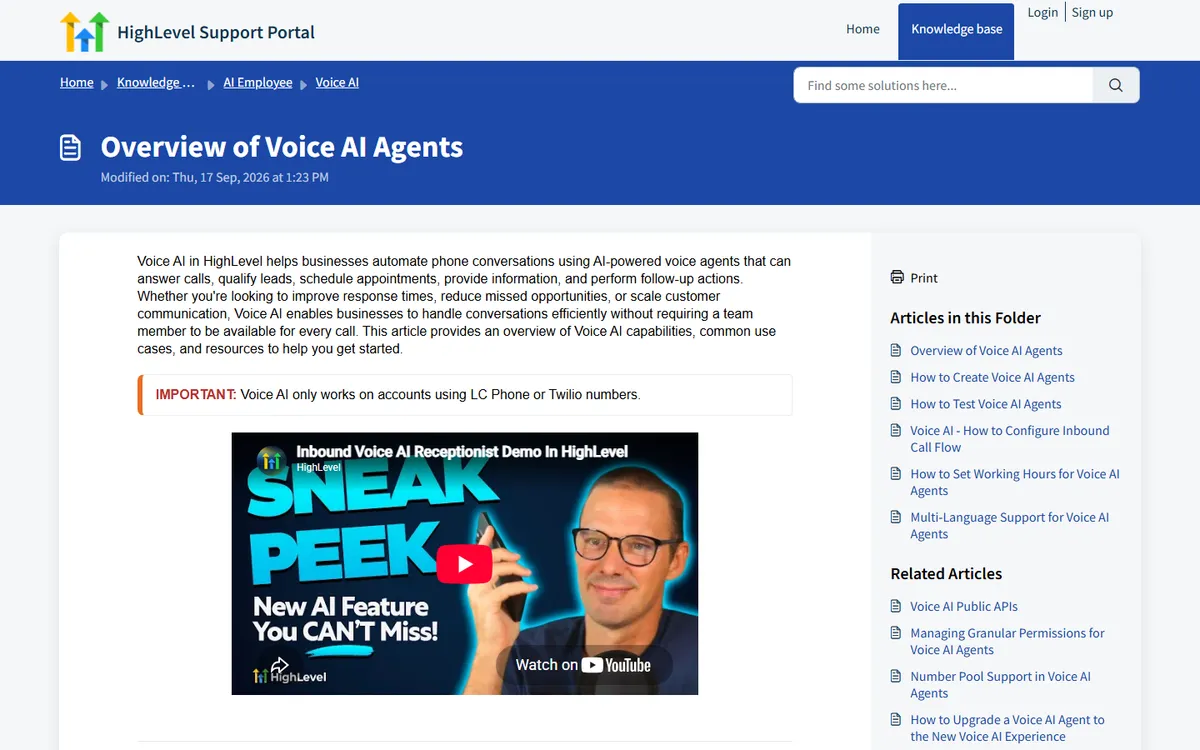 HighLevel’s Voice AI overview in its help center, November 2026.
An AI agent that never answers the phone is just a chatbot nobody asked for. The reason these tools earn their keep for home service clients is that they pick up the exact moment a lead would otherwise be lost: after hours, mid-job, or when every line is already busy. If booking is the job, I wrote a separate AI appointment setter guide, and if you are comparing it with a person on the phone, see virtual receptionist: human vs AI.
Voice AI setup walkthrough
- Connect a phone number. Voice AI sits on top of a HighLevel phone number, so get that number live and tested with a real inbound call first. If you’re starting from scratch, the 30-day extended free trial through my link gives you time to test this properly before HighLevel’s standard 14-day window would run out.
- Write the prompt. Give it the business name, hours, services, service area and tone. Keep it short and specific. A prompt that tries to cover everything ends up vague about all of it.
- Build the knowledge base. Pricing ranges, common questions, what the business doesn’t do. The agent should say “let me have someone call you back” rather than guess.
- Set the actions. What can it actually do: book a calendar slot, collect a callback number, tag the contact, transfer to a live line. Fewer, clearer actions beat a long list it rarely uses correctly.
- Test it like a stranger would. Call from a phone you don’t normally use. Ask an odd question. Try to book a slot that’s already taken. Fix what breaks before a client’s caller finds it.
Conversation AI setup
Conversation AI runs on the same prompt-and-knowledge-base idea, applied to text and chat instead of voice.
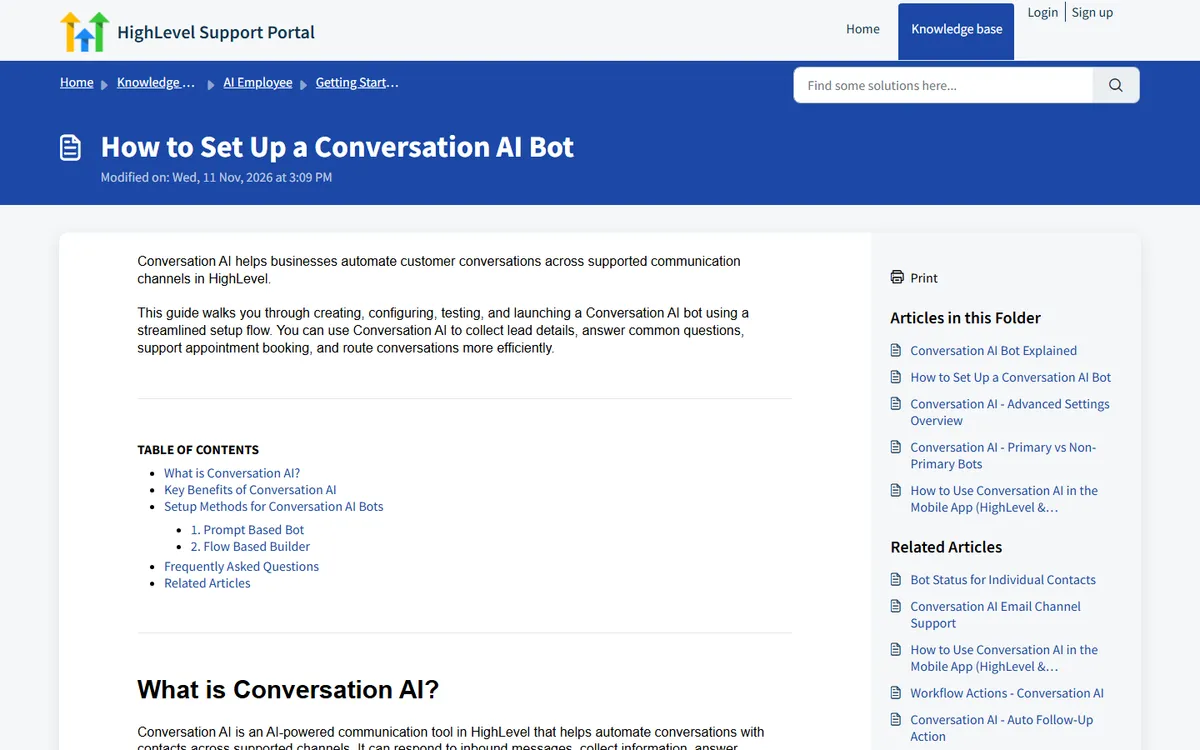 HighLevel’s Conversation AI setup guide, November 2026.
- Pick the channels. SMS, website chat widget, Facebook and Instagram messages, Google Business messages. Turn on what the client actually uses; don’t light up every channel on day one.
- Reuse the Voice AI knowledge base where you can, then adjust the tone for text. People read texts differently than they listen to calls: shorter sentences, clear next step.
- Set a booking-first goal. The single best outcome for most service business leads is a booked appointment or a scheduled callback, so make that the agent’s main job, not a wide-ranging conversation.
- Add a human handoff keyword or trigger (“talk to a person,” three failed attempts, a clearly upset message) that routes straight to your team.
HighLevel's built-in AI agents
Pros
- Pick up the moment a lead would otherwise be lost
- Qualify callers and book appointments
- A flat per-sub-account plan or pay per use
Cons
- The prompt needs to sound like your client's business
- Phone charges still bill on top of the AI plan
- Needs a real handoff path to a human
What it costs, and how to rebill it
As of late 2026, there are two ways to pay for HighLevel’s AI:
| Option | Price | What you get |
|---|---|---|
| AI Employee Starter | $20/month per sub-account (Starter is for Founder-plan agencies only) | Ask AI, AI Studio, unlimited Content AI (only on the $497 agency plan) |
| AI Employee Growth | $50/month per sub-account | 1,000 Conversation AI responses, 100 Voice AI minutes, unlimited Reviews AI |
| AI Employee Unlimited | $97/month per sub-account | Unlimited Conversation AI responses and Voice AI minutes |
| Pay per use | Varies | Voice AI speech-to-speech runs $0.10 to $0.20 per minute; Conversation AI is billed by tokens the model uses |
Phone charges still apply on top of any of these: outbound calls at roughly $0.0166 per minute and inbound at roughly $0.01165 per minute as of late 2026, from HighLevel’s published rates. The AI plan covers the “brain.” LC Phone still bills the minutes.
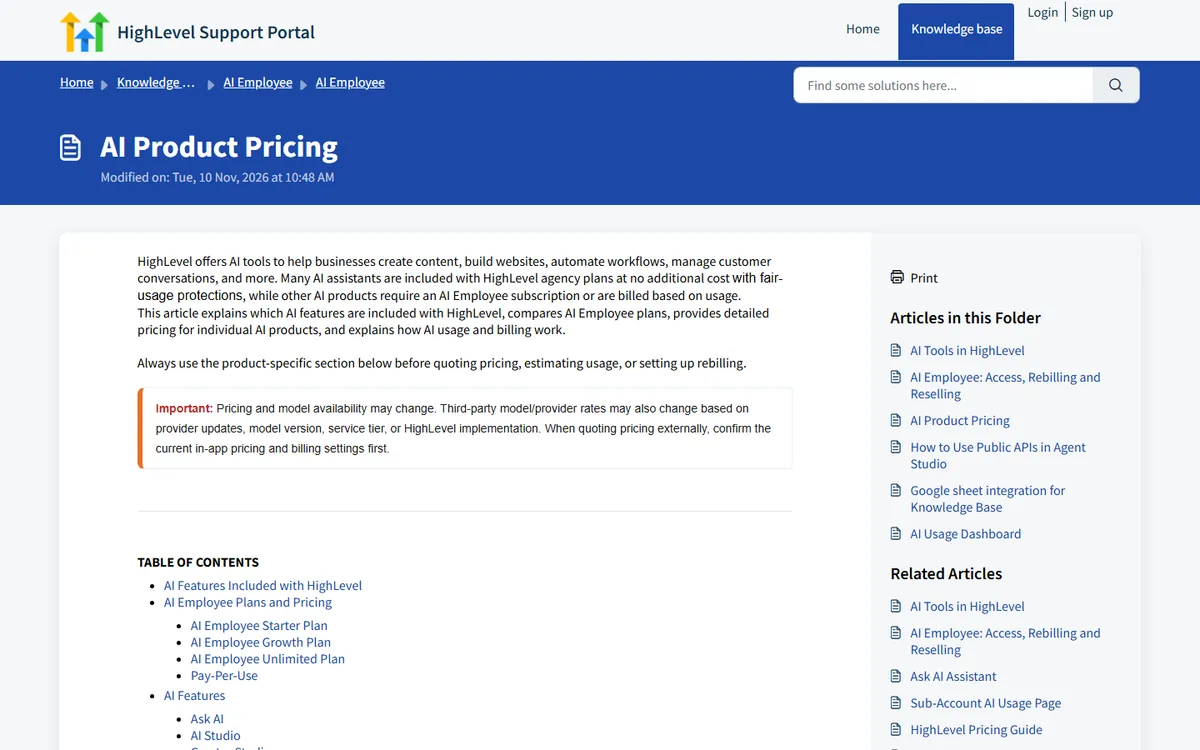 HighLevel’s AI Product Pricing article, November 2026.
At The Lead Venture we sell AI voice and Conversation AI as a separate add-on at $197 a month plus usage, rather than folding it into our base plans. That keeps a quiet client from subsidizing a busy one, and keeps a busy client’s AI usage from quietly eating our margin. My SaaS mode guide has the full rebilling math with worked examples, and my pricing breakdown covers every other usage cost.
Scripts and prompts we use for service businesses
A few patterns that have worked well in our accounts, written as templates for your clients, not word-for-word copy:
- Opening line: “Thanks for calling [business]. I can help book your appointment or answer a quick question. What’s going on?”
- Qualifying question: one question that sorts urgent from routine (“Is this something that needs someone out today, or can we schedule for this week?”).
- Booking close: offer two specific times, not an open “when works for you,” which slows the conversation down.
- Fallback: “I want to make sure you get the right answer. Let me have [name] call you back within the hour,” paired with a tag that alerts a real person.
How to demo and sell an AI agent to a business owner
This is a field-sales lesson as much as a technical one. In ten years of selling at the kitchen table, the pitch that works isn’t a slide about “artificial intelligence.” It’s this:
- Ask for their business number, call it on the spot, and let it ring unanswered.
- Let them watch the text or the Voice AI answer arrive in real time.
- Say one sentence: “That’s what happens to every call you miss, starting today.”
The best AI agent demo isn’t a slide. It’s their own phone ringing and getting answered while they watch. That beats any deck I’ve ever built, and it takes under two minutes.
Quick wins
Want clients this month? Start here
Set up your own house first. One clear offer for one niche, a simple site, a booking link and your own HighLevel account running the same automations you'll sell. Prospects trust what they can try.
Start with people who already know you
Past employers, old customers, friends who own businesses. Tell them exactly what you set up for home service businesses and ask for 20 minutes.
Do daily outreach
Calls, emails and DMs to a tight list in one niche. Volume and follow-up beat clever copy.
Demo, don't describe
Build a quick AI agent or missed-call text-back demo in your own HighLevel account and let them try it on the call.
Post what you build
Short screen recordings of real automations. One a day on the platform your buyers use.
Partner with people who own your buyers
Web designers, bookkeepers and software resellers already have the relationship. Trade introductions.
Answer every lead in under a minute
Practice what you sell. Set up your own speed-to-lead automation first.
Work a local area in person
- Pick one area and walk into ten businesses in a row. Ask for the owner, keep it to two minutes and leave a card.
- Bring a one-page printout that shows the problem you fix (missed calls, slow follow-up, no reviews) with their name on it.
- Go back a week later. Most first visits are about being remembered, not closing.
Ask for introductions, not referrals
"Know anyone who could use this?" gets a polite "I'll think about it." Asking to be introduced to a specific kind of person gets names. Set it up when they sign:
"If this works the way I think it will, would you be against introducing me to one or two other home service businesses you know? I'll give them a a free AI agent demo on their own number."
Then follow up once they're seeing results. With a client you get along with, a little humor works:
"So are you keeping me a secret on purpose, or do you just not like your friends?"
Only joke like that with clients you know well. With everyone else, keep it simple and thank them either way.
Limits and failure modes: when to hand off to a human
Be honest with clients about where the agent should step back:
- Anything emotional or urgent (a safety issue, a complaint, a cancellation the owner should handle personally).
- Pricing negotiations past the ranges you’ve given it.
- Questions outside its knowledge base. A clear “let me get someone to help you with that” beats a confident wrong answer every time.
I build the handoff path before I ever turn an agent on for a client, not after the first bad call.
If you’d rather have an AI agent built and tested with you instead of configuring one solo, that’s a standard consulting project, or book a call and we’ll figure out where to start. Everyone who signs up for HighLevel through my link also gets a free onboarding call: claim it here if that’s you.
If you’re still deciding whether HighLevel is the right platform at all, start with my full GoHighLevel review. If you’re building AI into a brand-new agency rather than adding it to one you already run, I wrote the full plan in how to start an AI agency. And once your AI setup is repeatable across clients, GoHighLevel snapshots is how you package it so every new client starts from a working build instead of a blank account.
Bottom line
GoHighLevel’s AI agents are good at exactly what most service businesses need: answering fast, qualifying, and booking. Set the prompt up like you’d want your own phone answered, build a real handoff to a human, and sell it with a live demo on the prospect’s own number instead of a pitch about the technology.
Start your 30-day extended free trial 30-day trial · cancel anytime · keep the bonuses I may earn a commission if you sign up through my link, at no extra cost to you. Details