 Jonathan Blake

If you run a business with a phone that rings while your hands are full, you already know the problem. You are on a roof, with a client, in a meeting, or asleep, and a call goes to voicemail. I sold face to face since 2015, ran a tree service for six years, and now co-own The Lead Venture. I have lost jobs to unanswered phones, and I have set up all three kinds of coverage in this post.
Short answer: for most small businesses I’d start with missed-call text back, add HighLevel Voice AI once calls grow, and keep a human for the calls that really need one. A traditional human virtual receptionist is worth paying for when your calls are complex or high stakes. Pick by call volume and budget, then test before you go live.
What a virtual receptionist actually does
A virtual receptionist answers calls for you without sitting at your front desk. The job is the same whether it’s a person or software:
- Greet the caller in your business name.
- Answer the basics: hours, location, services.
- Capture who is calling, why, and a callback number.
- Route urgent calls to you or someone on your team.
- Book an appointment if they can see your calendar.
The best receptionist is the one that answers every call and knows when to hand off.
Why this matters in money terms: Marchex analyzed 8.7 million calls to US auto service centers and found 68% of callers who didn’t reach the business on the first try didn’t call back. If you want to see what that costs you, I walk through the math in my missed call text back playbook.
Do this today: check your phone’s call log and count the calls you didn’t answer in the last 30 days. That number is what you’re solving.
Missed call calculator
Plug in your own numbers. The starting values are examples, not data about your business.
-
Lost revenue per month
Add your numbers
-
Lost revenue per year
Add your numbers
The three options, compared honestly
Option 1: Human virtual receptionist services
Companies like Ruby, Smith.ai and AnswerConnect staff real people who answer your calls with your greeting. I’m not quoting prices here because plans change and tiers depend on call counts or minutes. Check each company’s pricing page and ask what happens when you go over your plan.
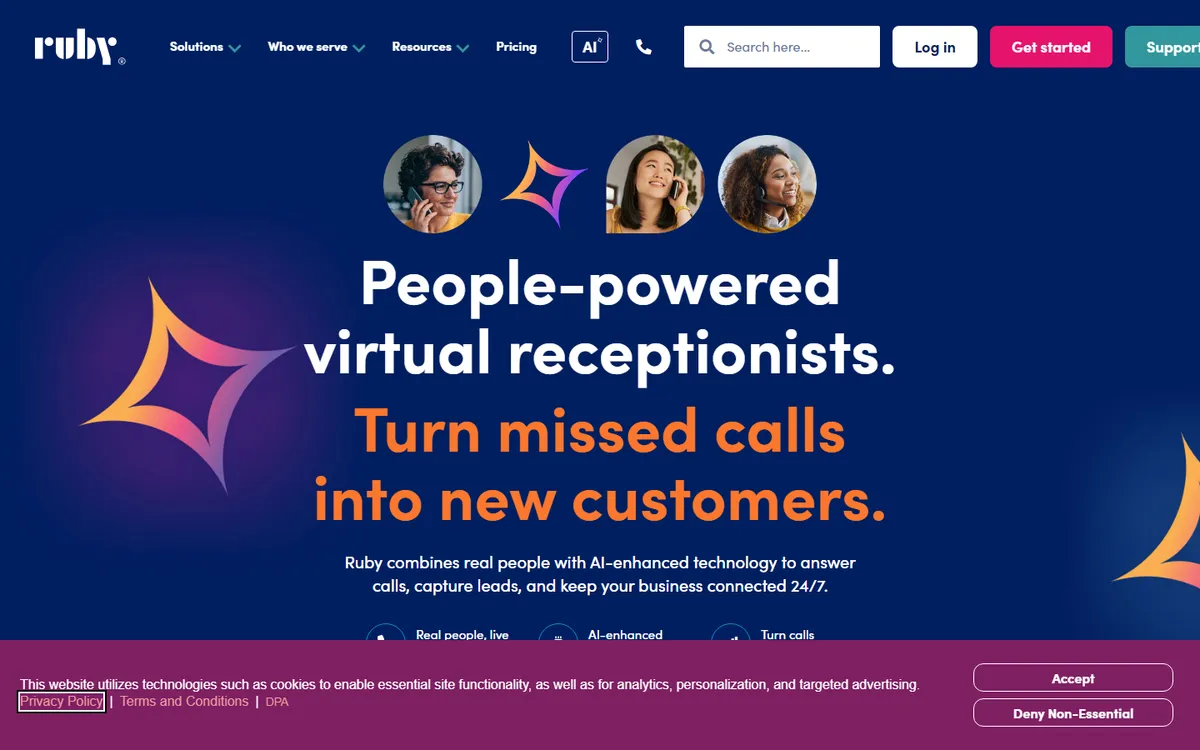 Ruby homepage, November 2026.
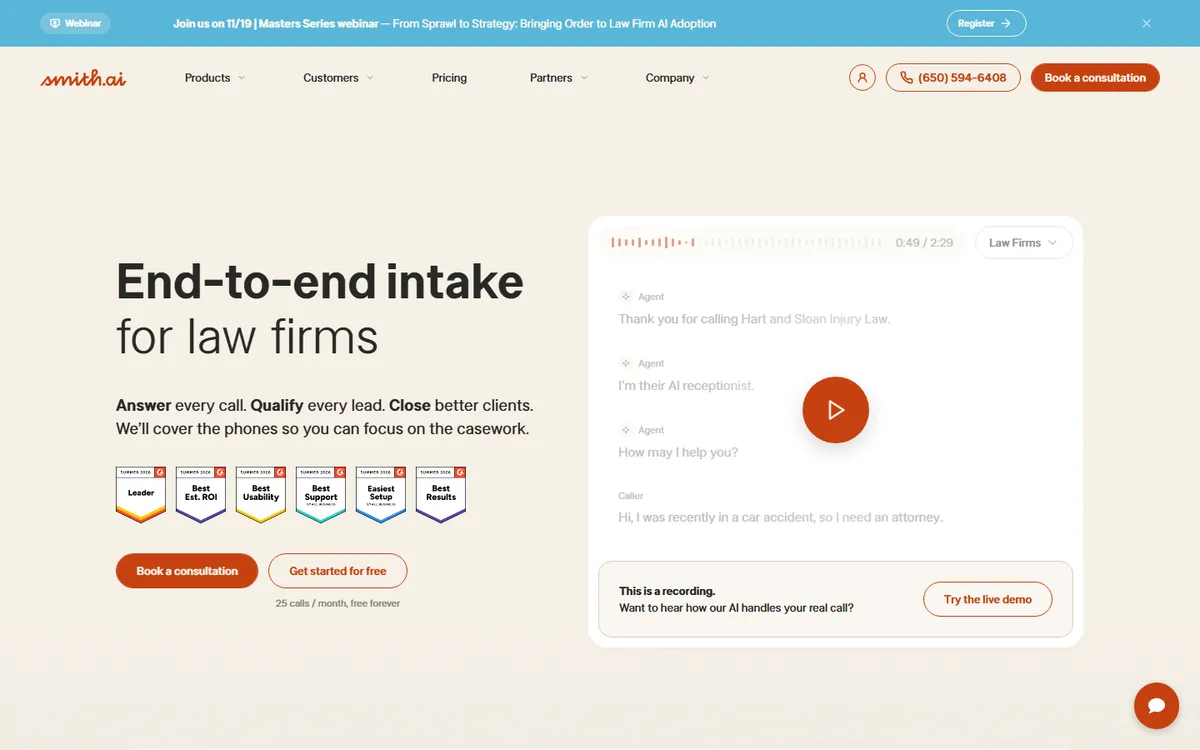 Smith.ai homepage, November 2026.
What they do well: empathy, judgment, complex questions, upset callers, and calls where trust matters, like a law firm intake or a medical office. A real person can read a situation.
Where they fall short: cost grows with call volume, they may not know your business as well as you’d like, hold times can be a problem during peaks, and after-hours coverage may cost extra depending on the provider. Some also add AI-assisted tiers, so ask what you’re actually getting.
Option 2: Standalone AI receptionists
These are AI voice products built to answer a business line. You forward calls or port a number, give it your information, and it answers 24 hours a day.
What they do well: price, speed to set up, constant availability, and no call-volume spikes that overwhelm them. Every call gets answered in a couple of rings.
Where they fall short: unusual questions, strong accents, bad audio, upset callers, and anything outside the knowledge you gave it. Quality varies between products, so judge them by listening to real calls rather than reading the website.
Option 3: GoHighLevel Voice AI plus missed-call text back
This is what I run. HighLevel’s Voice AI answers calls on a HighLevel number. A missed-call text back covers the calls the AI doesn’t reach, like a transfer that wasn’t picked up. The calendar, CRM and phone number live in one account, so a booked call shows up as a contact and an appointment automatically. If you want the AI to book appointments rather than just answer, see my AI appointment setter guide.
What it does well: low cost, 24-hour coverage, bookings land in your CRM, and you control the prompt. If you are an agency, the same setup is a product you can sell. See my guide on how to start an AI voice agency.
Where it falls short: you build and maintain it, or have someone do it for you. The prompt needs testing. And like any AI, it needs a human handoff for tough calls.
Do this today: write down which kind of calls you get most. Routine bookings and questions point toward AI. Emotional or high-stakes calls point toward a human.
Human service
- Best for: Complex, high-trust calls
- Watch: Cost grows with call volume
- Pricing: Check each company's pricing page
Standalone AI
- Best for: Price and 24-hour coverage
- Watch: Quality varies, so listen to real calls
- Pricing: Check current pricing
HighLevel Voice AI
- Best for: Bookings that land in your CRM
- Watch: You build and test it
- Pricing: About $0.10 to $0.20 per minute
Decision table: pick by call volume and budget
| Your situation | What I’d pick first | Why |
|---|---|---|
| Under 20 calls a week, tight budget | Missed-call text back only | Costs a few dollars a month and recovers the callers who would leave |
| 20 to 100 calls a week, mostly bookings and basic questions | HighLevel Voice AI plus text back | AI cost per call is small and the volume justifies a proper setup |
| 100+ calls a week, routine | AI first, human fallback | Volume makes human-only pricing add up fast |
| Any volume, complex or emotional calls (law, medical, crisis) | Human service, or AI with fast human transfer | Trust and judgment matter more than cost |
| Only need after-hours coverage | AI for after hours, you or staff during the day | Cheapest way to stop losing overnight calls |
| Agency serving multiple clients | HighLevel Voice AI in sub-accounts | One platform, separate numbers and prompts per client |
Don’t buy a receptionist. Buy back the calls you are losing.
If you’re not sure, start with the cheapest option that covers your biggest leak, then upgrade when the numbers justify it.
What AI costs in HighLevel
As of late 2026, HighLevel’s Voice AI speech-to-speech runs about $0.10 to $0.20 per minute pay-per-use. There are also flat AI Employee plans at $50 per sub-account per month (100 Voice AI minutes) or $97 per sub-account per month (unlimited Voice AI minutes). Inbound calls add roughly $0.01165 per minute in phone charges. For the full table, see my GoHighLevel pricing breakdown.
Do this today: multiply your monthly calls by your average call length and by $0.20 to get a worst-case AI cost.
How to set up after-hours answering
Here is the setup I use for a business that wants to stop losing calls overnight and on weekends.
- Pick your hours. Define when a human answers and when the AI takes over. Even if you want AI around the clock, define what happens in each window.
- Set call forwarding or use a HighLevel number. Either forward your main line to the HighLevel number after hours, or publish the HighLevel number directly.
- Create the Voice AI agent in the sub-account. Labels in HighLevel change, so look for the AI agents or Voice AI section.
- Paste the prompt (below) and add a short knowledge base: hours, services, service area, what you don’t do.
- Define emergencies. Decide what counts as urgent. For urgent calls, the AI should transfer to your cell or tag the contact and send you a text immediately.
- Add booking. Connect a calendar so the agent can offer two real times for the next business day.
- Add missed-call text back as the safety net. If the AI call drops or a transfer isn’t answered, a text goes out within seconds. My missed call text back guide has the workflow.
- Add a morning summary. Create a notification so you see overnight calls, the reason and the callback number when you open for the day.
If you’d rather not build this yourself, the Growth Plan ($97/month, white-label HighLevel, set up for you) is on my bonuses page.
Do this today: write your emergency definition in one sentence. If you can’t, the AI can’t either.
A sample AI receptionist greeting and prompt
This one is for a fictional plumbing company. Swap in your own niche and details.
ROLE
You are the after-hours receptionist for Northside Plumbing in Cleveland, Ohio.
You are an AI assistant. If asked, say so plainly.
Your job: answer calls, capture the issue, book a visit, or escalate emergencies.

GREETING
"Thanks for calling Northside Plumbing. This is the virtual assistant.
This call may be recorded. How can I help you?"

TONE
Calm, friendly, brief. One or two sentences at a time.

EMERGENCY (burst pipe, sewage backup, no water, gas smell)
Say: "That sounds urgent. Let me get a technician on the line right now."
Transfer to the on-call number. If no answer, say a technician will call
back within 15 minutes, take the address and number, and tag "emergency".
For a gas smell, tell the caller to leave the house and call the gas company first.

NON-URGENT
Ask: What is going on? What is the address and ZIP code?
Then offer two specific times for the next business day.
Confirm name, mobile number and time. Read the number back.

KNOWLEDGE
Hours: Mon to Fri, 7 a.m. to 5 p.m.
Service area: Cuyahoga County.
Do not quote exact prices. Say "a technician will give you a price on site."

HANDOFF
If the caller is upset, asks for a person, or asks something you don't
know, say "Let me have someone call you back. What is the best number?"
and tag "needs-callback".
Do this today: change the greeting to your business and read it aloud. If it sounds stiff, shorten it.
What to test before you go live
I’d rather you find the problems than a customer. Run every one of these:
- The rude caller. Interrupt, swear, ask for a person twice. The agent should stay calm and hand off.
- The unclear caller. Mumble, use background noise, give a half-answer. See if it asks again politely.
- The off-topic question. Ask something that isn’t in the knowledge base. It should say it doesn’t know, not guess.
- The emergency. Say the words that mean urgent. Confirm the transfer or alert really fires.
- The booking. Book, reschedule and cancel. Check the calendar and CRM afterwards.
- After hours and weekends. Call at 11 pm and on Sunday. Confirm the right branch runs.
- Voicemail and dropped calls. Hang up halfway through and confirm the text back goes out.
Then listen to the recordings of your first 20 real calls. Half the fixes come from hearing where the agent sounded stiff.
Do this today: run the rude-caller test on your own line before you tell anyone it’s live.
Common mistakes I see
- Going live without listening. The first 20 recordings teach you more than any setup guide. Block out an hour to hear them.
- A greeting that talks too long. Callers hang up on a 20-second speech. Keep the opening to two sentences and ask a question.
- No emergency path. If your business has urgent calls, an AI that only takes messages is worse than voicemail. Build the transfer first.
- Forwarding without a fallback. If the forwarded line fails or the AI is down, calls vanish. Keep missed-call text back running as the backup.
- Never revisiting the prompt. Every month, read the calls that ended in a handoff and add the missing answer to the knowledge base.
Do this today: pick the one mistake you are most likely to make and write the fix next to it.
Rules that keep you out of trouble
- Disclose the AI. Have it say it is a virtual assistant and answer honestly if asked.
- Recording consent. Many states require everyone on the call to consent. Add a recording notice or turn recording off.
- Don’t promise what you can’t deliver. Medical, legal and emergency calls need careful wording. Keep the AI from giving advice.
- Protect private details. Don’t store or repeat sensitive information you don’t need.
This is not legal advice. If you operate in a regulated field, check with a professional.
Where each option falls short
HighLevel Voice AI as your receptionist
Pros
- Low cost per call and 24-hour coverage
- Bookings land in your CRM and calendar
- You control the prompt and the handoff rules
- Pairs with missed-call text back as a safety net
Cons
- Takes setup and testing time, or someone to do it for you
- Struggles with unusual questions, upset callers and poor audio
- You own the quality, so you need to review recordings
- Not a fit if every call needs deep judgment
If you want the setup for your industry, I wrote AI receptionist and answering service guides by industry, each with a copy-paste prompt and an after-hours flow.
Next steps
- Count your missed calls from the last 30 days.
- Use the decision table to pick your starting option.
- If you go the HighLevel route, build the agent in a test account and run the checklist.
- Add missed-call text back as the safety net.
- Review your first 20 calls and tighten the prompt.
Quick wins
Want clients this month? Start here
Set up your own house first. One clear offer for one niche, a simple site, a booking link and your own HighLevel account running the same automations you'll sell. Prospects trust what they can try.
Start with people who already know you
Past employers, old customers, friends who own businesses. Tell them exactly what you set up for local service businesses and ask for 20 minutes.
Do daily outreach
Calls, emails and DMs to a tight list in one niche. Volume and follow-up beat clever copy.
Demo, don't describe
Build a quick AI agent or missed-call text-back demo in your own HighLevel account and let them try it on the call.
Post what you build
Short screen recordings of real automations. One a day on the platform your buyers use.
Partner with people who own your buyers
Web designers, bookkeepers and software resellers already have the relationship. Trade introductions.
Answer every lead in under a minute
Practice what you sell. Set up your own speed-to-lead automation first.
Work a local area in person
- Pick one area and walk into ten businesses in a row. Ask for the owner, keep it to two minutes and leave a card.
- Bring a one-page printout that shows the problem you fix (missed calls, slow follow-up, no reviews) with their name on it.
- Go back a week later. Most first visits are about being remembered, not closing.
Ask for introductions, not referrals
"Know anyone who could use this?" gets a polite "I'll think about it." Asking to be introduced to a specific kind of person gets names. Set it up when they sign:
"If this works the way I think it will, would you be against introducing me to one or two other local service businesses you know? I'll give them a a free missed-call audit."
Then follow up once they're seeing results. With a client you get along with, a little humor works:
"So are you keeping me a secret on purpose, or do you just not like your friends?"
Only joke like that with clients you know well. With everyone else, keep it simple and thank them either way.