 Jonathan Blake

If you searched for an auto repair CRM, you probably have one of two problems. Either the work in the bay is hard to track, or customers are not coming back and nobody is chasing the work they declined. Those are different problems, and different tools solve them.
I sold face to face since 2015, ran a tree service for six years, and now co-own The Lead Venture, an agency that runs on HighLevel. A repair shop and a tree service have more in common than you would think. You are in the middle of a job when the phone rings, and a customer who doesn’t get an answer calls the next shop.
Short answer: if your bigger problem is repair orders, inspections, parts and payments, look at a shop management system like Tekmetric, Shopmonkey or AutoLeap. If your bigger problem is retention, follow-up and reviews, I recommend GoHighLevel, because it puts the CRM, texting, service reminders, reviews and AI in one account. Many shops run both.
Why auto repair shops lose customers
A repair shop lives on trust and repeat visits. Most customers are one reminder away from coming back, and one bad experience away from leaving. These are the leaks I see most:
- Nobody answers at the counter. The service advisor is helping a customer, the techs are under cars, and the phone goes to voicemail. The caller tries the next shop.
- Declined work gets forgotten. A customer says “not today” to brake pads or a timing belt. Nobody follows up, and that job drives to another shop or becomes a breakdown.
- No service reminders. Oil change intervals, inspections and seasonal checks pass without a message. The customer simply forgets.
- No review engine. A customer leaves happy and you never ask. The shop down the road with more reviews wins the search.
- A dead customer list. Years of past customers and vehicles sit in your shop system, and you never reach out.
Declined work is not a lost sale. It is a sale that is waiting for a text.
Do this today: pull last month’s declined estimates from your shop system and count how many got a follow-up. That number is usually the most painful one in the shop.
The best auto repair CRM: 4 options compared
I’m not going to pretend one tool wins for everyone. Here is how I see them. I have not listed competitor prices because they change and depend on team size, so check each vendor’s pricing page before you decide.
GoHighLevel
- Strength: Texting, service reminders, declined-work follow-up, reviews, AI
- Weak spot: No repair orders, parts ordering or digital inspections
- Pricing: Flat, from $97/month
Tekmetric
- Strength: Cloud shop management with repair orders and inspections
- Weak spot: Built for running the shop more than for marketing
- Pricing: Check current pricing
Shopmonkey
- Strength: Shop management with estimates, scheduling and payments
- Weak spot: Marketing automation is lighter
- Pricing: Check current pricing
AutoLeap
- Strength: Shop management with customer communication features
- Weak spot: Check how deep the follow-up and AI tools go for your needs
- Pricing: Check current pricing
| Item | GoHighLevel | Tekmetric | Shopmonkey | AutoLeap |
|---|---|---|---|---|
| Built for auto repair | No, general local business | Yes | Yes | Yes |
| Texting and service reminders | Built in | Check current features | Check current features | Check current features |
| Repair orders and inspections | Not built in | Strong | Strong | Strong |
| Estimates and payments | Basic | Strong | Strong | Strong |
| Review requests and AI | Built in | Check current features | Check current features | Check current features |
| Best fit | Owner who wants more repeat customers | Shops that want deep shop management | Shops that want modern scheduling and estimates | Shops that want an all-in-one shop system |
Features change, so treat this as a starting point and ask each vendor for a demo on your real workflow.
Who each one fits
Tekmetric fits shops that want a cloud-based system for repair orders, digital inspections and day-to-day shop flow.
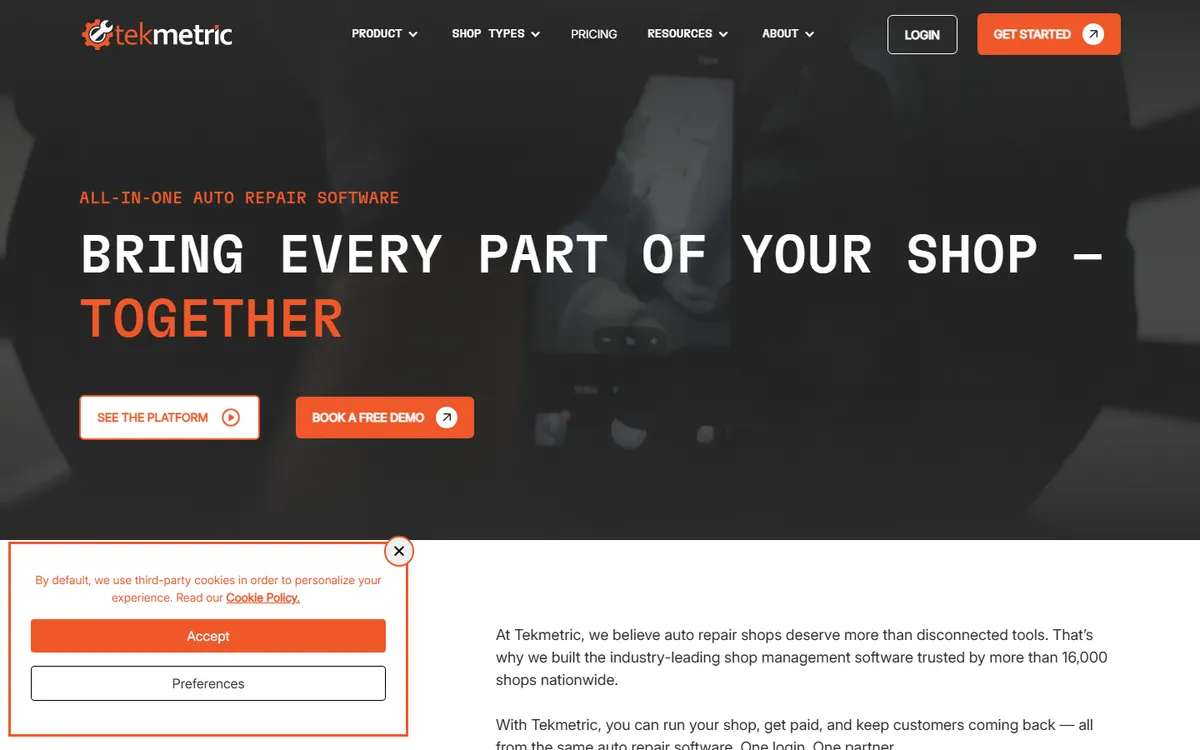 Tekmetric homepage, November 2026.
Shopmonkey fits shops that want modern estimating, scheduling and payments with a clean interface.
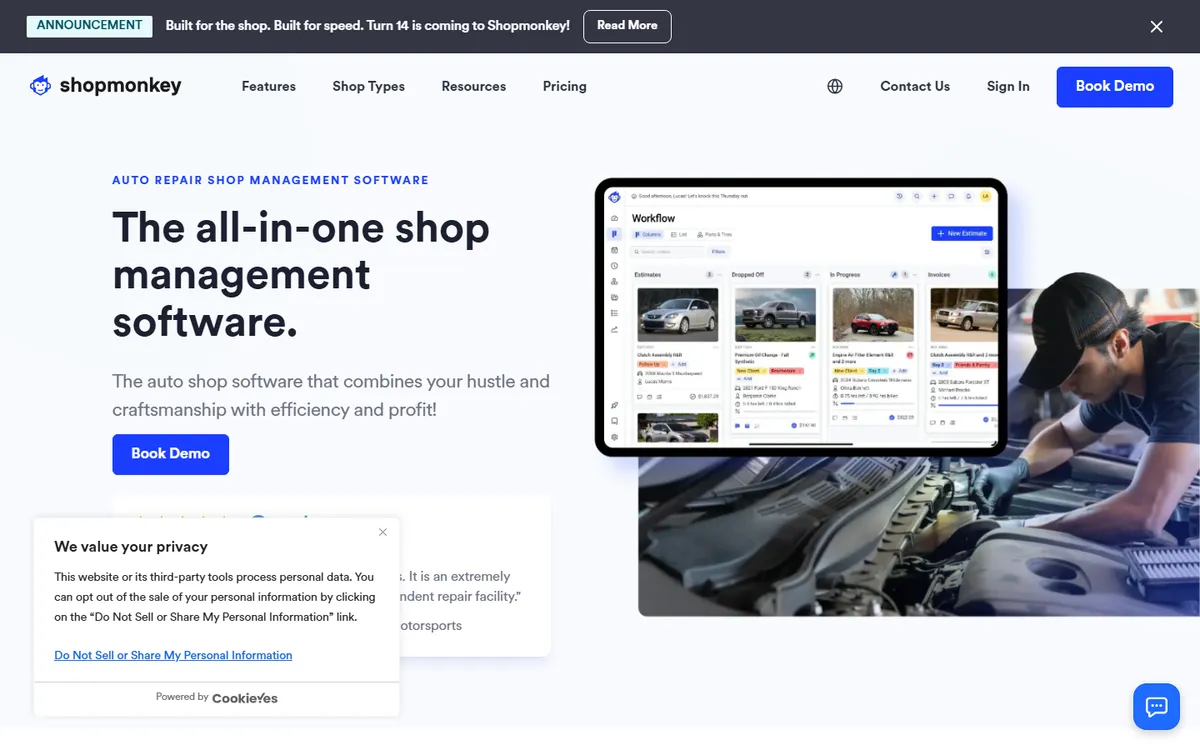 Shopmonkey homepage, November 2026.
AutoLeap fits shops that want a single system that covers shop management along with customer messaging. Ask for a demo on how far its marketing tools go.
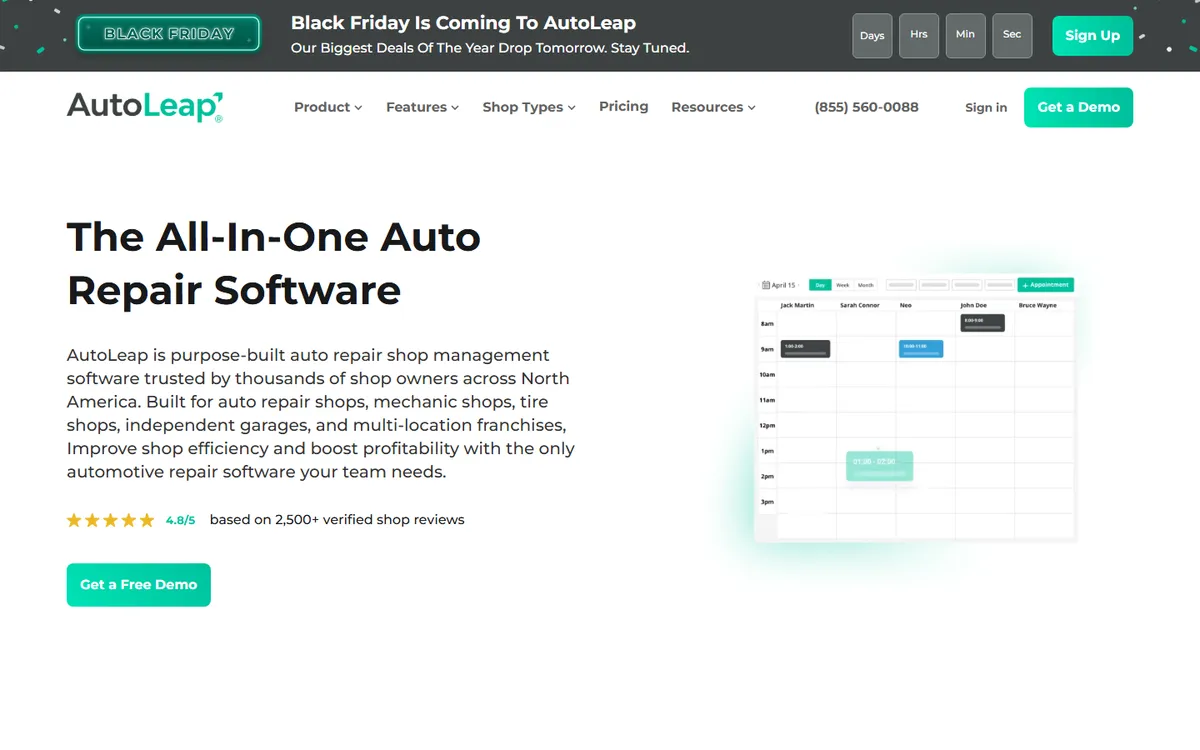 AutoLeap homepage, November 2026.
GoHighLevel fits the owner whose problem is the customer side: getting calls answered, new leads booked, declined work followed up, reminders sent and reviews collected. It also fits agencies that serve repair shops. See my full GoHighLevel CRM breakdown for what is inside it and where it falls short.
My recommendation
A shop management system knows what your customer’s car needs. A CRM makes sure the customer hears about it.
For most independent shops, the leak is follow-up. That is why I recommend GoHighLevel for the customer side: one account handles your CRM, your phone number, texting, missed-call text back, review requests and an AI agent that can answer questions and book drop-offs.
The honest limit: GoHighLevel is not a shop management system. Shop tools handle repair orders, inspections, parts and payments. GoHighLevel handles lead capture, follow-up, reviews and reactivation. That is why many shops run both, with the shop system as the system of record and GoHighLevel pulling customers back in. Check the pricing breakdown so you know what usage costs on top of the plan.
Do this today: write down your top two problems (answered calls, declined work, reminders, reviews). Choose the tool that fixes the first one.
Start your free HighLevel trial 30-day trial · cancel anytime · keep the bonuses I may earn a commission if you sign up through my link, at no extra cost to you. DetailsHow to set up GoHighLevel for an auto repair shop
This is the build I would do for a repair shop. Give yourself a weekend. If you want the platform explained first, start with the GoHighLevel CRM guide.
1. Pipeline stages in shop words
Go to Opportunities and create a pipeline called “Shop Customers.” Use stages you already say out loud:
- New Lead
- Contacted
- Appointment Booked
- Vehicle In
- Estimate Sent
- Declined / Wants to Think
- Approved
- Vehicle Ready / Picked Up
- Review Asked
- Service Reminder Due
- Lost
Add custom fields for vehicle (year, make, model), last service date, next service due and the service declined. Those fields power your reminders and your declined-work follow-up.
2. The appointment calendar
Create a calendar called “Book a Drop-Off.” Set the length for a standard appointment, the days and hours your bays are open, and a daily limit so you don’t overbook. Turn on confirmation and reminder messages, and send the booking notification to the service advisor. Add a second calendar for a quick estimate or diagnostic if you offer one.
3. One booking form
Build a short form for your site and ads: name, mobile number, vehicle year, make and model, “What do you need?” (oil change, brakes, check engine light, inspection, other) and a consent checkbox for texting. Keep it to six fields. Every extra field costs you leads. When submitted, it should create the contact, create an opportunity in New Lead, and trigger the speed-to-lead workflow.
4. Five automations that pay for themselves
Missed-call text back. Trigger: inbound call, no answer. The full workflow is in my missed-call text back guide.
Speed-to-lead reply. Trigger: form submitted or a lead from your ads. Send a text in seconds, notify your phone, and create a task to call within 5 minutes.
Declined-work follow-up. Trigger: opportunity moves to Declined. Send a gentle note after 3 days, again after 2 weeks, and once more at 6 weeks, and stop when they reply or book. Be honest about safety items and never pressure.
Service reminders. Trigger: next service due date, or a set number of days after the last visit. Send a reminder with a booking link, then one follow-up a week later if they don’t respond.
Database reactivation. Twice a year, text customers who haven’t visited in a while, tied to something real like seasonal checks.
5. Reviews
When an opportunity moves to Vehicle Ready, wait a day, then send a review request with your Google review link. If there is no reply, send one reminder a week later. Keep it a single ask, no pressure. If you outgrow a simple review text, see Birdeye alternatives and Podium alternatives.
6. An AI agent for after hours
Set up a Conversation AI bot to answer texts and web chat when the shop is closed or the counter is busy. Give it a short script: ask what is going on with the vehicle, get the year, make and model, offer drop-off times, and hand off to you for anything about price, diagnosis or safety. Review the first week of conversations and tighten the instructions. Never let it diagnose a problem or quote a repair price.
7. Test everything
Submit your own form, call from a second phone and let it ring, book a drop-off, and move a test opportunity through each stage. Fix anything that doesn’t fire before real leads arrive.
Do this today: build the pipeline and the declined-work follow-up first. That one automation usually pays for the whole setup.
Texting rules for repair shops
This is not legal advice. Register for A2P 10DLC before you send business texts in the US. Include opt-out language, get texting consent on your form or at check-in, and honor STOP immediately. Service reminders should go to customers who have done business with you, not to purchased lists. Check your state’s rules for solicitation and quiet hours.
Two ways to get this
Path 1: your own HighLevel account. You build it yourself using this guide.
Start your 30-day extended free trial 30-day trial · cancel anytime · keep the bonuses I may earn a commission if you sign up through my link, at no extra cost to you. DetailsPath 2: prefer it set up for you? My Growth Plan is $97 a month: white-label HighLevel already set up for local service businesses, so you skip the build. See the details on the bonuses page.
If you want to see the same build for another trade, read my CRM for roofers guide. And if you are an agency owner thinking about serving repair shops, see my notes on the best niches for a GoHighLevel agency.
Quick wins
Want clients this month? Start here
Set up your own house first. One clear offer for one niche, a simple site, a booking link and your own HighLevel account running the same automations you'll sell. Prospects trust what they can try.
Start with people who already know you
Past employers, old customers, friends who own businesses. Tell them exactly what you set up for auto repair shops and ask for 20 minutes.
Do daily outreach
Calls, emails and DMs to a tight list in one niche. Volume and follow-up beat clever copy.
Demo, don't describe
Build a quick AI agent or missed-call text-back demo in your own HighLevel account and let them try it on the call.
Post what you build
Short screen recordings of real automations. One a day on the platform your buyers use.
Partner with people who own your buyers
Web designers, bookkeepers and software resellers already have the relationship. Trade introductions.
Answer every lead in under a minute
Practice what you sell. Set up your own speed-to-lead automation first.
Work a local area in person
- Pick one area and walk into ten businesses in a row. Ask for the owner, keep it to two minutes and leave a card.
- Bring a one-page printout that shows the problem you fix (missed calls, slow follow-up, no reviews) with their name on it.
- Go back a week later. Most first visits are about being remembered, not closing.
Ask for introductions, not referrals
"Know anyone who could use this?" gets a polite "I'll think about it." Asking to be introduced to a specific kind of person gets names. Set it up when they sign:
"If this works the way I think it will, would you be against introducing me to one or two other auto repair shops you know? I'll give them a a free missed-call audit."
Then follow up once they're seeing results. With a client you get along with, a little humor works:
"So are you keeping me a secret on purpose, or do you just not like your friends?"
Only joke like that with clients you know well. With everyone else, keep it simple and thank them either way.