 Jonathan Blake

When people search “GoHighLevel integrations,” they usually want to know one thing: will it connect to the tools I already use? The honest answer is usually yes, but there are four different ways to do it, and picking the wrong one means extra cost or extra work.
I run client accounts on HighLevel every day at The Lead Venture, and I’m a HighLevel affiliate. I’ll only list integrations I could verify on HighLevel’s own site or help center, and I’ll say where I couldn’t.
Short answer: HighLevel connects four ways. Use a native integration when one exists (Google Calendar, Facebook Lead Ads, Stripe and QuickBooks all have help center articles). Use Zapier or Make for apps HighLevel doesn’t connect to directly. Use webhooks to pass data in real time. Use the API only for custom builds.
The four ways HighLevel connects to other tools
Think of these as four steps up a ladder. Start at the bottom and only climb when you need to.
- Native integrations. You click Connect, sign in to the other tool, and HighLevel handles the rest. Nothing to maintain.
- n8n or Make (Zapier as the fallback). A middle layer with ready-made connections to lots of apps. Good when there is no native option.
- Webhooks. HighLevel sends or receives a message when something happens. More flexible than a tool’s menus, still no real code.
- The API. The full set of building blocks, for developers or for tools that call HighLevel directly.
The best integration is the one you don’t have to maintain. A native connection that breaks is HighLevel’s problem. An automation chain you built at midnight is yours.
Native integrations I can verify
HighLevel’s integrations page lists connections to Google Workspace, Calendly, Mailchimp, Zoom and QuickBooks, and social platforms including Facebook, Instagram, Google, TikTok, LinkedIn, Slack and Shopify. The page also says there are 500+ business tools you can plug in. That’s a headline number from HighLevel’s marketing, and I haven’t counted them myself.
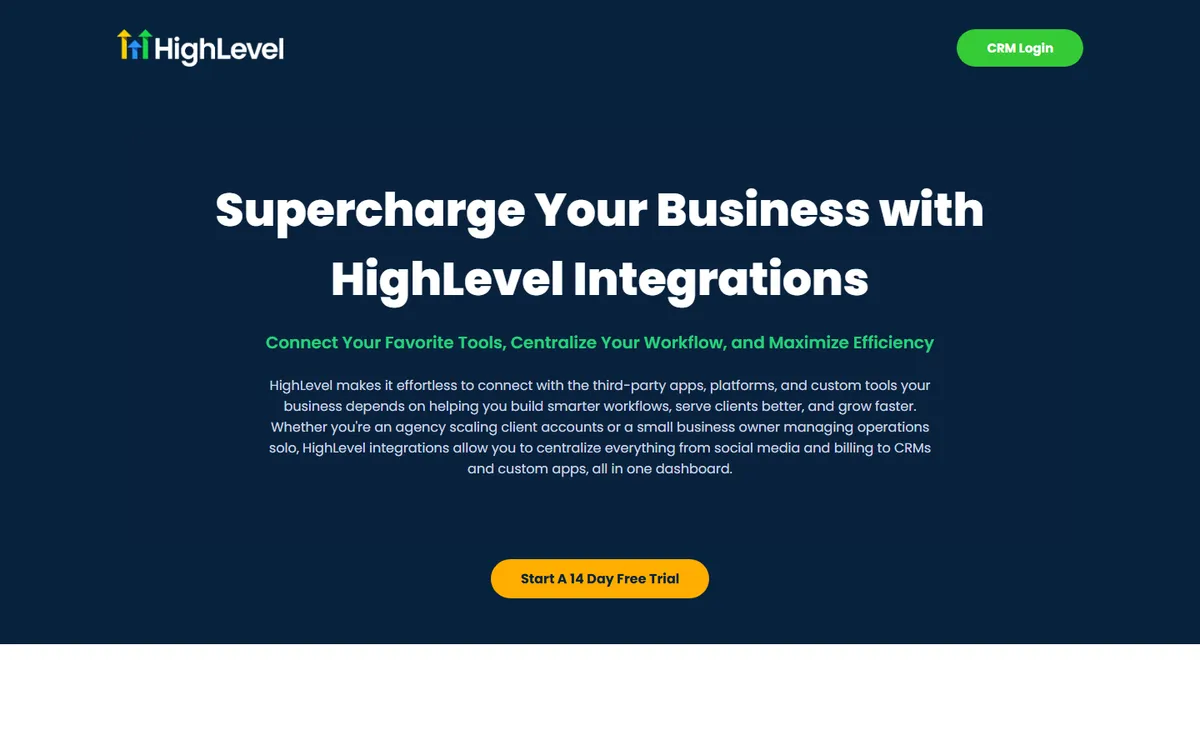 HighLevel’s integrations page, November 2026.
For the ones that matter most to a typical agency or local business, here’s what I could confirm in HighLevel’s help center.
| Integration | What it does | Where I verified it |
|---|---|---|
| Google Calendar | Syncs events both ways so busy times block bookings. Each user connects their own calendar | HighLevel help center |
| Facebook Lead Ads | Syncs leads from your Facebook page into HighLevel as contacts. You can sync all leads or new leads only | HighLevel help center |
| Stripe | Connect one Stripe account per sub-account to take payments and import products | HighLevel help center |
| QuickBooks Online | Two-way sync. Customers, sent invoices and payments flow to QuickBooks, and QuickBooks contacts come into HighLevel | HighLevel help center |
| Xero | An integration article exists for Xero | HighLevel help center |
| Zoom, Calendly, Mailchimp | Listed on HighLevel’s integrations page | HighLevel integrations page |
I’m only listing what I could source. If your tool isn’t on this list, search the help center and the marketplace, because HighLevel adds connections often.
Google Calendar
Google sync is two-way, so events created in HighLevel go to Google and events in Google show up in HighLevel as appointments. You also need to grant write access if you want bookings to write back. HighLevel’s article describes setting one calendar as the linked calendar and others as conflict calendars to avoid double bookings. For a home service business this is the one that stops double-booked jobs.
Facebook Lead Ads
You connect it from the sub-account’s integrations settings, choose the page, and pick whether to sync all leads or only new ones. HighLevel’s article says leads sync automatically when the form mapping and permissions are right. There’s a troubleshooting option to recover leads that failed to sync. The part people trip on is permissions: you need full page access.
Stripe
Each sub-account connects to one Stripe account at a time. HighLevel’s article says existing Stripe payments from before you connected are not imported automatically, though products can be pulled in. Stripe also matters if you plan to sell plans through SaaS mode, which I cover in my GoHighLevel SaaS mode guide.
QuickBooks
HighLevel’s article describes a two-way integration. Customers are created in QuickBooks when they have activity in HighLevel. Payments from order forms, subscriptions, memberships and calendar checkouts are recorded as sales receipts, and sent invoices are created in QuickBooks. Only invoices created after you connect are synced, and the article says drafts don’t sync.
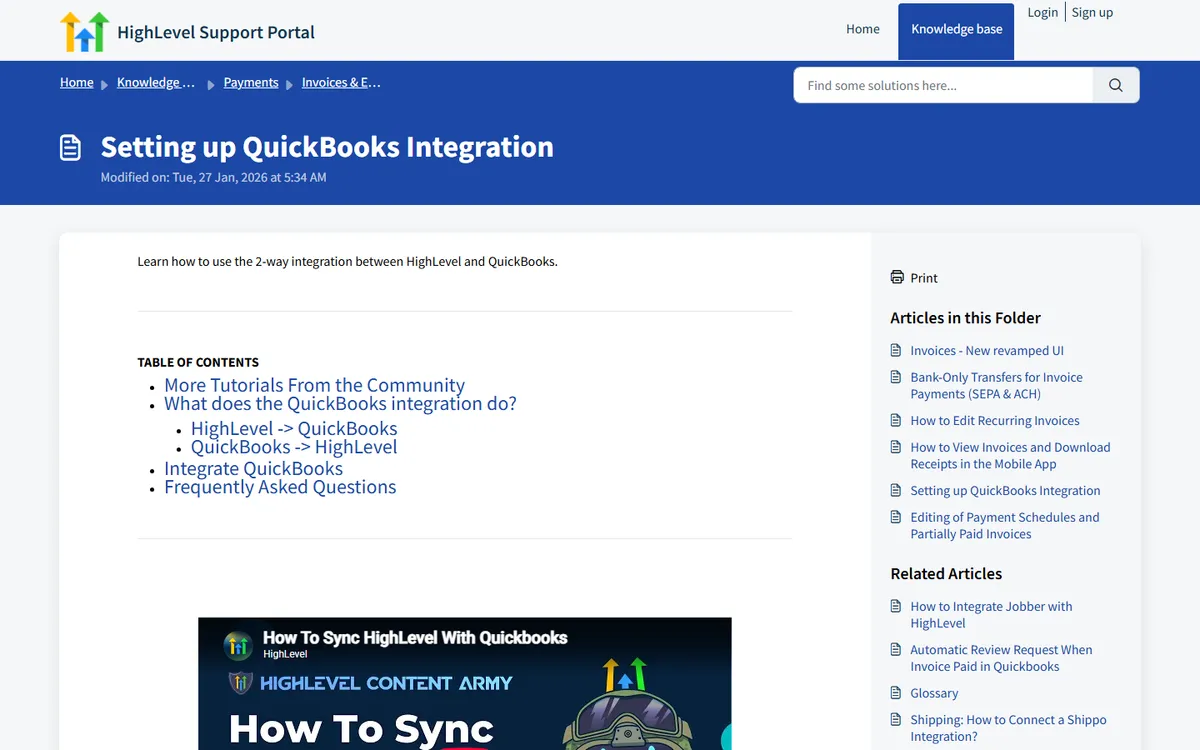 HighLevel’s QuickBooks integration article, November 2026.
n8n, Make and Zapier
When there’s no native connection, I reach for n8n or Make first. n8n is often cheaper at volume, can be self-hosted and gives you the most control. Make is visual and often cheaper than Zapier per task. Compare current pricing before you commit, since all three change their plans. Both have a HighLevel app (n8n’s node covers contacts, opportunities, tasks and calendar booking, and Make’s app is listed as supported by Make), and both can call any tool’s API or webhooks with an HTTP step. Zapier is the fallback for the case where an app’s only ready-made connector is a Zapier app. HighLevel’s own help center says Zapier, Make or Pabbly often serve as the bridge.
How it usually works with HighLevel:
- HighLevel to another app. You add a webhook action to a workflow, paste in the catch URL from n8n, Make or Zapier, and map the contact fields.
- Another app to HighLevel. You add an inbound webhook trigger to a workflow, paste the HighLevel URL into n8n, Make or Zapier, and then create or update a contact.
A few honest notes from HighLevel’s webhook article. The receiving app has to accept webhook data, and in Zapier that means a paid plan to use the catch hook feature. HighLevel’s inbound webhook trigger needs its premium workflow triggers and actions enabled. And when you use an inbound webhook, you need a contact action in the workflow or it breaks.
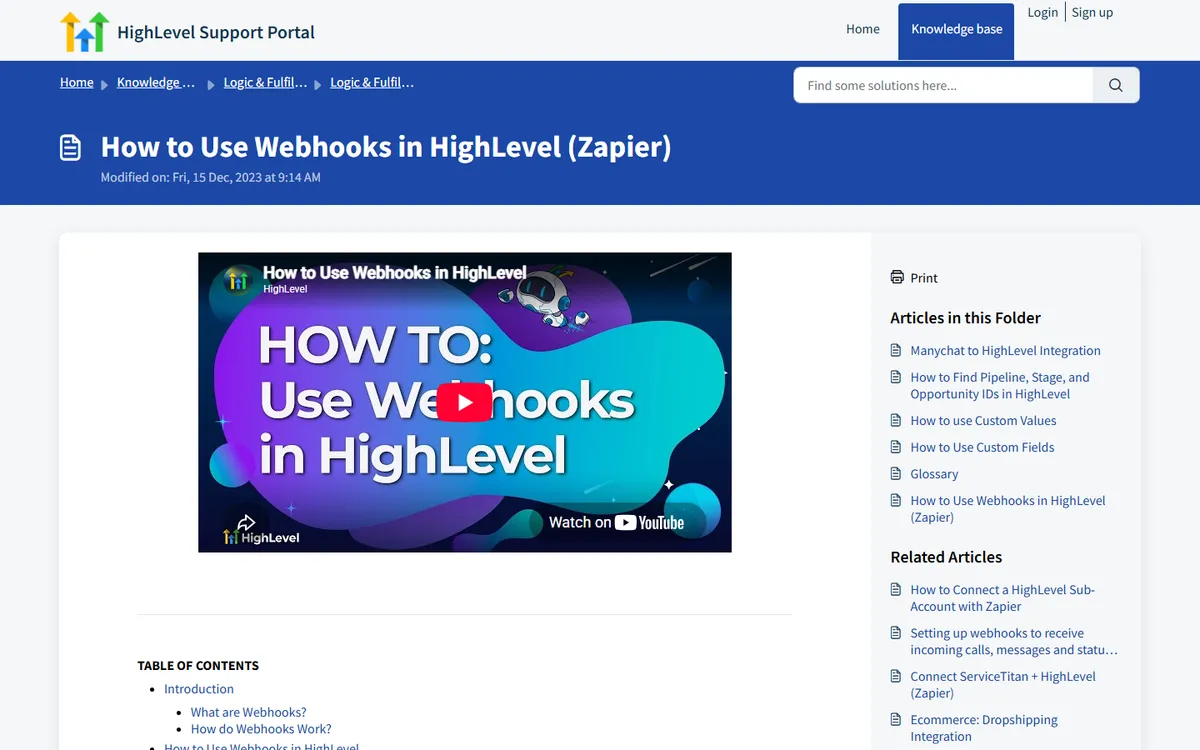 HighLevel’s webhooks and Zapier article, November 2026.
I use n8n or Make for things like sending a won deal to a spreadsheet, or adding a new contact to a tool HighLevel doesn’t talk to. It works well. The cost is that you now pay for another tool, and one more thing can break.
Webhooks
A webhook is a message one tool sends another when something happens. “A form was submitted” or “an appointment was booked” are typical triggers.
HighLevel supports both directions. Outbound, you add a webhook action to a workflow. Inbound, you use an inbound webhook trigger. HighLevel’s help center recommends trying webhooks before a full API integration, because they’re simpler.
Reach for the API last. Most of what agencies call a custom integration is a webhook and ten minutes. If you can describe the connection as “when X happens in one tool, tell the other tool,” a webhook is probably enough.
The API
HighLevel publishes its API documentation on its marketplace developer site. The quick start says to authenticate with OAuth 2.0 or a Private Integration Token, depending on whether you’re building a marketplace app or a private integration. The same docs say HighLevel offers webhooks for more than 50 events, delivered as real-time callbacks.
Use the API when you need something that webhooks and an automation tool can’t give you:
- Pulling data in bulk, like exporting all contacts or opportunities on a schedule
- Building a custom dashboard on top of your HighLevel data
- Creating contacts, opportunities or messages from your own software
- Publishing a marketplace app other agencies can install
I can’t tell you the rate limits, because the quick start page I read doesn’t cover them. Check the API docs before you plan anything high volume.
MCP: letting an AI assistant use your account
HighLevel also runs its own MCP server. In plain English, that lets an AI assistant like Claude or ChatGPT work with a real HighLevel account instead of you copying and pasting between tabs. It’s built on the same account permissions, so treat the access like you would a new employee’s login. I walk through the connection in my GoHighLevel MCP guide. For the AI features that live inside HighLevel itself, see my GoHighLevel AI agents guide.
What each route is best for
| Route | Best for | Setup effort | Ongoing cost |
|---|---|---|---|
| Native integration | Google Calendar, Facebook Lead Ads, Stripe, QuickBooks | Low, a few clicks | None beyond HighLevel |
| n8n or Make (Zapier as fallback) | Apps HighLevel doesn’t connect to directly | Low to medium | A paid plan on the other tool, plus premium triggers if you use inbound webhooks |
| Webhooks | Real-time data to or from another tool | Medium | Premium workflow triggers and actions as used |
| API | Custom builds, bulk data, marketplace apps | High, needs a developer | Developer time |
| MCP | AI assistants working inside your account | Medium | Whatever your AI tool costs |
Where it falls short
HighLevel integrations
Pros
- Native connections for the tools local businesses actually use
- Webhooks work in both directions without code
- A documented API with OAuth and private tokens
- n8n, Make and Zapier cover most of the long tail
Cons
- The native list is smaller than a dedicated automation tool's
- Inbound webhooks and some actions need premium workflow features
- Some native integrations have narrow rules, like draft invoices not syncing
- Help center articles can lag the product, so test before you trust one
None of those are deal breakers for the work I do. The thing I’d watch is the cost of stacking tools. If you chain an automation tool into HighLevel into another tool, each link is a place for something to fail quietly. I’d rather have a smaller number of connections that I check.
How I’d choose, in order
- Check the help center for a native integration. Search the tool’s name. If it exists, use it.
- If not, check whether a webhook works. Can you describe it as “when X happens, send Y”? Build it in a workflow.
- If the other tool doesn’t take webhooks, use n8n or Make as the go-between, and Zapier only if the tool’s sole connector is a Zapier app.
- Use the API only if you need bulk data, a custom dashboard, or a marketplace app.
- Test with a fake contact before you point any connection at real client data.
Next steps
- Write down the three tools you most want connected to HighLevel.
- Search HighLevel’s help center for each one, and note whether a native article exists.
- For anything left, try a webhook before you reach for a developer.
- Start a trial and test your connections in a sandbox sub-account before you go live.
If you’d like help planning the connections for a client account, that’s a standard consulting project, or you can book a call. Everyone who signs up through my link also gets a free onboarding call: claim it here.
Start your 30-day extended free trial 30-day trial · cancel anytime · keep the bonuses I may earn a commission if you sign up through my link, at no extra cost to you. Details