 Jonathan Blake

Here is the problem in dollars. You spend $1,000 a month on leads and get 40 of them. You close 1 in 5 of the ones you reach, and a sale is worth $1,500. If slow follow-up means you only reach 20 of those 40, you close 4 and make $6,000. If fast follow-up gets you to 30, you close 6 and make $9,000. Same ad spend, $3,000 more a month. I sold face to face since 2015, ran a tree service for six years, and now co-own The Lead Venture. Speed is the cheapest improvement I know.
Short answer: speed to lead is how fast you respond to a new lead, and the target is under 60 seconds for the first touch. Send an automatic text the moment the lead arrives, alert a human at the same time, call within minutes, and follow up twice. In HighLevel that is one workflow per lead source, and you can build the first one in about an hour.
Why the 60-second rule works
When someone fills out a form, they are at their phone or computer, thinking about the problem. Ten minutes later they are back at work, or they have contacted two other companies. The lead isn’t comparing your price yet. They’re comparing who answered first.
There is research behind that instinct. The Harvard Business Review study “The Short Life of Online Sales Leads” looked at how fast companies responded to online inquiries and concluded that most companies were not responding nearly fast enough. I’m citing it that way on purpose. The commonly repeated numbers about “100x” and “21x” come from various studies, and I can’t confirm the exact figures from the sources, so I won’t repeat them. The direction is clear, and it matches what I see: faster beats slower.
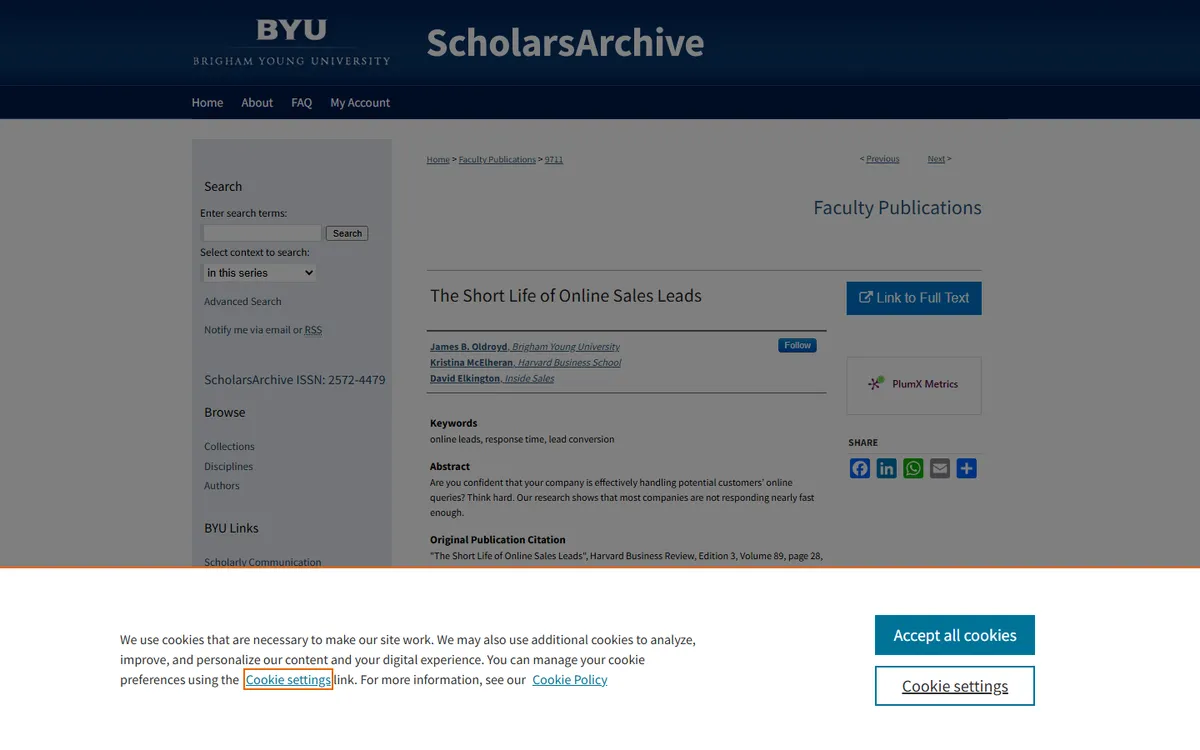 The Short Life of Online Sales Leads, Harvard Business Review, via BYU ScholarsArchive.
The same logic is behind my missed call text back playbook, which covers the callers who reach you by phone. This post covers every other way a lead can arrive.
Do this today: find out your real response time. Pull the last 10 leads and write down how long each waited for a first reply. Most owners are surprised.
The revenue math
Be honest with yourself about the assumptions. Faster response doesn’t guarantee a higher close rate, and the lift varies by industry and lead source. But it raises the number of conversations, and conversations are where sales start.
Missed call calculator
Plug in your own numbers. The starting values are examples, not data about your business.
-
Lost revenue per month
Add your numbers
-
Lost revenue per year
Add your numbers
Do this today: plug in your leads, contact rate, close rate and sale value, then change only the contact rate to see what speed is worth.
The play, step by step
Trigger
A lead arrives. That could be a website form, an inbound call you missed, a Facebook or Instagram lead ad, a message, or a lead from a portal like a directory or marketplace. Each source gets its own trigger but the same play.
Message 1: sent in seconds
An automatic text within 5 to 30 seconds. Name the business, reference what they asked for, ask one easy question, and include opt-out language. Skip links and long pitches.
The call
At the same moment, a human gets an alert with the lead’s name, number and what they asked for. They call within five minutes during business hours. If you want an AI to make the call for opted-in leads, read my guide on AI outbound calling first, because consent rules apply.
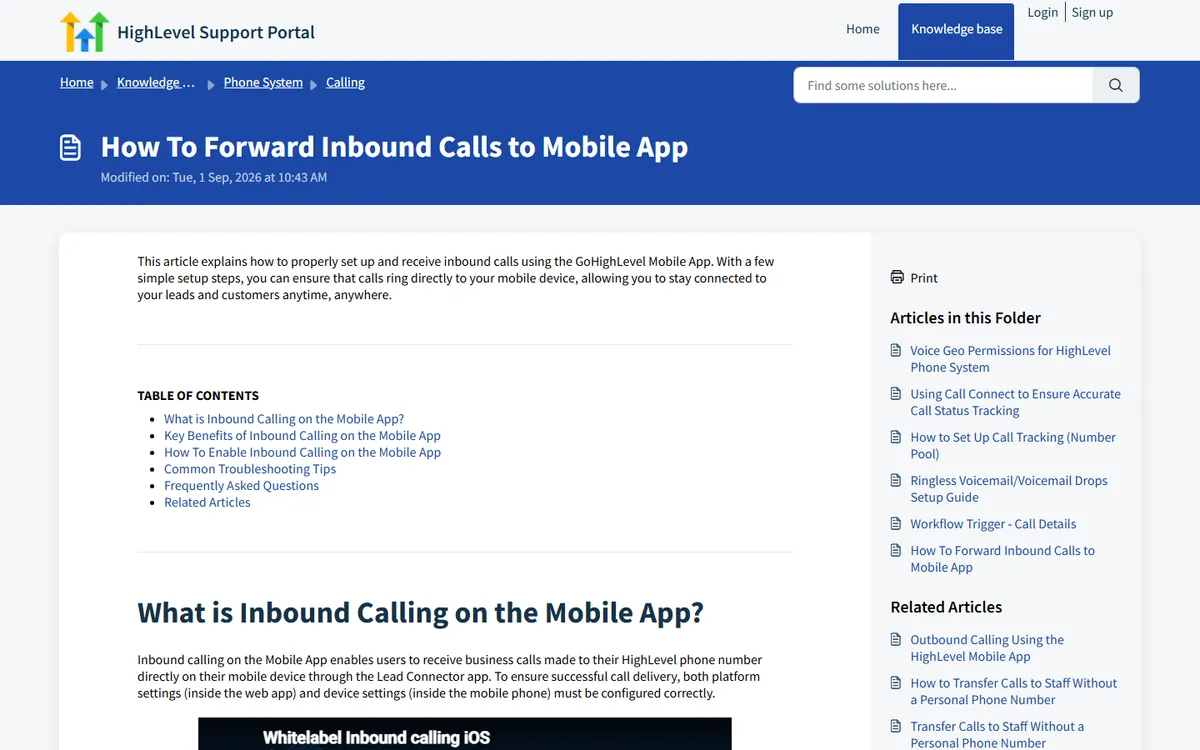 HighLevel’s help article on ringing calls through to the mobile app, so whoever is on call can answer from anywhere, November 2026.
Follow-ups
If there’s no reply and no answer, send two light follow-ups, not ten. About two hours later, then the next morning. Then stop.
Hand-off to a human
The moment the lead replies or picks up, the automation stops and a person takes over. Automation gets you in the door in seconds. A human closes the sale.
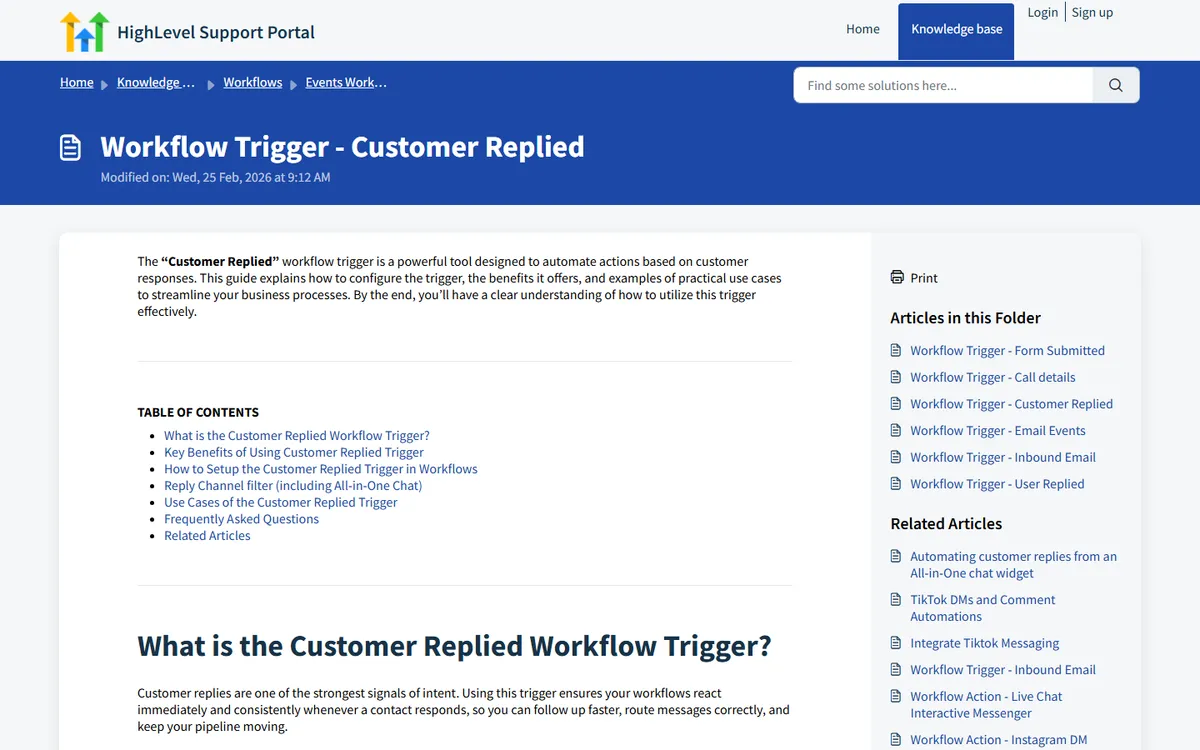 HighLevel’s help article on the Customer Replied trigger, which you use to stop follow-ups and alert a person, November 2026.
Do this today: write the one-sentence version of your play on a sticky note: text, call, two follow-ups, human on reply.
Copy-paste first texts
Change the names and details. Keep them short.
Call script
Keep it under two minutes. The goal is a booked next step, not a full pitch.
OPEN
"Hi {{first name}}, this is Jonathan from [Business]. You just asked us
about [what they asked]. Is now a good time for two quick questions?"

QUALIFY (two questions max)
1. "What's going on / what are you hoping to get done?"
2. "When are you hoping to have it done?"

BOOK
"I can have [person] out Thursday at 10 or Friday at 2.
Which works better?"

IF VOICEMAIL
"Hi {{first name}}, it's Jonathan from [Business], returning your
request about [topic]. I'll text you now so you can reply whenever
is easiest. Or call me back at [number]."
Do this today: rewrite one text and the call opener in your own words and read them out loud. If they sound like a robot, change them.
Build it in GoHighLevel
Menu names shift as HighLevel updates the builder, so look for the closest match. The logic stays the same. If you haven’t set up your phone number and texting registration yet, start with my GoHighLevel setup guide.
- Create the workflow. Automation, then Workflows, then Create Workflow from scratch. Name it “Speed to Lead: Web Form.”
- Add the trigger. Choose Form Submitted and pick your form. For Facebook leads, use the Facebook Lead Form Submitted trigger. For a missed call, use the Call Status trigger. Make one workflow per source so you can measure each.
- Add a tag and start a timer. Add the tag
new-leadand a custom field or note with the lead source. You’ll use these for reporting. - Send the first text. Add a Send SMS action using your first-text template. No wait before it.
- Alert a human. Add an internal notification (SMS or app) with the lead’s name, phone and what they asked for. Add a task: “Call new lead within 5 minutes.”
- Assign the lead. Use an assign-to-user action. If you have more than one person, look for the round-robin option so leads rotate fairly. If nobody is available in your hours, route to the owner.
- Add a business-hours If/Else. After hours, send a different text that says when you’ll call back and keep the call task for the morning.
- Wait for reply. Add a Wait step set to wait for the contact to reply, with a timeout of 2 hours.
- If/Else on reply or booking. If they replied or booked, add a notification, move them to the right pipeline stage, and end the workflow. If not, send the follow-up text.
- Next-morning text. Wait until 9 am the next day, send the last text, and end.
- Create an opportunity. Create it in your pipeline at the start, so every lead shows up in your numbers from the first second.
- Test it. Submit your own form with your cell number. Check the text arrives in seconds, the alert goes to a human, the task exists, and the reply stops the workflow.
Facebook lead ads and portal leads
Facebook lead ads connect to HighLevel through an integration, and the lead arrives as a contact. Make sure the phone number field is mapped and the form’s consent wording covers texts and calls.
Portal leads from directories and marketplaces often arrive as an email notification instead. Check whether the portal has a direct integration. If it only sends email, you can parse the email or forward it into a workflow trigger. It takes more setup than a form, but it’s often where your highest-intent leads come from, so it’s worth doing. If you are weighing which sources are worth paying for, I compared them for HVAC and for plumbing.
If you’d rather not build all this yourself, the Growth Plan ($97/month, white-label HighLevel, set up for you) is on my bonuses page.
Do this today: build the form workflow in a test account first, then copy it for each other lead source.
Rules that keep you out of trouble
This is not legal advice, but these are the basics I follow.
- Register for A2P 10DLC. US carriers require business texting to be registered. Start before you build, because approval takes days.
- Get consent in your form. Add a line near the phone number that says you may call or text about their request.
- Opt-out language in text 1. “Reply STOP to opt out,” and honor it right away.
- Respect quiet hours. I keep texts between 8 am and 8 pm in the contact’s local time.
- AI calls need more. If an AI places the call, the FCC treats AI-generated voices as artificial under the TCPA, and that raises the consent bar. See my AI outbound calling guide.
Cost for context: LC Phone charges about $0.00747 per SMS segment and $1.15 a month for a local number, plus carrier fees. A few hundred automatic texts a month is a few dollars.
Do this today: start your A2P registration now, even if the workflow isn’t built yet.
How to measure it
Check three numbers every week. Use the new-lead tag and your pipeline.
- Median response time. Time from lead created to first human or automated touch. Use the median, not the average, because one slow lead skews the average. Target: under one minute for the automated touch and under five for the human call.
- Contact rate. Leads you actually spoke with or got a reply from, divided by total leads. This is the number speed moves most.
- Booked rate. Appointments or estimates booked divided by total leads. This is the number that pays you.
Break each one out by lead source. You’ll often find one source has a great lead and a slow response, and that’s where the money is.
Do this today: add a weekly 10-minute reminder to check the three numbers, and write down your starting point this week.
Selling this to clients (agencies)
If you run an agency, speed to lead is one of the easiest things to sell, because every client with a lead source already has the problem. Here’s the offer I’d use:
- Ask the owner to send the last 10 leads and when they came in.
- Test their response time by submitting their own form from a different phone.
- Show the result and the math: “Your form took 4 hours to get a reply. At your numbers, faster follow-up is worth roughly $X a month.”
- Offer to set up the workflow, then a monthly fee. Our plans at The Lead Venture run $97 and $297 a month.
- Run the demo live. Seeing a text arrive seconds after a form fill sells better than any slide.
Quick wins
Want clients this month? Start here
Set up your own house first. One clear offer for one niche, a simple site, a booking link and your own HighLevel account running the same automations you'll sell. Prospects trust what they can try.
Start with people who already know you
Past employers, old customers, friends who own businesses. Tell them exactly what you set up for local service businesses and ask for 20 minutes.
Do daily outreach
Calls, emails and DMs to a tight list in one niche. Volume and follow-up beat clever copy.
Demo, don't describe
Build a quick AI agent or missed-call text-back demo in your own HighLevel account and let them try it on the call.
Post what you build
Short screen recordings of real automations. One a day on the platform your buyers use.
Partner with people who own your buyers
Web designers, bookkeepers and software resellers already have the relationship. Trade introductions.
Answer every lead in under a minute
Practice what you sell. Set up your own speed-to-lead automation first.
Work a local area in person
- Pick one area and walk into ten businesses in a row. Ask for the owner, keep it to two minutes and leave a card.
- Bring a one-page printout that shows the problem you fix (missed calls, slow follow-up, no reviews) with their name on it.
- Go back a week later. Most first visits are about being remembered, not closing.
Ask for introductions, not referrals
"Know anyone who could use this?" gets a polite "I'll think about it." Asking to be introduced to a specific kind of person gets names. Set it up when they sign:
"If this works the way I think it will, would you be against introducing me to one or two other local service businesses you know? I'll give them a a free lead-response audit."
Then follow up once they're seeing results. With a client you get along with, a little humor works:
"So are you keeping me a secret on purpose, or do you just not like your friends?"
Only joke like that with clients you know well. With everyone else, keep it simple and thank them either way.