 Jonathan Blake

It is the first 95 degree week of the year and your phone will not stop. You are on a roof, your office is on another call, and a homeowner with a dead AC is dialing the next company on Google. I ran a tree service for six years, so I know what a phone ringing during a busy week looks like. I also sold face to face since 2015 and now co-own The Lead Venture, an agency that runs home service businesses on HighLevel.
Short answer: an HVAC shop has historically needed two kinds of software. Field-service tools like ServiceTitan, Housecall Pro and Jobber run dispatch, scheduling and invoicing. GoHighLevel runs lead capture, follow-up, reviews and maintenance-plan reminders, and now has a Field Services module in beta. Plenty of shops still run both. Below I compare them honestly, then walk through a full GoHighLevel setup for an HVAC company.
Two jobs: running the work and winning the work
Most “HVAC CRM” searches mix up two different jobs.
Running the work is dispatching techs, scheduling jobs, quoting on site, taking payment and invoicing. That is field-service software.
Winning the work is catching every call and form, replying in a minute, following up on estimates, asking for reviews and getting past customers to book again. That is a CRM and follow-up system.
A dispatch board does not get you the call. It runs the job after you win it.
If you know which job is costing you money, the choice gets simple. Missed calls and dead estimates are a winning-the-work problem. Double-booked techs and late invoices are a running-the-work problem.
Do this today: write down your last five lost jobs. For each one, was it a call you missed, an estimate you never followed up on, or a scheduling mistake?
HVAC CRMs and field-service tools compared
I am describing what each tool is known for. I have not listed prices because they change, vary by number of techs and often require a quote. Check each vendor’s pricing page.
| Item | ServiceTitan | Housecall Pro | Jobber | GoHighLevel |
|---|---|---|---|---|
| Main job | Full field-service management | Field service for small to mid shops | Field service for small shops | CRM, follow-up and marketing |
| Dispatch and scheduling | Yes, deep | Yes | Yes | Calendar booking, plus dispatch with map view and route optimization in Field Services (beta) |
| Invoicing and payments | Yes | Yes | Yes | Per-visit invoices and payments, plus job costing and accounting sync, in Field Services (beta) |
| Lead capture and forms | Yes | Yes | Yes | Yes, core strength |
| Missed-call text back | Check current features | Check current features | Check current features | Yes, one workflow |
| Review requests | Yes, check current features | Yes, check current features | Yes, check current features | Built in |
| Seasonal campaigns and reminders | Marketing tools, check current features | Check current features | Check current features | Strong, built in |
| AI agent for lead replies | Check current features | Check current features | Check current features | Built in, billed by usage |
| Pricing model | Quote-based, per tech | Tiered | Tiered | Flat per account, unlimited users |
| Best for | Larger shops that want one system for everything | Small to mid shops that want ready-made field software | Solo operators and small crews | Owners who want to win more of the calls they already get |
ServiceTitan
- Best for: Larger shops that want one platform for dispatch, pricing and reporting
- Skip if: You are a small shop and want something lighter
Housecall Pro
- Best for: Small to mid shops that want scheduling and invoicing set up
- Skip if: You want deeper marketing automation
Jobber
- Best for: Small crews that need simple scheduling and invoices
- Skip if: You need heavy HVAC-specific pricing and dispatch
GoHighLevel
- Best for: Lead capture, texting, reviews and maintenance reminders
- Skip if: You rely on years of history and established integrations in a mature field platform
Who each one fits
ServiceTitan. Built for home service companies that want to run the whole business in one system, from the call booking to pricing to reporting. It is usually the choice for larger shops with multiple trucks and an office team. It is a bigger commitment in cost and setup, so ask for a demo and a clear price.
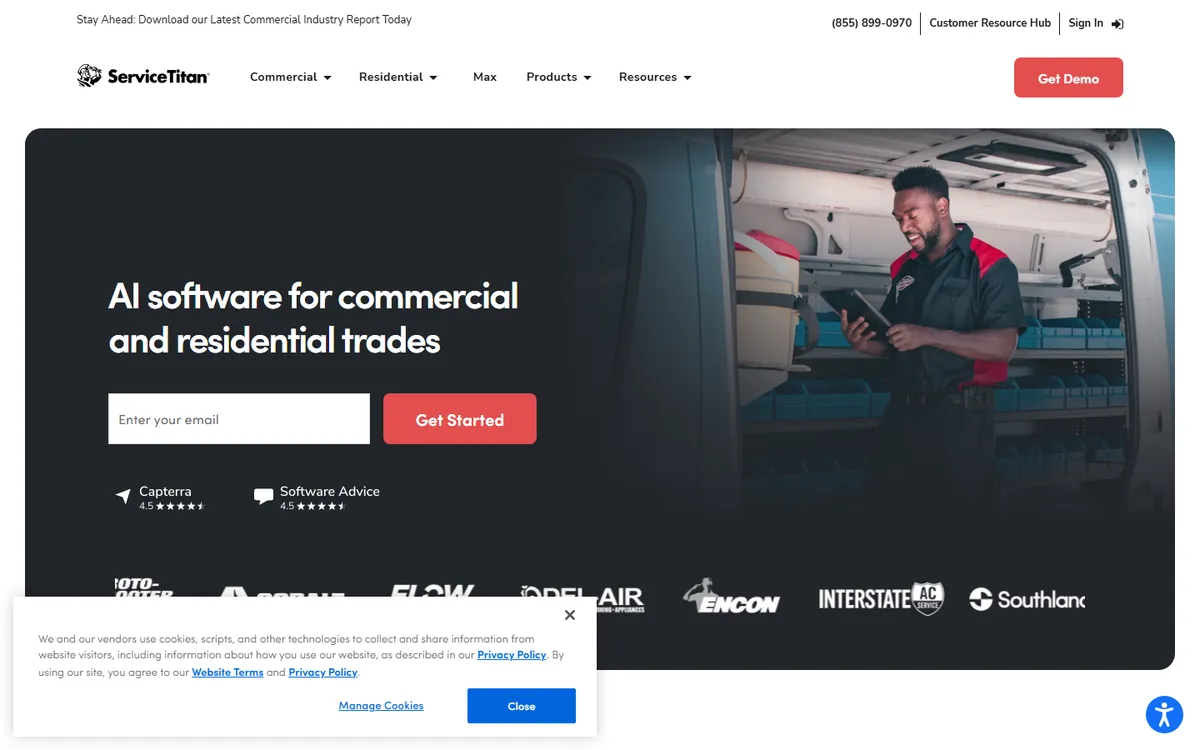 ServiceTitan homepage, November 2026.
Housecall Pro. A field-service tool popular with small and mid-size shops. It handles scheduling, dispatch, invoicing and payments, plus some marketing features. Good if you want a ready-made tool and do not want to build.
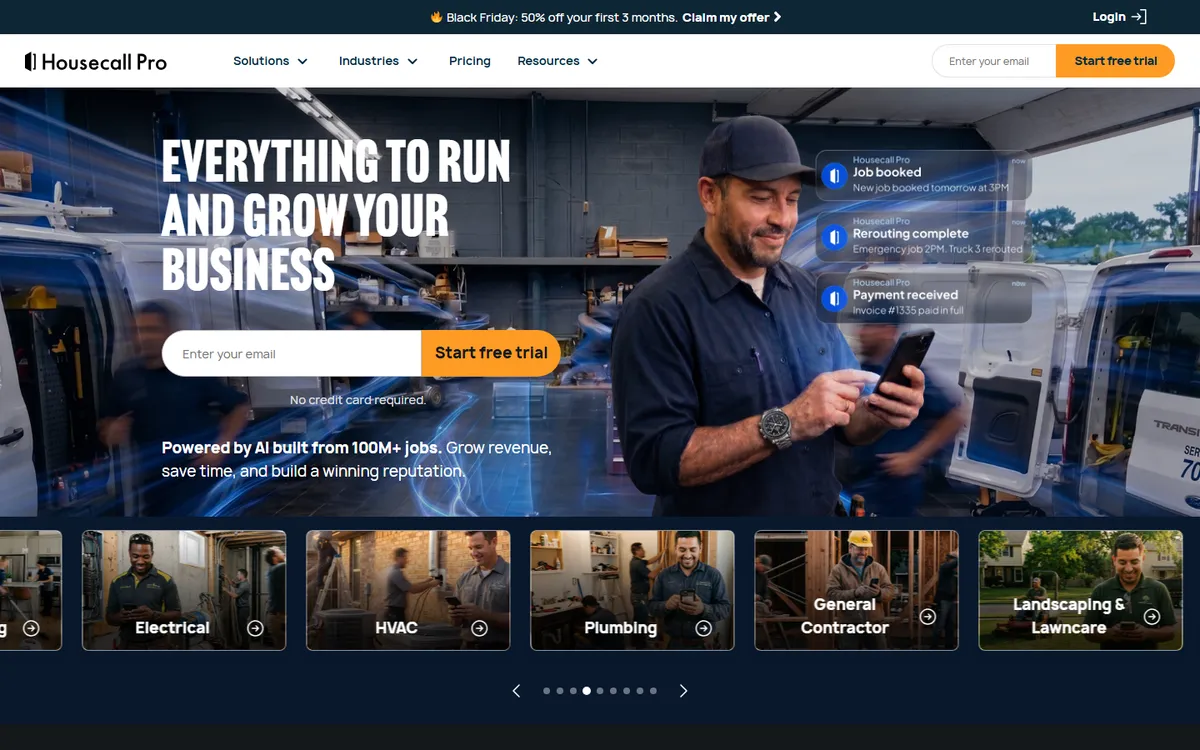 Housecall Pro homepage, November 2026.
Jobber. Another field-service option aimed at smaller operations. Simple scheduling, quoting and invoicing. A fair fit for a one-truck or small crew shop.
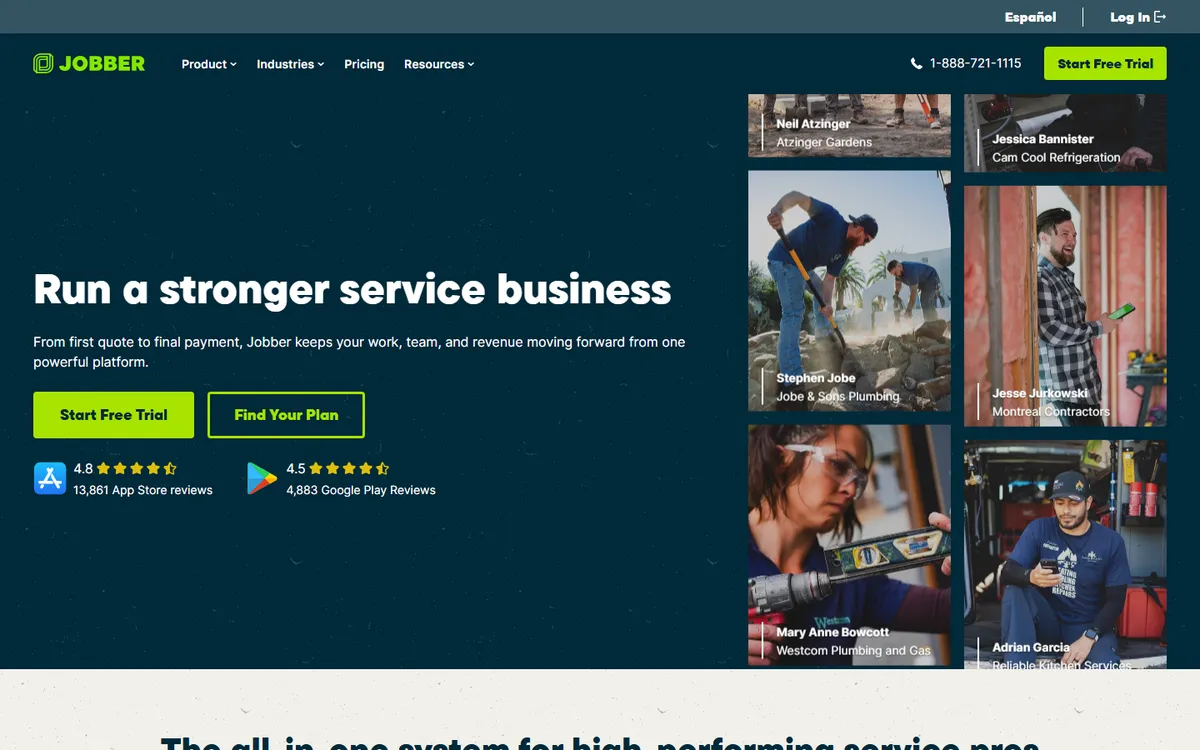 Jobber homepage, November 2026.
GoHighLevel. Started as marketing and CRM software, and now includes a Field Services module that is currently in beta. I loaded it into a new sub-account on 2026-11-16. It has booking requests, estimates that become jobs, jobs with multiple visits, scheduling that accounts for drive time and service areas, dispatch with calendar and map views, route optimization, a crew app with checklists, notes, timers and timesheets, and per-visit invoicing and payments. HighLevel names HVAC among its trades, and snapshots load into it. Founder plan accounts already have it, and others request beta access. It also includes job costing, price books, accounting sync (for example QuickBooks) and payroll. There is no built-in good, better, best quote option, but you can build one manually with three line-item options on the estimate. What it has always done well is the front of the business: capture every call and form, text back fast, follow up on estimates, ask for reviews and run seasonal and renewal campaigns. My GoHighLevel CRM guide covers what is inside and where it falls short.
The honest tradeoff
If you want one proven system and you are a larger shop, a full field-service platform is probably the right call. For a small shop that runs on a calendar and a phone, HighLevel with Field Services is now a real all-in-one option worth testing in a second sub-account. If you already have field software you like, adding GoHighLevel in front of it is often the cheaper way to fix follow-up. Mature field tools still win on depth, such as accounting sync, price books and years of history. Many shops run both: the field tool for the job, GoHighLevel for leads, reminders and reviews. If you also take on bigger remodel or build jobs, my CRM for contractors guide covers the project tools I would compare.
Why I recommend GoHighLevel for the front of an HVAC business
HVAC is a business where the call is the sale. A homeowner with no heat does not leave a voicemail and wait. They call the next name. My missed call text back guide has the full math, and it applies directly here. If you want the other half, I compared every HVAC lead source and what to do once the lead arrives.
Your best HVAC leads are the customers you already have.
That is the other half. A past customer who bought a system from you five years ago, or has a maintenance agreement coming up, is the cheapest lead you will ever work. GoHighLevel keeps them in the same CRM as your new leads and texts them at the right time of year.
Customer lifetime value calculator
Plug in your own numbers. The starting values are examples, not data about your business.
-
Lifetime revenue
Add your numbers
-
Lifetime gross profit
Add your numbers
-
Rule-of-thumb max to win one customer
Add your numbers
On one home service account at The Lead Venture, a reactivation text campaign to old leads brought in $24,569 from 356 contacts. That was one account in one season. These were my results based on my experience. Your results may be different.
Start your free HighLevel trial 30-day trial · cancel anytime · keep the bonuses I may earn a commission if you sign up through my link, at no extra cost to you. DetailsDo this today: export your customer list from your current software, with last service date and equipment age if you have them. You will want it for the tune-up campaign.
How to set up GoHighLevel for an HVAC company
Menu names shift as HighLevel updates, so look for the section name if yours looks different.
1. Build the pipeline in HVAC language
Open Opportunities, then Pipelines. Create one called “Service and Install” with stages like these:
- New call or form
- Contacted
- Estimate scheduled
- Estimate sent
- Follow-up due
- Booked
- Job complete
- Lost
Create a second pipeline called “Maintenance Agreements” with stages: Offered, Active, Renewal due, Renewed, Lapsed.
2. Add the custom fields you will use
Go to Settings and Custom Fields. Add: service type (repair, replacement, tune-up), system type, equipment age, last service date, agreement renewal date and lead source. The renewal date and last service date power your seasonal and renewal workflows. Use date fields.
3. Set up the calendar
Create a calendar called “Book a Service Call” with your service hours and a buffer for drive time. If you have separate teams for service and installs, make one calendar for each. Add a confirmation and a reminder text. Put the link on your site and in your texts.
If you keep a separate field tool for dispatch, treat this calendar as the booking front door. If you test Field Services (beta), the booking requests and jobs can live in the same account.
4. Build the forms
Make one short request form: name, phone, address, what is going on and a text consent checkbox with clear wording. Make a second form for “Schedule my tune-up.” Keep both short, because a person with a broken AC will not fill in ten fields.
5. Register for texting
Buy a local number and start A2P 10DLC registration first. Approval takes days and unregistered texts are filtered. See my pricing breakdown for current phone and text rates.
Do this today: put the booking link and the number you will text from in a notes file. You will paste them into every message below.
The 5 automations I would build first
Write these in your own voice. Keep them short.
1. Missed-call text back
Trigger: an inbound call that goes unanswered. Send a text within seconds, tag the contact and create an opportunity when they reply. Use a different text after hours.
2. Estimate follow-up
Trigger: opportunity moves to “Estimate sent.” Send a text the next day, one three days later and one at day seven. Stop when they reply or book.
3. Seasonal tune-up campaign
Make a smart list: past customers whose last service date is more than 10 months ago, with no upcoming appointment. Send a cooling tune-up campaign in early spring and a heating tune-up campaign in early fall. Start two to four weeks before your phones normally get busy. Three messages over ten days is enough.
Only send this to customers who gave you consent for marketing texts. See the compliance section.
4. Maintenance agreement renewals
Trigger: a date-based workflow 45 days before the agreement renewal date. Send a text and email, create a task for your office to call, and add a second touch at 30 days and a final one at 14. Stop when they renew.
Letting a maintenance agreement lapse by accident is expensive.
5. Review request after the job
Trigger: opportunity moves to “Job complete.” Wait a few hours or a day, then text a review link. If a customer replies with a complaint, route it to a person, not a robot.
Do this today: build automations 1 and 4 first. One protects the calls you get, the other protects revenue you already earned.
Add an AI agent for after-hours calls and chats
An AI agent can answer web chats and text conversations when your office is closed. For HVAC I would keep its job simple: find out whether it is an emergency, collect name, address and the problem, and book the next available slot or alert whoever is on call. It should not quote prices or diagnose a system. Test it with real scenarios before you turn it on, including a no-heat call on a cold night. My GoHighLevel AI agents guide covers the build. AI is billed by usage, so check the rates first.
Compliance notes for HVAC shops
I am not a lawyer and this is not legal advice. The basics I would check:
- TCPA consent. Marketing texts, including tune-up promotions, generally need prior express written consent. Use a form checkbox with clear wording and keep the timestamp.
- A2P 10DLC. Register your brand and campaign. Describe your use honestly.
- Opt-outs. Honor STOP immediately and do not re-add the contact by hand.
- Quiet hours. Keep marketing texts to daytime hours in the customer’s time zone.
- Licensing and advertising. Many states require your contractor license number in advertising. Check your state and local rules for texts, emails and pages.
Two ways to get it running
Path 1: your own HighLevel account. Start a trial, build the setup above and own the account. This is the best path if you or someone on your team likes to build.
Start your 30-day extended free trial 30-day trial · cancel anytime · keep the bonuses I may earn a commission if you sign up through my link, at no extra cost to you. DetailsPath 2: prefer it set up for you? My Growth Plan is $97 a month for white-label HighLevel already set up for local service businesses, so you start with the CRM, missed-call text back and follow-up running. Details are on the Growth Plan page. HVAC-specific pieces, like your tune-up campaign dates and agreement renewals, are worth confirming before you sign up.
If you are weighing which industries to serve with HighLevel, my best niches for a GoHighLevel agency list ranks ten.
For the phone side, my HVAC answering service guide covers no-heat and no-AC triage with a copy-paste AI prompt.
Next steps
- Decide which job is costing you money: running the work or winning the work.
- Keep your field-service tool if you like it and add GoHighLevel in front of it, or test the Field Services beta in a second sub-account.
- Build the Service and Install pipeline and turn on missed-call text back.
- Put agreement renewal dates in a custom field and build the renewal workflow.
- Schedule your tune-up campaign two to four weeks before the next busy season.