 Jonathan Blake

When someone has a legal problem, they search, they call two or three firms, and they hire the one that picks up or texts back first. If your intake sits in voicemail until the morning, you already lost that case to the firm that answered. I sold face to face since 2015, ran a tree service for six years, and now co-own The Lead Venture, an agency that runs on HighLevel. Intake speed is the same story in every industry I have worked in.
Short answer: the best CRM for a law firm depends on whether you want a tool built for legal intake or an all-in-one platform. Clio Grow, Lawmatics and Lead Docket are built around legal intake. GoHighLevel is a general platform, and it is my pick if you want CRM, texting, missed-call text back, reviews and AI in one place. One warning up front: GoHighLevel is an intake and marketing CRM. It is not practice management and it does not do trust accounting.
What a law firm needs from a CRM
A CRM is a front door. It is not your filing cabinet.
That one idea keeps you from buying the wrong thing. Here is what the front door has to do:
- Capture every inquiry. Calls, web forms, chat and referrals all land in one place.
- Reply fast. A new inquiry needs a human or automated response in minutes.
- Book the consult. A calendar link, not a game of phone tag.
- Follow up on the ones who did not book. Most do not decide on the first contact.
- Recover no-shows. A missed consult is not a dead lead.
- Ask for reviews. Reviews are how a firm earns the next inquiry.
What it does not do: store case files, track billable hours, bill clients or hold client funds. That belongs in practice management software. Keep the two jobs separate.
Do this today: write down how long your last five inquiries waited for a first reply. Be honest.
CRMs for law firms compared
I am describing what each tool is known for and who it fits, based on how the vendors position themselves. I have not listed prices because they change and depend on plan and firm size. Check each vendor’s pricing page.
| Item | Clio Grow | Lawmatics | Lead Docket | GoHighLevel |
|---|---|---|---|---|
| Built for legal | Yes | Yes | Yes | No, general platform |
| Practice management | Pairs with Clio’s practice management product | Integrates with common legal tools, check yours | Check with the vendor | No, use alongside your own |
| Intake and e-sign | Yes, check current features | Yes, check current features | Check current features | Forms and calendar, e-sign through documents tools |
| Marketing automation | Basic to moderate | Strong, a core selling point | Check current features | Strong, built in |
| Texting and missed-call text back | Check current features | Check current features | Check current features | Built in, billed by usage |
| Review requests | Check current features | Check current features | Check current features | Built in |
| AI agent for intake replies | Check current features | Check current features | Check current features | Built in, billed by usage |
| Pricing model | Per user, tiered | Tiered | Tiered | Flat per account, unlimited users |
| Best for | Firms already on Clio | Firms that want legal-specific marketing automation | Firms that want intake-focused tooling | Owners who want one account for intake, texting, reviews and AI |
Clio Grow
- Best for: Firms already running Clio for practice management
- Skip if: You want deep marketing automation and AI
Lawmatics
- Best for: Legal marketing automation and client journeys
- Skip if: You want texting, reviews and phone in one account
Lead Docket
- Best for: Intake-focused firms that want a legal-specific tool
- Skip if: You need a broad marketing platform
GoHighLevel
- Best for: CRM, texting, reviews and AI in one place
- Skip if: You want one tool for intake and case management
Who each one fits
Clio Grow. If your firm already uses Clio for practice management, the intake CRM from the same company is the natural fit, because the client moves from lead to matter without re-entering data. Check what it covers on texting and automation today.
 Clio Grow page, November 2026.
Lawmatics. Positioned as a legal CRM with strong marketing automation. It suits firms that want client journeys, email campaigns and intake forms built around legal workflows. Ask for a demo, and ask about texting and phone.
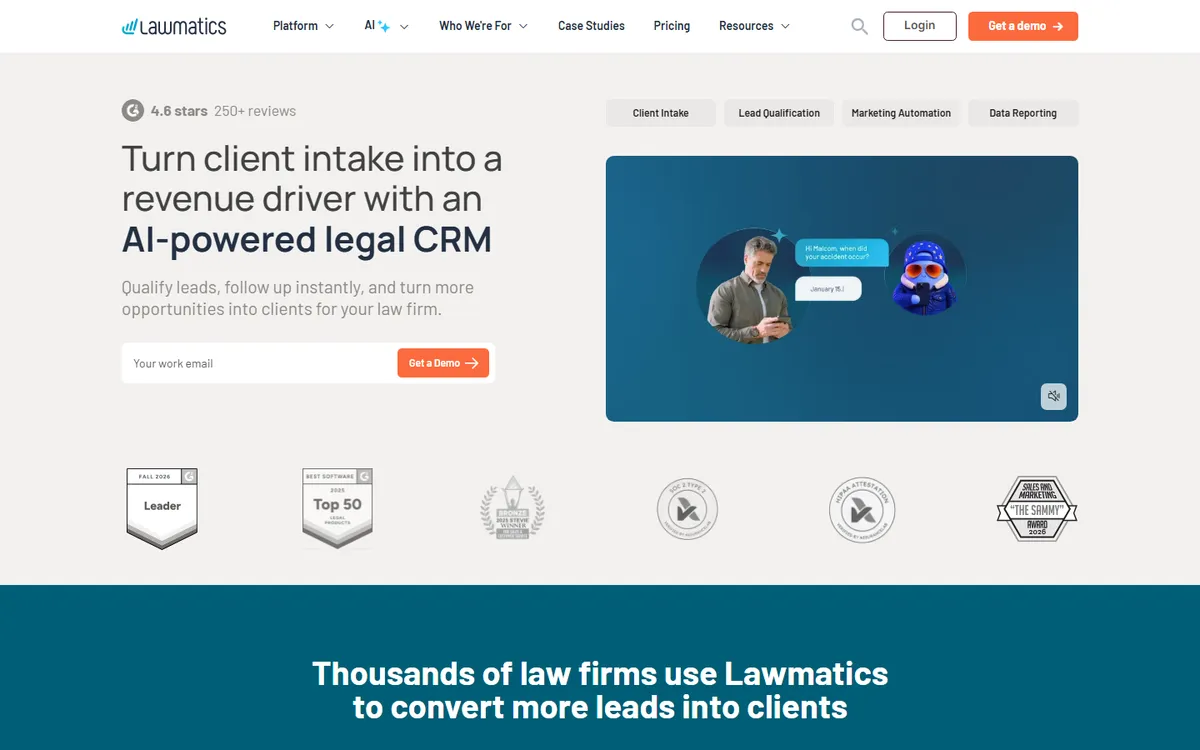 Lawmatics homepage, November 2026.
Lead Docket. Built for intake and lead handling at law firms. It fits firms that want a legal-specific tool focused on getting inquiries signed. As with the others, confirm what is included before you commit.
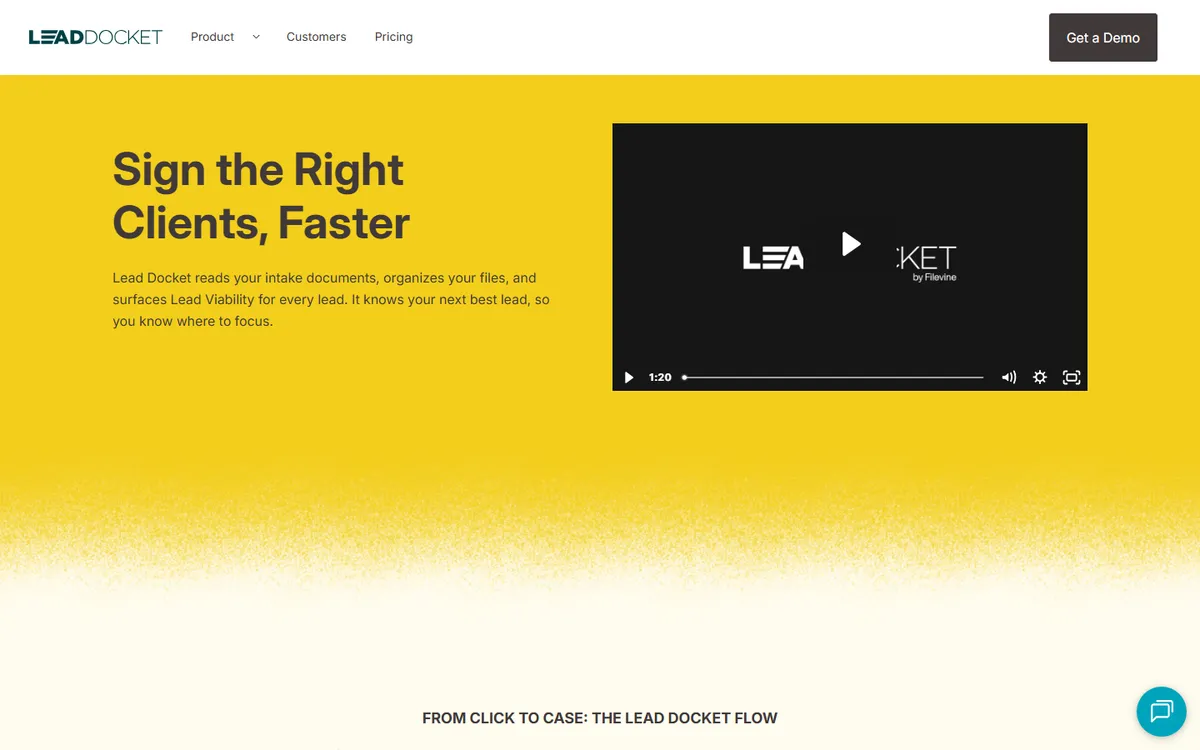 Lead Docket homepage, November 2026.
GoHighLevel. A general platform. You build the legal intake pipeline yourself, in your own words, and you get CRM, phone, texting, calendar, reviews, workflows and AI in one account with unlimited users. My GoHighLevel CRM guide covers what is inside and where it falls short.
The honest tradeoff
The legal-specific tools know what a “matter” is, and they were designed with law firms in mind. GoHighLevel was not. That means you do some building, and you carry more of the responsibility for confidentiality and compliance choices. In return, the follow-up side is stronger than most of what I have seen in this category: texting, missed-call text back, review requests and an AI agent live next to the CRM. If your firm already has practice management software, GoHighLevel can sit in front of it as the intake and marketing layer.
Why I recommend GoHighLevel for intake speed
A person with a legal problem does not wait. They call the next firm.
Most firms do not lose consults because of a bad CRM. They lose them because of a slow first reply and no follow-up. GoHighLevel’s missed-call text back sends a text within seconds of an unanswered call, which I explain in my missed call text back guide. The caller can reply while the problem is on their mind, and your intake person takes over the conversation. The same first-reply problem hits dental offices, and I cover that in CRM for dentists.
Start your free HighLevel trial 30-day trial · cancel anytime · keep the bonuses I may earn a commission if you sign up through my link, at no extra cost to you. DetailsDo this today: check how many calls your firm missed last week, including after hours. That number is the case for automating the first reply.
How to set up GoHighLevel for a law firm
Menu names shift as HighLevel updates, so look for the section name if yours looks a little different.
1. Build the intake pipeline in your own words
Open Opportunities, then Pipelines, and create one called “Intake.” Use stages like these:
- New inquiry
- Contacted
- Consult scheduled
- Consult held
- Retainer sent
- Retained
- Not a fit
- Lost
Add a custom field for practice area and one for how they found you. Keep case details out of custom fields. Capture the type of matter, not the story.
2. Set up the consult calendar
Create a calendar called “Free Consultation” or whatever you actually offer. Set the length, your attorney’s availability and a buffer. Add a confirmation and reminders. Put the booking link in every text and email.
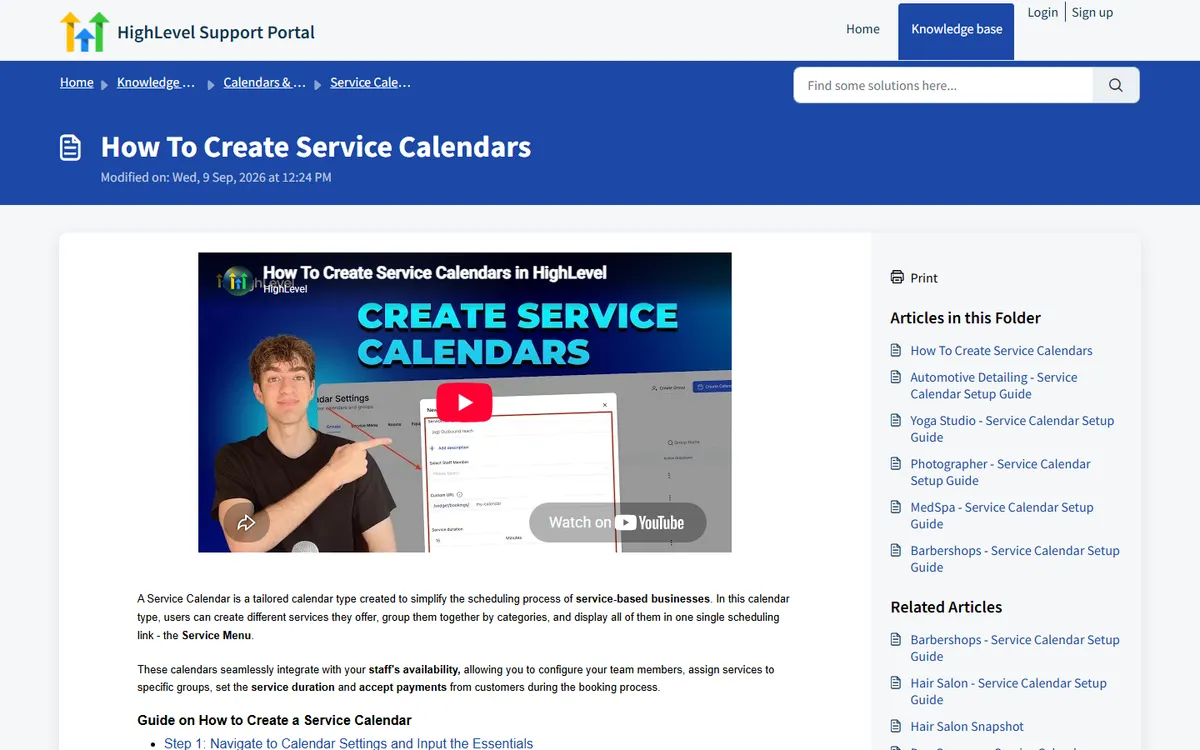 HighLevel’s help article on setting up calendars, November 2026.
If you have several attorneys by practice area, make one calendar per area and let the form route to the right one.
3. Build the intake form
Make a short form: name, phone, email, matter type, and a text consent checkbox with clear wording. Add a line above the submit button that says the form does not create an attorney-client relationship and asks them not to include confidential details. Have your own counsel approve that wording.
4. Register for texting
Buy a local number and start A2P 10DLC registration first. Approval takes days and unregistered texts are filtered. See my pricing breakdown for current phone and text rates.
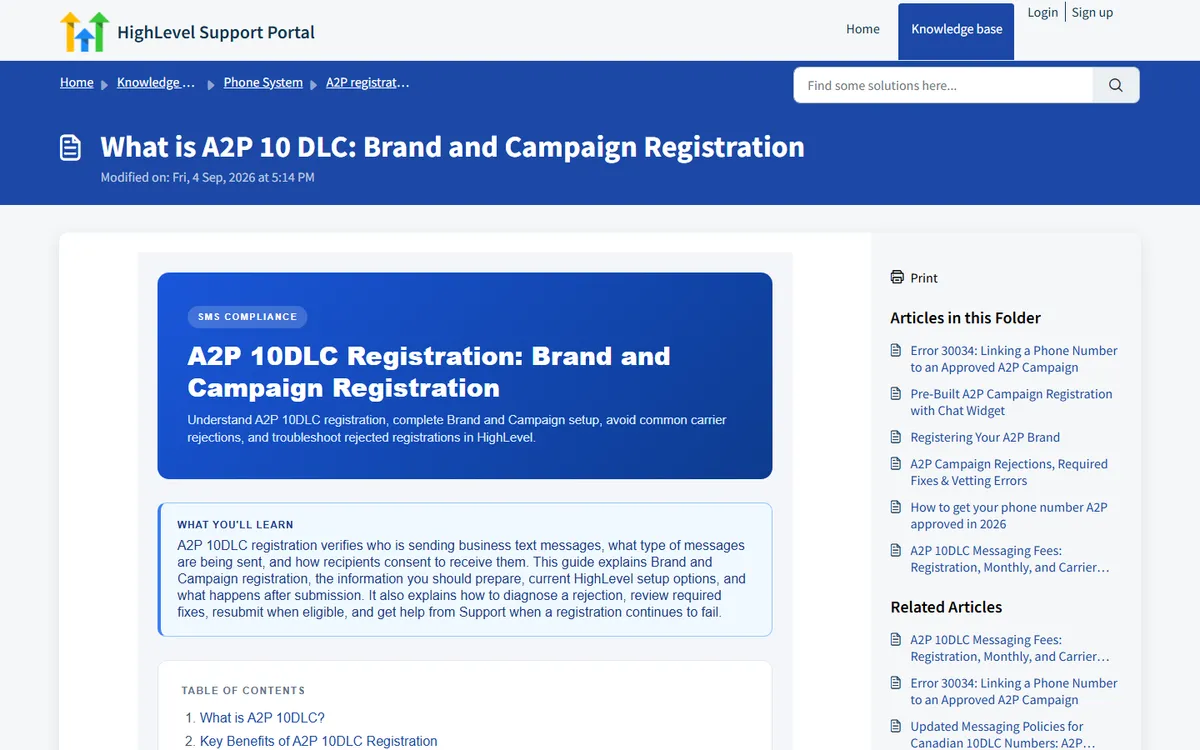 HighLevel’s help article on A2P 10DLC registration, November 2026.
5. Set roles and access
Give each person the lowest access they need. Intake staff do not need to see billing or settings. Turn on two-factor sign-in for every user.
Do this today: write your pipeline stages on paper and show them to the person who answers your phone. They will tell you what is missing.
The 5 automations I would build first
Keep every message generic. Do not put case details, names of opposing parties or legal advice in a text.
1. Missed-call text back
2. Instant intake reply to a form
Trigger: the intake form is submitted. Send a text and an email within a minute, tag the contact, create an opportunity in “New inquiry,” and notify your intake person.
3. Consult confirmation and reminders
Trigger: an appointment is booked. Send a confirmation, a reminder the day before and a reminder an hour before. Make replying to reschedule easy.
4. No-show recovery
Trigger: the appointment is marked no-show. Send a text within minutes, and a second one the next day. People miss consults for reasons that have nothing to do with whether they still need help.
5. Review request after a good outcome
Only send this where it is appropriate. Many states have rules about soliciting reviews and about what you can say in response. Verify yours first. Trigger it manually or from a tag your team applies, and keep the text simple.
Do this today: build automations 1 and 4 first. They cost nothing in extra work and recover inquiries you already paid to get.
Add an AI agent for after-hours inquiries
An AI agent can greet new inquiries when your office is closed, ask what type of matter it is, and book a consult. For a law firm I would keep its job narrow: collect name, phone and matter type, offer consult times, and stop. It should never give legal advice, comment on a case or promise outcomes. Tell it that in plain words, and test it with hard questions before you turn it on. My GoHighLevel AI agents guide covers the build. AI is billed by usage, so check the rates first.
Confidentiality and bar advertising: verify before you launch
I am not a lawyer and this is not legal advice. This is the list I would take to my own attorney.
- Client data. Many state bars issue guidance on using cloud software with client information. Read yours. I would keep sensitive case details out of the CRM entirely.
- Texting is not private. Do not put case facts in a text. Keep messages generic.
- Attorney advertising rules. States regulate what a law firm can say in marketing, including required disclaimers. Texts and emails can count as advertising.
- Solicitation rules. Rules around contacting people who have not contacted you differ by state. Only message people who reached out or gave consent.
- TCPA and A2P. Marketing texts need proper consent. Register your brand and campaign and honor STOP immediately.
- Review rules. Some states limit how reviews can be requested or answered.
- Records. Know how long you must keep intake records, and how to delete them.
HighLevel gives you tools like opt-out handling, tags and user permissions. It does not make you compliant. That part is on the firm.
Two ways to get it running
Path 1: your own HighLevel account. Start a trial, build the setup above and own the account. This is the best path if you or your office manager like to build.
Start your 30-day extended free trial 30-day trial · cancel anytime · keep the bonuses I may earn a commission if you sign up through my link, at no extra cost to you. DetailsPath 2: prefer it set up for you? My Growth Plan is $97 a month for white-label HighLevel already set up for local service businesses, so you start with the CRM, missed-call text back and follow-up running. Details are on the Growth Plan page. Law-firm wording, like your intake stages and consent language, is something to confirm and review with your own counsel.
If you are thinking about which verticals to serve with HighLevel, my best niches for a GoHighLevel agency list ranks ten.
For intake calls, see my legal answering service guide: live services vs AI, with an intake prompt you can copy.
Next steps
- Time your last five inquiries from first contact to first reply.
- Decide whether you want a legal-specific tool or an all-in-one platform.
- If it is GoHighLevel, build the Intake pipeline and the consult calendar first.
- Turn on missed-call text back and no-show recovery.
- Review confidentiality and advertising rules with your own counsel before any marketing message goes out.