 Jonathan Blake

If you searched “Housecall Pro alternatives”, you are probably already a customer and something has gotten under your skin. Maybe the bill grew when you added a tech. Maybe a feature you wanted sits on a higher plan. Maybe your marketing is a pile of separate tools. Before you rip anything out, let me help you figure out which of those problems a new tool would actually solve.
I ran a tree service for six years and used field-service software myself. I sold face to face since 2015 and co-own The Lead Venture, an agency that runs home service businesses on HighLevel. I am a HighLevel affiliate, so weigh my GoHighLevel opinions with that in mind. I will say plainly where it does not fit.
Short answer: for a like-for-like swap, demo Jobber or Workiz, and ServiceTitan if you are a bigger shop. If your losses happen before the job, in missed calls and quotes that go quiet, keep a field tool and add GoHighLevel in front of it. A cheaper dispatch board will not answer the phone.
Why people leave Housecall Pro
Housecall Pro works for a lot of crews. These are the reasons owners tell me they start shopping.
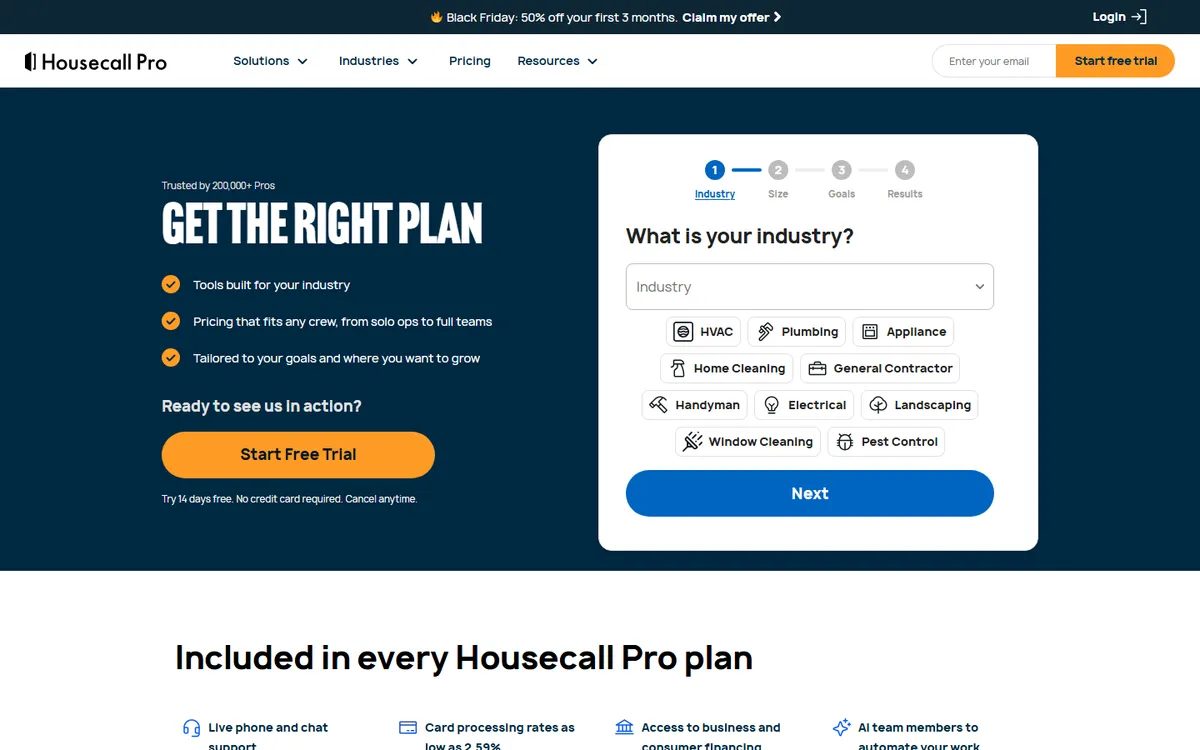 Housecall Pro’s pricing page, November 2026.
The bill grows with the team. Field-service tools tend to charge by plan and number of users. Housecall Pro’s published prices differed between its own pages when I looked, so ask for a written quote for your tech count rather than trusting a number you saw once.
Features sit behind plan tiers. Reporting, recurring service plans and advanced tools can live on a higher plan. Owners sometimes find that out after they have already built their process around the tool.
Add-ons. Some extras are billed separately. Count every add-on before you compare two prices.
Marketing is a side feature. There are campaigns and review requests, but if you need real lead capture, missed-call text back and long follow-up sequences, owners often end up bolting on something else.
Do this today: open your last Housecall Pro invoice and add up every line, not just the plan name. That total is the number a replacement has to beat.
How I ranked these
- Does it fix the real reason you are leaving?
- How painful is the move: customers, recurring jobs, open estimates, crew training?
- What do you lose compared with what you have now?
- Is the price something I can verify on the vendor’s own page? If not, I say check current pricing.
Housecall Pro alternatives at a glance
- 1 Read the full breakdownClosest swap
Jobber
- Best for: small crews that want simple scheduling and invoices
- Give up: some depth if you use advanced features today
- Price: Jobber's page says plans start at $29/month, check your tier
- 2 Read the full breakdownPhone-heavy shops
Workiz
- Best for: shops that live on the phone
- Give up: your current setup and templates
- Price: check current pricing
- 3 Read the full breakdownBigger shops
ServiceTitan
- Best for: multi-truck companies with an office team
- Give up: low cost and a quick setup
- Price: quote-based, check with the vendor
- 4 Read the full breakdownMarketing plus Field Services beta
GoHighLevel
- Best for: lead capture, texting, reviews, follow-up and testing Field Services
- Give up: proven depth, since Field Services is still in beta
- Price: Starter is $97/month as of late 2026. Field Services is not part of Starter: it is on Founder accounts and in my Growth Plan, and other accounts request beta access
- 5 Read the full breakdownMy usual advice
A lighter field tool plus GoHighLevel
- Best for: owners with a lead problem
- Give up: one login
- Price: two bills
- 6 Read the full breakdownOften the right call
Do nothing, tighten the setup
- Best for: owners who mostly dislike the price
- Give up: nothing, but you need to renegotiate
- Price: ask for a quote for your team
| Option | Best for | Starts at | Texting/SMS | Biggest catch |
|---|---|---|---|---|
| Jobber | Small crews that want simple scheduling and invoices | $29/month per Jobber’s page | Check current features | Less depth if you use advanced features today |
| Workiz | Phone-heavy shops | Check current pricing | Known for calling tools, check texting | Published prices conflicted when I looked |
| ServiceTitan | Multi-truck shops with an office team | Quote-based | Check current features | Gives up low cost and quick setup |
| GoHighLevel | Lead capture, texting, reviews, follow-up and a Field Services module (beta) | $97/month plus usage | Beta: Founder accounts and my Growth Plan have it, others request access | Field Services is in beta but includes job costing, price books, accounting sync and payroll, so test it before you switch |
| Lighter field tool plus GoHighLevel | Owners with a lead problem | Two bills, GoHighLevel from $97/month | Built in on the GoHighLevel side | Two logins, some double entry |
| Stay and fix the leaks | Owners who mostly dislike the price | Ask for a quote for your team | Check current features | You have to renegotiate |
1. Jobber
Best for: small crews that want simple scheduling, quoting and invoicing without a big learning curve.
Why switch: it is a common comparison for Housecall Pro owners, and the interface is simple to teach a crew. I cover the other direction in my Jobber alternatives post.
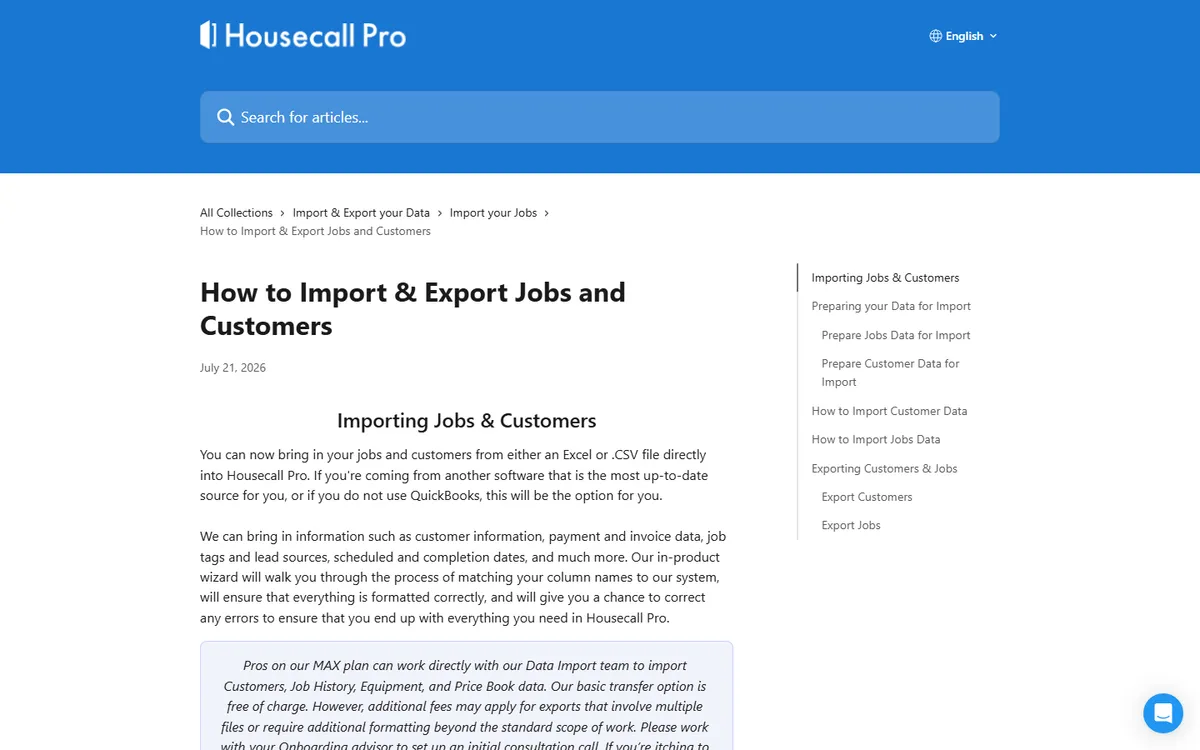 Housecall Pro’s own import and export article, November 2026.
What you give up: some depth, depending on which Housecall Pro features you use now. Check recurring service plans, reporting and equipment tracking against your needs.
Pricing: Jobber’s own pricing page says plans start at $29 a month. That is the entry point, so check the plan and user count you would actually need.
Jobber for small crews
Pros
- Simple to teach a crew
- Scheduling, quoting and invoicing without a big learning curve
- Jobber's page says plans start at $29 a month
- A common comparison for Housecall Pro owners
Cons
- You may lose some depth, depending on what you use now
- Check recurring service plans, reporting and equipment tracking
- The entry price is not your price, so check the plan and user count
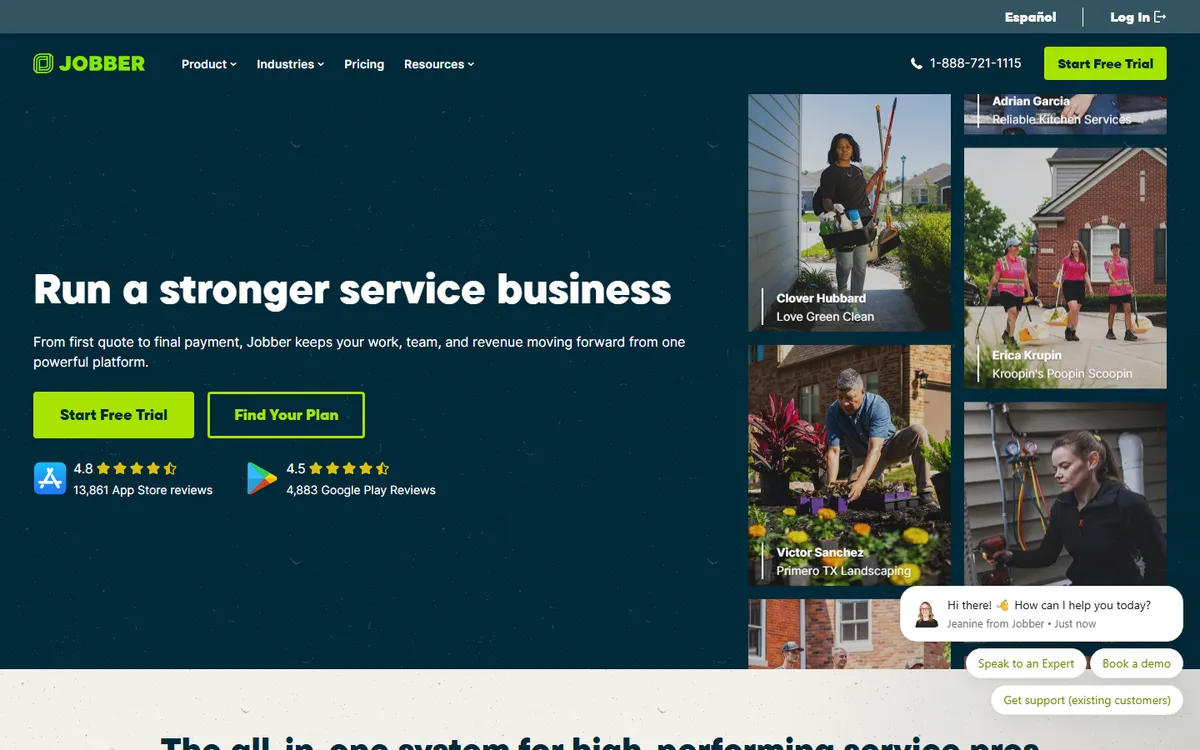 Jobber’s homepage, November 2026.
2. Workiz
Best for: shops where the phone is the front door. Workiz is known for its calling and dispatch tools.
Why switch: you want stronger phone handling inside the field tool.
What you give up: your current templates and workflow. Check current features and plan tiers before you commit.
Pricing: Workiz’s own materials showed conflicting numbers when I looked, so check its pricing page directly.
Workiz for phone-heavy shops
Pros
- Known for its calling and dispatch tools
- Good fit when the phone is your front door
- Stronger phone handling inside the field tool
Cons
- You rebuild your current templates and workflow
- Its own materials showed conflicting prices when I looked
- Check current features and plan tiers before you commit
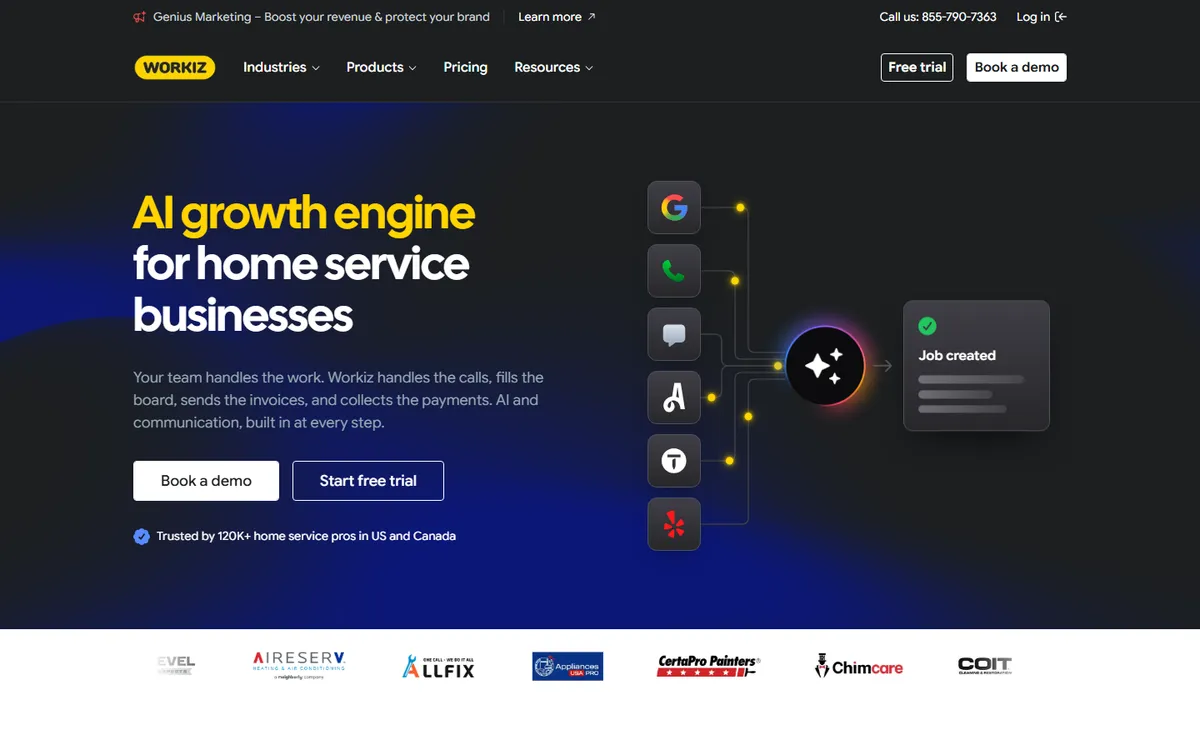 Workiz’s homepage, November 2026.
3. ServiceTitan
Best for: larger shops with several trucks, an office team and a need for detailed reporting.
Why switch: you have outgrown a small-crew tool and want one system for booking, dispatch, pricing and reporting.
What you give up: low cost and speed of setup. If you are a smaller shop, my ServiceTitan alternatives post covers why bigger is not always better.
Pricing: quote-based, so ask for a written price for your tech count.
ServiceTitan for bigger shops
Pros
- One system for booking, dispatch, pricing and reporting
- Detailed reporting
- Built for several trucks and an office team
Cons
- You give up low cost and a quick setup
- Quote-based, so you need a written price for your tech count
4. GoHighLevel, now with Field Services (beta)
GoHighLevel used to be marketing, CRM and communication only. HighLevel now has a built-in Field Services module, currently in beta. I loaded it into a new sub-account on 2026-11-16 to check. It has booking requests, estimates that become jobs, and jobs with multiple visits. Scheduling accounts for drive time and service areas, with travel fees. Dispatch has calendar and map views plus route optimization, and the crew mobile app has checklists, notes, timers and timesheets. It invoices per visit, takes payments, reports on jobs and links to the client portal. Snapshots load into it, and the AI receptionist does chat and voice. Founder plan accounts already have it, and others request beta access.
It is new, but it includes job costing, price books, accounting sync such as QuickBooks, and payroll. There is no built-in good, better, best quote option, but you can build one manually with three line-item options on the estimate. Housecall Pro and the other mature tools still win on depth and years of history. For repeat-visit trades it makes HighLevel a real all-in-one option worth testing in a second sub-account. My Field Services walkthrough has the detail.
Best for: owners who lose work before the job starts, and who want to test one account for the whole job. Missed calls, slow replies, silent estimates, no review requests and no outreach to past customers.
Why switch: one account holds the CRM, pipeline, calendar, texting, missed-call text back, review requests and campaigns. My missed call text back guide shows the math on a single missed call.
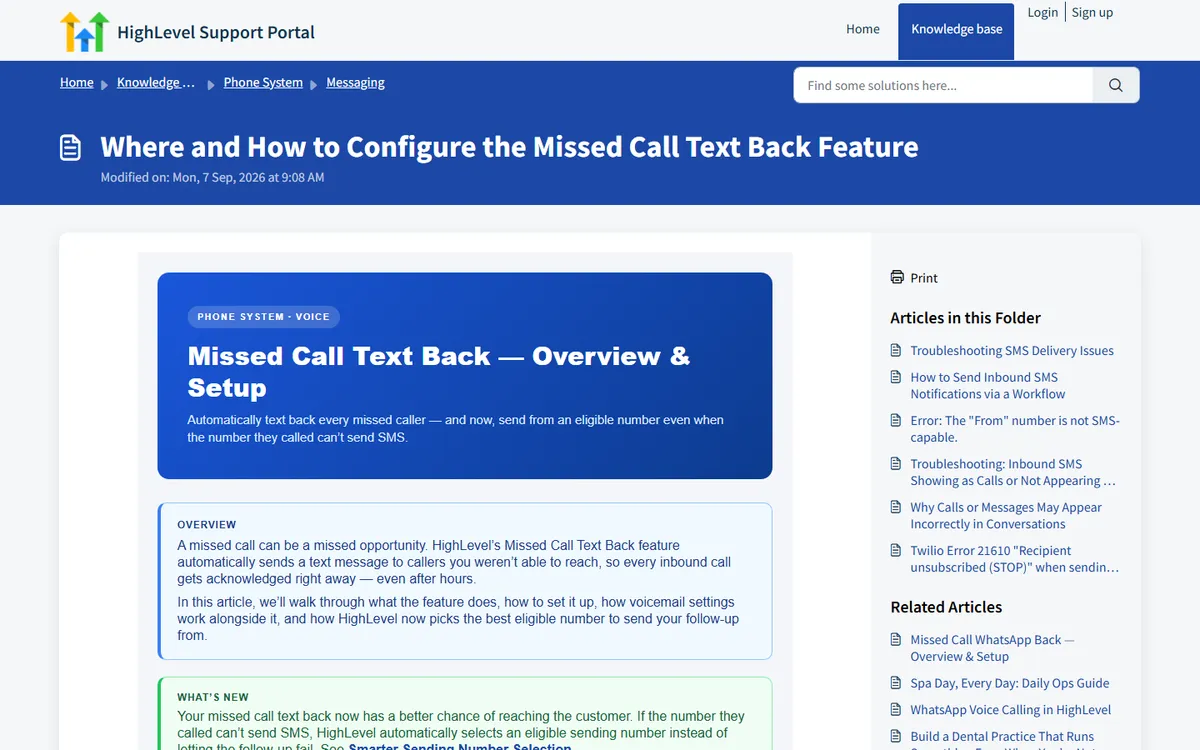 HighLevel’s help article for missed call text back, November 2026.
What you give up: proven depth and years of edge cases. It is a beta, and good, better, best quotes are a manual build. Run it beside Housecall Pro before you cancel anything.
Pricing: as of late 2026 the Starter plan is $97 a month, with phone, email and AI usage billed on top. See my GoHighLevel pricing breakdown for the usage rates.
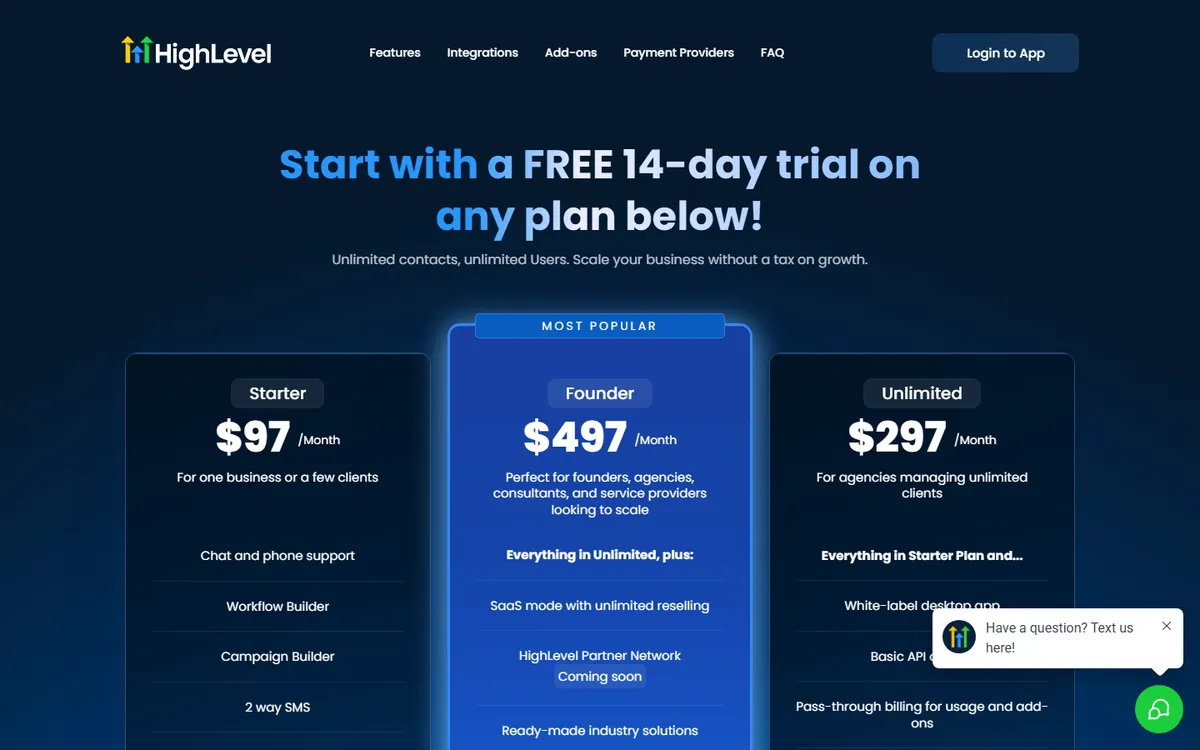 GoHighLevel’s pricing page, November 2026.
5. The combo: a lighter field tool plus GoHighLevel
This is what I recommend to most owners whose complaint is marketing and who rely on field-tool depth. Keep a simpler field tool for scheduling and invoices, or test HighLevel’s Field Services in a second sub-account first. Use GoHighLevel to win the work: capture the call, text back, follow up, ask for the review and bring old customers back. The customer books through GoHighLevel and the job runs in the field tool.
Best for: owners who like running jobs in a field tool but feel their lead flow leaks.
What you give up: one login, and some double entry unless you connect the tools.
Pricing: two bills. Check the field tool’s current pricing, then add GoHighLevel at $97 a month as of late 2026, plus usage.
Trade-specific setups are in my guides for HVAC, plumbers, landscaping, cleaning businesses and roofers.
6. Stay and fix the leaks
Sometimes the honest answer is not to switch. If your main gripe is the price, call Housecall Pro, tell them what you are comparing and ask what your plan needs. Cancel the add-ons you do not use. If your gripe is marketing, you may be able to add GoHighLevel without touching your field tool at all.
What you give up: nothing, except the satisfaction of a fresh start.
What a switch really costs
- Rebuilt setup. Services, price books, templates and recurring jobs.
- Crew time. A new app means questions for a week or two.
- Old history. Not every tool imports notes and invoices cleanly.
- A messy overlap. For a while some jobs live in two places.
Migration checklist
- Export your client list with phone, email, address and notes.
- Export open estimates and flag the live ones.
- List every recurring job with its schedule and price.
- Export invoice and payment history and keep a copy outside the old tool.
- Check your consent records before texting past customers. I am not a lawyer, so check TCPA and your state’s rules.
- Rebuild services and price lists in the new tool.
- Import into a test account and check twenty records by hand.
- Run one week of real jobs in both.
- Update payment and booking links that customers use.
- Cancel the old plan only after the new one has handled that week.
Two ways to add GoHighLevel
Path 1: your own HighLevel account. Start a trial and build it yourself. You own the account.
Start your 30-day extended free trial 30-day trial · cancel anytime · keep the bonuses I may earn a commission if you sign up through my link, at no extra cost to you. DetailsPath 2: prefer it set up for you? My Growth Plan is $97 a month for white-label HighLevel already set up for local service businesses, so you start with the CRM, missed-call text back and follow-up in place. Details are on the Growth Plan page.
If calls pile up when everyone is on a job, my answering service guide covers ways to cover the phone.
Which one should you pick
- Price is the problem: get a written quote, cut unused add-ons, then compare.
- Deeper scheduling or dispatch is the problem: demo Jobber and Workiz, or ServiceTitan if you are bigger. You can also test HighLevel’s Field Services beta.
- Leads and follow-up are the problem: keep the field tool and add GoHighLevel.
- Everything is the problem: take it one piece at a time. Swapping three tools at once is how jobs get lost.
Next steps
- Add up your real Housecall Pro bill, including add-ons.
- Write down the single thing you want fixed.
- Demo one field-service alternative, or start a GoHighLevel trial if the problem is follow-up.
- Export your data and run both tools for a week before you cancel.