 Jonathan Blake
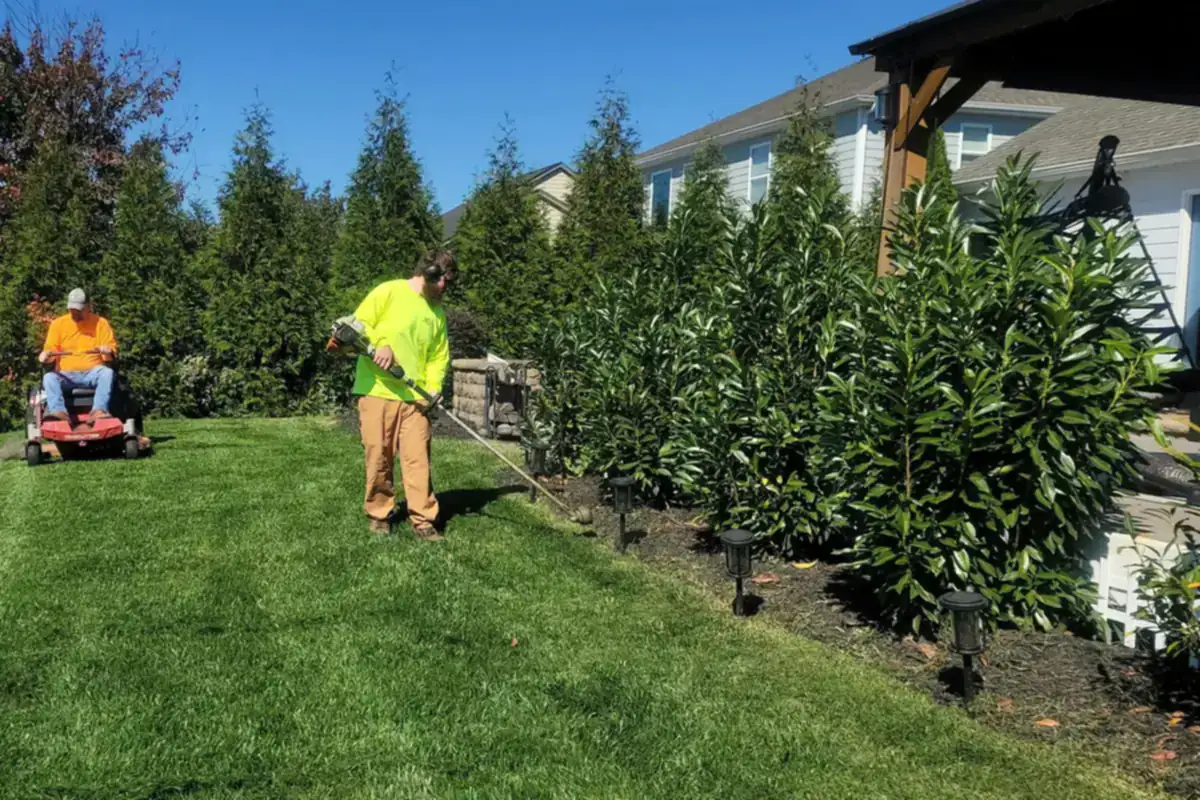
If you searched for a landscaping CRM, you probably have one of two problems. Either leads and quotes are slipping through the cracks, or the work itself is a mess once it is sold. Those are different problems, and different tools solve them.
I sold face to face since 2015, ran a tree service for six years, and now co-own The Lead Venture, an agency that runs on HighLevel. Landscaping and tree work are neighbors. The phone rings while you are running a chainsaw or a mower, the quote request comes in at night, and the homeowner calls the next company if you don’t get back to them.
Short answer: if your bigger problem is deep estimating, job costing and crew production, look at a landscaping-specific tool like Jobber, LMN or Aspire. If your bigger problem is leads going cold and customers who never rebook, I recommend GoHighLevel, because it puts the CRM, texting, missed-call text back, reviews and AI in one account. Many companies end up running both, and HighLevel’s new Field Services module (beta) is worth testing for the crew side.
Why landscaping companies lose leads
Landscaping is seasonal and local. When spring hits, everybody wants a quote in the same two weeks. These are the leaks I see most:
- Nobody answers on the job. You are on a mower, a skid steer or a ladder, and the call goes to voicemail. Most people don’t leave a message. They call the next company.
- Quotes that never get a second touch. You send the number for a patio, a cleanup or a maintenance contract, then wait. Homeowners get busy or nervous. Without a follow-up, the quote just sits.
- Maintenance customers who quietly drift off. Nobody asks them to renew, so the contract lapses and a competitor’s door hanger fills the gap.
- No seasonal campaigns. Spring cleanup, fall leaf removal and snow work are the same customers every year. Most companies never message them on purpose.
- No review engine. You finish a beautiful job, the customer is thrilled, and you never ask. A competitor with more reviews wins the click.
A landscaping CRM that schedules the crew perfectly but never asks last year’s customers to come back is leaving the easiest money on the table.
Customer lifetime value calculator
Plug in your own numbers. The starting values are examples, not data about your business.
-
Lifetime revenue
Add your numbers
-
Lifetime gross profit
Add your numbers
-
Rule-of-thumb max to win one customer
Add your numbers
Do this today: open your phone and count the calls you missed last week. Then count how many customers from last year you have messaged since. Those two numbers tell you where to start.
The best landscaping CRM: 4 options compared
I’m not going to pretend one tool wins for everyone. Here is how I see them. I have not listed competitor prices because they change and depend on team size, so check each vendor’s pricing page before you decide.
GoHighLevel
- Strength: Texting, missed-call text back, follow-up, reviews, AI, campaigns
- Weak spot: Field Services (routing, invoicing, job costing) is in beta, and LMN has deeper landscape estimating
- Pricing: Flat, from $97/month
Jobber
- Strength: Quotes, scheduling, invoicing and payments for service businesses
- Weak spot: Marketing automation is lighter
- Pricing: Check current pricing
LMN
- Strength: Landscape estimating and job costing
- Weak spot: Built for operations more than lead nurture
- Pricing: Check current pricing
Aspire
- Strength: Full operations platform for larger landscape companies
- Weak spot: More system than a small crew may need
- Pricing: Check current pricing
| Item | GoHighLevel | Jobber | LMN | Aspire |
|---|---|---|---|---|
| Built for landscaping | No, general local business | No, home service in general | Yes | Yes |
| Texting and missed-call text back | Built in | Check current features | Check current features | Check current features |
| Scheduling and crew work | Calendar and tasks, plus drive-time scheduling, map dispatch and route optimization in Field Services (beta) | Strong | Strong | Strong |
| Estimating and job costing | Estimates that become jobs, with job costing, in Field Services (beta) | Check current features | Strong | Strong |
| Review requests and AI | Built in | Check current features | Check current features | Check current features |
| Best fit | Owner who wants more booked estimates | Small crews who want simple quoting and invoicing | Companies focused on estimating accuracy | Larger companies with many crews |
Features change, so treat this as a starting point and ask each vendor for a demo on your real workflow.
Who each one fits
Jobber fits a small to mid-size crew that wants quotes, scheduling and invoices in one app that is easy to learn. If your office is you and a spouse, it is a natural home.
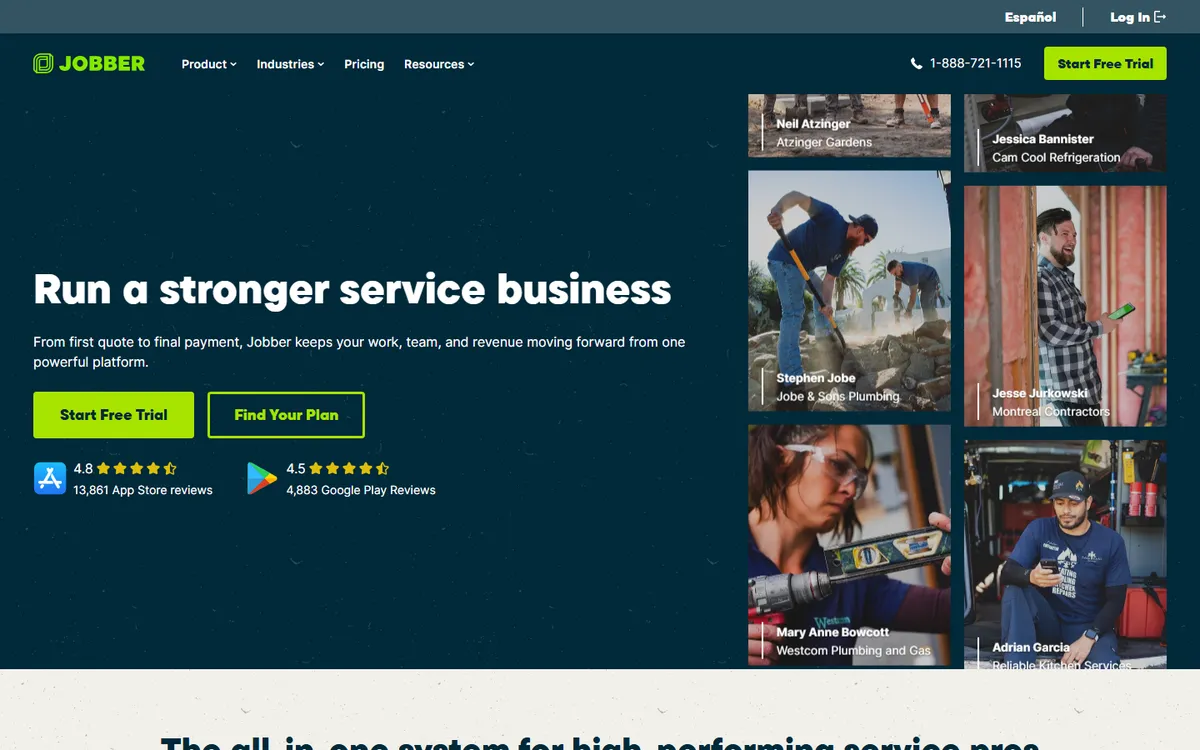 Jobber homepage, November 2026.
LMN fits landscaping companies that care about estimating and knowing what a job really costs in labor and materials. It leans toward the numbers side.
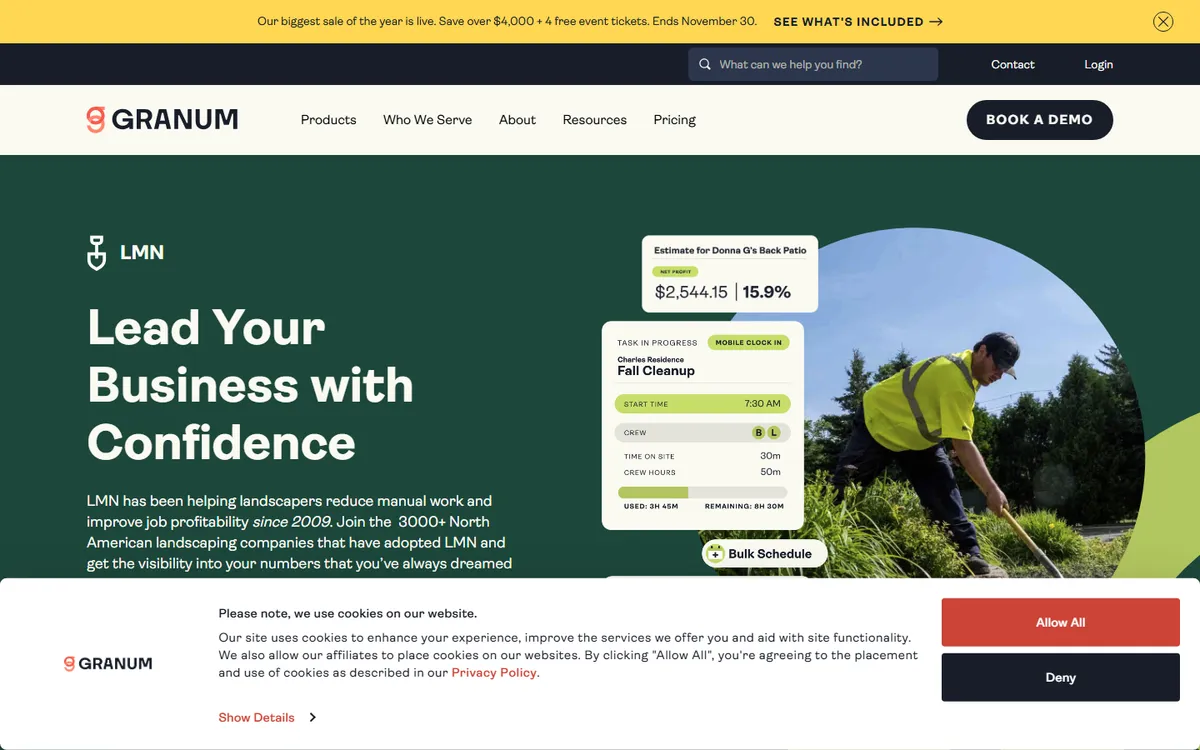 LMN homepage, November 2026. LMN is now part of Granum.
Aspire fits larger landscape companies that want one platform for operations, from estimates to production. It is more system than a three-truck outfit usually wants.
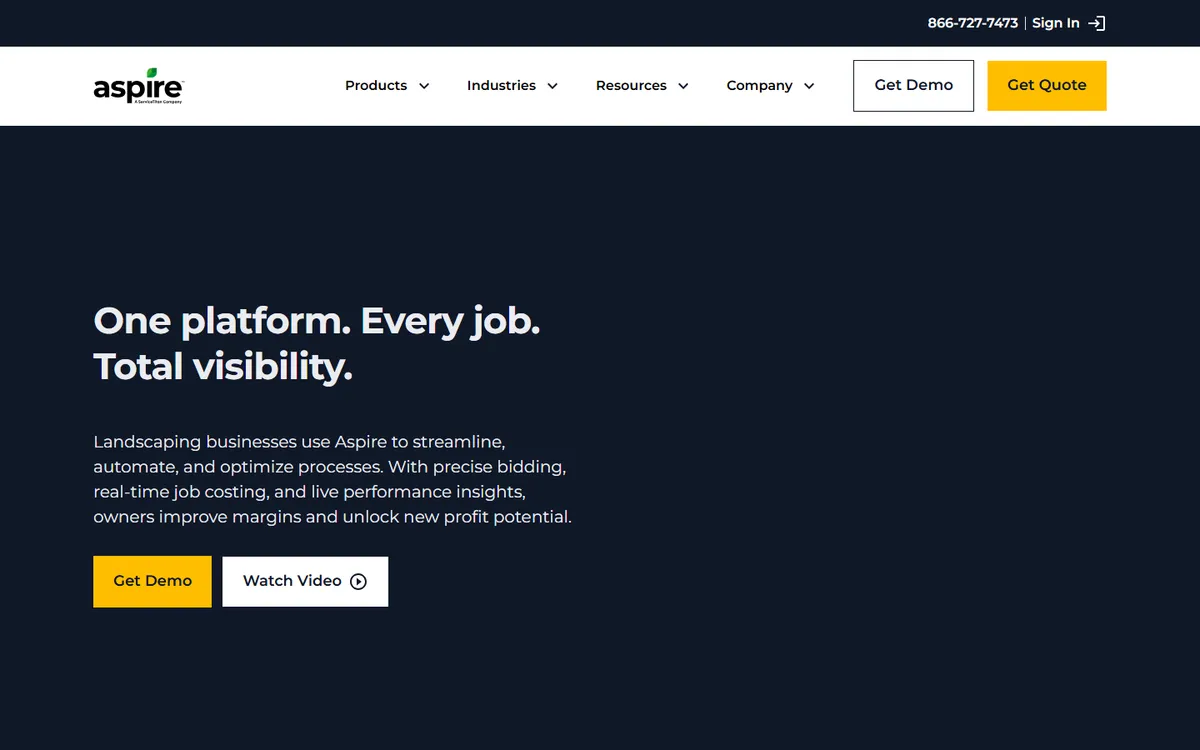 Aspire homepage, November 2026.
GoHighLevel fits the owner whose problem is the front end: getting the call answered, the lead texted, the estimate booked and the follow-up done. It also fits agencies that serve landscapers. See my full GoHighLevel CRM breakdown for what is inside it and where it falls short.
My recommendation
Most owner-operators and small crews do not have a scheduling problem. They have a response and follow-up problem. That is why I recommend GoHighLevel for the front end: one account handles your CRM, your phone number, texting, missed-call text back, review requests and an AI agent that can answer questions and book estimates.
Test this part before you trust it, because GoHighLevel’s field operations tooling is brand new. It now has a built-in Field Services module, currently in beta, and it names landscaping. I loaded it into a new sub-account on 2026-11-16. It has booking requests, estimates that become jobs, jobs with multiple visits, recurring jobs, scheduling that accounts for drive time and service areas with travel fees, dispatch with calendar and map views, route optimization, a crew app with checklists, notes, timers and timesheets, and per-visit invoicing and payments. Snapshots load into it. Founder plan accounts already have it, and others request beta access. It also includes job costing, price books, accounting sync (for example QuickBooks) and payroll. There is no built-in good, better, best quote option, but you can build one manually with three line-item options on the estimate. For recurring maintenance crews it is a real all-in-one option worth testing in a second sub-account. Mature tools like LMN and Aspire still win on landscape estimating depth, years of edge cases and established integrations, which is why many companies run both, with the field tool as the system of record for jobs and GoHighLevel as the system that fills the schedule. Check the pricing breakdown so you know what usage costs on top of the plan.
Do this today: write down your top two problems (answered calls, estimate follow-up, scheduling, renewals). Choose the tool that fixes the first one.
Start your free HighLevel trial 30-day trial · cancel anytime · keep the bonuses I may earn a commission if you sign up through my link, at no extra cost to you. DetailsHow to set up GoHighLevel for a landscaping business
This is the build I would do for a landscaping company. Give yourself a weekend. If you want the platform explained first, start with the GoHighLevel CRM guide.
1. Pipeline stages in landscaping words
Go to Opportunities and create a pipeline called “Landscape Sales.” Use stages you already say out loud:
- New Lead
- Contacted
- Estimate Booked
- Estimate Done
- Quote Sent
- Follow-Up
- Accepted
- Job Scheduled
- Job Complete / Review Asked
- Lost
Build a second small pipeline called “Maintenance Renewals” with Active, Renewal Due, Renewed and Lapsed. Add custom fields for service type (cleanup, mowing, install, snow, other), lead source and renewal month. You will use them all for seasonal campaigns.
2. The estimate calendar
Create a calendar called “Free Estimate.” Set the length (30 to 45 minutes), the days and hours you actually work, and a travel buffer so two estimates don’t stack across town. Turn on confirmation and reminder messages, and send the booking notification to your phone.
3. One quote form
Build a short form for your site and ads: name, mobile number, property address, “What do you need?” (cleanup, mowing, planting or install, tree or shrub work, other) and a consent checkbox for texting. Keep it to five fields. Every extra field costs you leads. When submitted, it should create the contact, create an opportunity in New Lead, and trigger the speed-to-lead workflow.
4. Five automations that pay for themselves
Missed-call text back. Trigger: inbound call, no answer. The full workflow is in my missed-call text back guide.
Speed-to-lead reply. Trigger: form submitted or a lead from your ads. Send a text in seconds, notify your phone, and create a task to call within 5 minutes.
Estimate follow-up. Trigger: opportunity moves to Quote Sent. Text after 1 day, 3 days and 7 days, and stop the moment they reply or move stages.
Seasonal campaigns. This is the one most landscapers skip, and it is the cheapest work you will ever sell. Build three saved campaigns and run them every year to the right tag:
- Spring cleanup, sent in late winter to everyone who had a cleanup or mowing last year.
- Fall leaf removal, sent in early autumn.
- Snow, sent before the first storm to anyone with a driveway or lot contract in the past.
Recurring maintenance renewals. Trigger: renewal month on the contact. Text 30 days before the contract ends with one simple question, then a reminder a week later. Move the opportunity to Renewed or Lapsed so you can see the number.
Your best leads for next spring are already in your phone from last spring.
5. Reviews
When an opportunity moves to Job Complete, wait two days, then send a review request with your Google review link. If there is no reply, send one reminder a week later. Keep it a single ask, no pressure. If you want texting and reviews in one tool, see Podium alternatives.
6. An AI agent for after hours
Set up a Conversation AI bot to answer texts and web chat when you are on a job or the office is closed. Give it a short script: ask what they need, ask for the address, offer estimate times, and hand off to you for anything about price, large projects or tree removal safety. Review the first week of conversations and tighten the instructions. Never let it promise pricing.
7. Test everything
Submit your own form, call from a second phone and let it ring, book an estimate, and move a test opportunity through each stage. Fix anything that doesn’t fire before real leads arrive.
Do this today: build the pipeline and the calendar first. They take under an hour and everything else hangs off them.
Texting rules for landscapers
This is not legal advice. Register for A2P 10DLC before you send business texts in the US. Include opt-out language, get texting consent on your form, and honor STOP immediately. Be careful with purchased lists and door-to-door lists you never got consent for. Seasonal blasts should go to people who have done business with you or asked to hear from you. Check your state’s rules for solicitation and quiet hours.
Two ways to get this
Path 1: your own HighLevel account. You build it yourself using this guide.
Start your 30-day extended free trial 30-day trial · cancel anytime · keep the bonuses I may earn a commission if you sign up through my link, at no extra cost to you. DetailsPath 2: prefer it set up for you? My Growth Plan is $97 a month: white-label HighLevel already set up for local service businesses, so you skip the build. See the details on the bonuses page.
If you also work with roofers or other exterior trades, my CRM for roofers guide uses the same build. And if you are an agency owner thinking about serving landscapers, see my notes on the best niches for a GoHighLevel agency.
Quick wins
Want clients this month? Start here
Set up your own house first. One clear offer for one niche, a simple site, a booking link and your own HighLevel account running the same automations you'll sell. Prospects trust what they can try.
Start with people who already know you
Past employers, old customers, friends who own businesses. Tell them exactly what you set up for landscaping companies and ask for 20 minutes.
Do daily outreach
Calls, emails and DMs to a tight list in one niche. Volume and follow-up beat clever copy.
Demo, don't describe
Build a quick AI agent or missed-call text-back demo in your own HighLevel account and let them try it on the call.
Post what you build
Short screen recordings of real automations. One a day on the platform your buyers use.
Partner with people who own your buyers
Web designers, bookkeepers and software resellers already have the relationship. Trade introductions.
Answer every lead in under a minute
Practice what you sell. Set up your own speed-to-lead automation first.
Work a local area in person
- Pick one area and walk into ten businesses in a row. Ask for the owner, keep it to two minutes and leave a card.
- Bring a one-page printout that shows the problem you fix (missed calls, slow follow-up, no reviews) with their name on it.
- Go back a week later. Most first visits are about being remembered, not closing.
Ask for introductions, not referrals
"Know anyone who could use this?" gets a polite "I'll think about it." Asking to be introduced to a specific kind of person gets names. Set it up when they sign:
"If this works the way I think it will, would you be against introducing me to one or two other landscaping companies you know? I'll give them a a free missed-call audit."
Then follow up once they're seeing results. With a client you get along with, a little humor works:
"So are you keeping me a secret on purpose, or do you just not like your friends?"
Only joke like that with clients you know well. With everyone else, keep it simple and thank them either way.