 Jonathan Blake

Nobody wants to hunt for a cancel button, and plenty of people search “how to cancel GoHighLevel” because the software wasn’t a fit, the trial ran out, or the bill got bigger than expected. That’s fine. I use HighLevel every day at The Lead Venture and I’m an affiliate, and I’d still rather you leave cleanly than get stuck paying for something you don’t use. If you are still weighing it up, what Reddit says about GoHighLevel is worth reading next to my notes.
Short answer: go to Agency Settings, then Billing, then click “Want to modify/cancel your subscription?” and follow the Cancel Plan steps. If you’re on the free trial, do the same thing before the trial ends. Before you click the final button, export your contacts and anything else you’d miss, because HighLevel says data is deleted after 90 days.
Time: about 10 minutes to cancel, plus 30 to 60 minutes to export properly. You need: admin access to the agency account.
Before you cancel: what the help center confirms
I pulled the details below from HighLevel’s own billing FAQ for agencies, and I’ve flagged what the article doesn’t say. Billing screens change, so the wording on your screen wins over mine.
- You cancel from Agency Settings, then Billing.
- The cancellation flow asks for a reason, shows a data loss warning, and asks for feedback of at least 30 words.
- The article says your data is deleted after 90 days, and that if you reactivate, your data is restored.
- If you signed up through another agency and not directly with HighLevel, the agency administrator has to cancel for you.
- Refund requests and billing disputes go to the HighLevel billing team for review.
- If a payment fails, the agency keeps access for 21 days from the failed payment, and retries continue for up to 30 days.
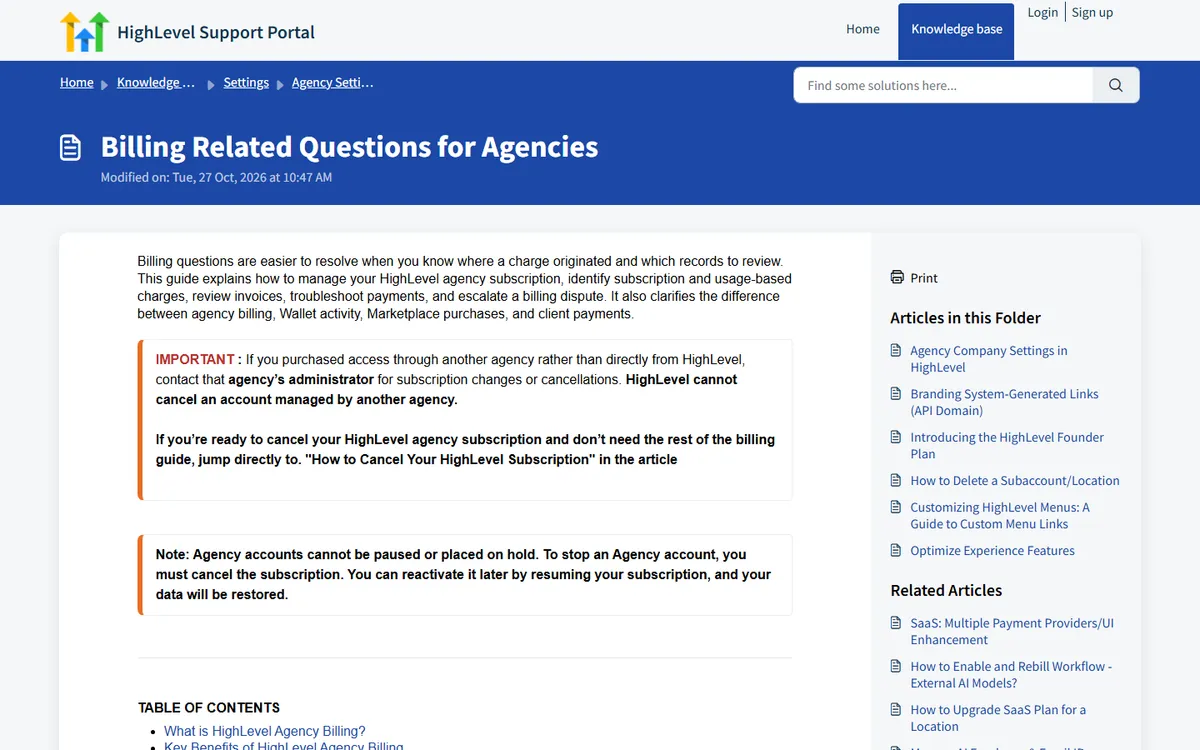 HighLevel’s billing FAQ for agencies, November 2026.
What the article does not state: what happens to each sub-account, and what happens to phone numbers when you cancel. I’m not going to guess. If you have client accounts or numbers you care about, ask HighLevel billing in writing before you cancel and keep the reply.
Step 1: Export what you’d miss
Canceling is easy. Canceling without losing something you needed is the part that takes a checklist. Here’s the one I’d run through.
| What to export | Where it lives | Why it matters |
|---|---|---|
| Contacts | Contacts, with a smart list or filter, then export | Your customer and lead list is the asset |
| Opportunities and pipeline stages | Opportunities | Write down the stages so you can rebuild them elsewhere |
| Conversations | Conversations inbox | Screenshot or copy anything legal or contractual |
| Workflows | Automation | Take screenshots of each workflow, since the logic is hard to rebuild from memory |
| Forms, funnels and websites | Sites | Save the copy and images, and note any custom code |
| Snapshots | Agency settings | If you built one, keep it. Check that you can still access it |
| Phone numbers | Settings, Phone Numbers | List every number and who uses it. Decide whether to keep or port them |
| Calendars and booking links | Calendars | Note every link that’s published on a website or ad |
| Invoices, payment history | Payments | Download what you need for taxes and client records |
Two things people forget. First, the booking links and forms you’ve published on other websites will stop working or break, so list where they’re embedded. Second, if clients use your account, tell them in advance. A text that stops sending is the kind of thing clients notice before you do.
Export first, cancel second. A cancellation button you can’t undo is a bad place to find out what you forgot.
Step 2: Cancel the subscription
These are the steps HighLevel’s billing article gives for an agency account.
- Open Agency Settings and go to Billing.
- Click “Want to modify/cancel your subscription?”.
- Click Show More, then select Cancel Plan.
- Choose a cancellation reason and click Next.
- Read the data loss warning, then click “I am sure I want to cancel”.
- Enter your feedback (at least 30 words) and click Submit.
After the last step, check your billing page and your email for a cancellation confirmation. Screenshot it. If the page still shows an active plan, don’t assume it worked, and contact HighLevel billing.
If you only need to cancel a resold add-on from inside a sub-account, HighLevel documents a separate path: Sub-account Settings, then Billing, then Subscriptions, then open the add-on and choose Cancel Subscription. You can pick End of billing cycle (the default) or Cancel immediately. HighLevel notes that canceling immediately ends the subscription right away and you don’t get the unused portion back.
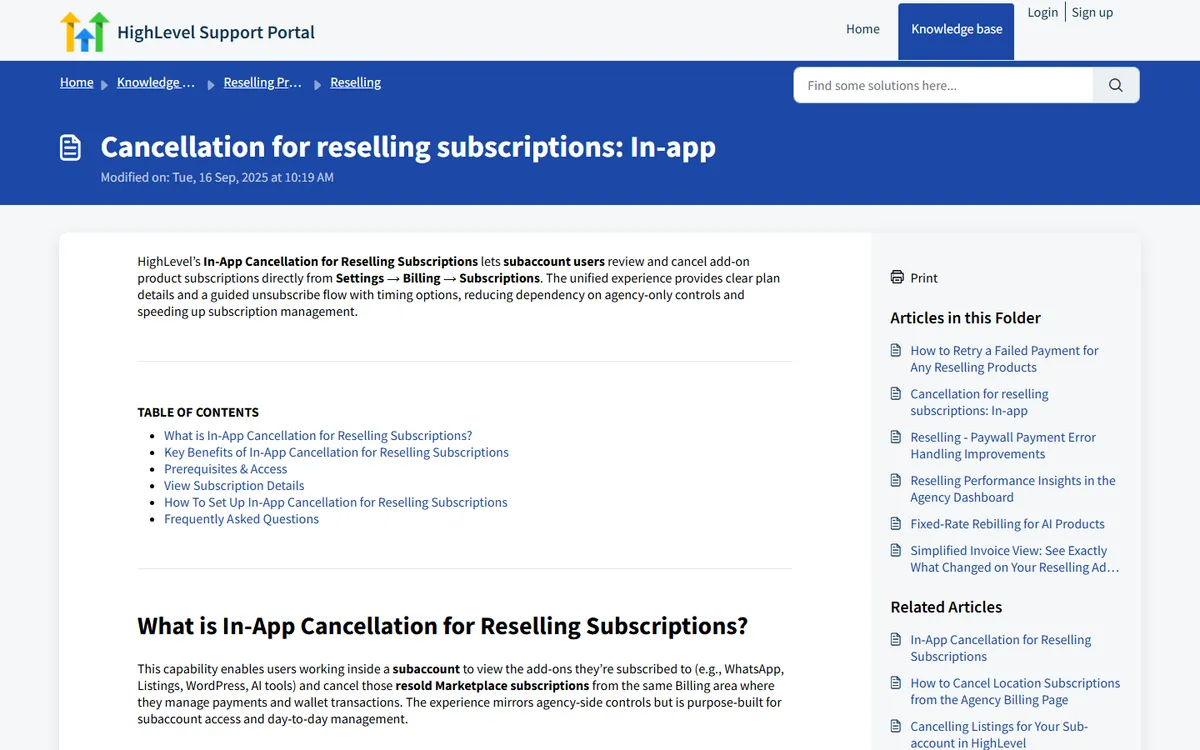 Cancellation steps for resold subscriptions come from a separate HighLevel help article.
How to cancel during the free trial so you aren’t charged
HighLevel’s standard free trial is 14 days on every plan, and my link gives a 30-day extended trial. In both cases the rule is the same: cancel before the trial ends and you shouldn’t be billed for the plan. If you are deciding whether to restart later, my GoHighLevel discount code post explains which offers are real.
I couldn’t find a HighLevel help article that covers trial cancellation by itself. The billing FAQ doesn’t mention trials. So here’s what I’d do, and why I’d be careful:
- Find your end date. Look at your Billing page the day you sign up and put the date in your calendar.
- Set a reminder two days earlier. Sources I found disagree on whether billing starts on day 14 or day 15, so I treat day 14 as the deadline.
- Cancel from the same Billing screen using the steps above. Use the same screen as a paid account, since that’s the path HighLevel documents.
- Screenshot the confirmation. If you’re charged anyway, you’ll want proof of the date.
- Remember usage. Phone numbers, texts and calls are billed by usage, and trial accounts can still use them. Don’t buy numbers or send messages unless you mean to.
What happens to your data, sub-accounts and phone numbers
Here’s what’s documented and what isn’t, in one place.
| Item | What HighLevel says | What I’d do |
|---|---|---|
| Data after cancel | Deleted after 90 days. Restored if you reactivate | Export anything critical anyway |
| Sub-accounts | Not stated in the billing FAQ | Ask billing in writing |
| Phone numbers | Not stated for cancellation. Downgrading does not cancel phone numbers or other paid services | List them, then decide to keep, release or port |
| Wallet balance | Wallet credits can’t pay the agency subscription | Ask billing what happens to leftover credit |
| Resold sub-account subscriptions | Can be canceled at the end of the cycle or immediately | Check the effective date in the modal |
The 90-day window is reassuring, but it’s not a backup plan. If something goes wrong with reactivation, an export file is the only thing that’s fully yours.
Before you cancel: downgrade, pause, or stay
Canceling is the right call if you’ve stopped using the platform. If the real problem is cost, there are other options. I’m not pushing you to stay, just making sure you know they exist.
Downgrade instead of canceling
Pros
- Keeps your data, workflows and numbers in place
- Lower monthly bill, since plans start at $97 as of late 2026
- Easier to move back up later
Cons
- You may lose features, like the white-label app or sub-account capacity
- Add-ons, Marketplace apps and phone numbers keep billing until you cancel them
- Check the sub-account limit of the lower plan first
Downgrade. HighLevel’s billing article describes downgrading from Agency Settings, then Billing, then selecting an available lower-tier plan. As of late 2026 the plans are Starter at $97 a month, Unlimited at $297 and the Founder plan at $497, from HighLevel’s pricing page. My pricing breakdown explains what each includes. Before you downgrade, read which features and sub-account limits the lower plan includes. The article also says downgrading doesn’t automatically cancel add-ons, Marketplace apps, phone numbers or other paid services, so go through those one by one.
Pause. The same billing FAQ says agency accounts cannot be paused, and also mentions a $27 per month Pause Plan as an alternative to canceling. Those two statements conflict, so I wouldn’t count on a pause until HighLevel billing confirms it for your account in writing.
Turn off usage instead. If the bill grew because of calls, texts or AI, you may not need to cancel anything. Look at what’s using your Wallet first. My pricing post lists the usage rates, and a lot of surprise bills come from one workflow or one AI agent running more than expected.
Move clients first. If you resell the software, canceling your agency plan affects your clients. Give them notice and a way to export their own data, or move them somewhere else before you stop paying.
Common reasons people cancel (and what I’d check first)
- “I never got it working.” Often it’s the setup, not the software. My setup guide lays out the first seven days. If you tried for a week and it still doesn’t fit, cancel without guilt.
- “The bill is higher than I expected.” That’s usually usage. Check Wallet charges before you decide.
- “I only needed it for one client.” Starter at $97 a month with up to 3 sub-accounts may be enough, or a different tool may fit better. See GoHighLevel alternatives.
- “My texts aren’t sending.” That’s usually A2P registration, which takes time and is a common stumbling block. Check that before you give up.
A cancellation checklist
- Contacts exported with a tag or filter you can find again
- Workflows, pipelines and forms saved as screenshots or copied text
- Phone numbers listed with a decision for each
- Clients told, if any use your account
- Booking links and forms removed from websites and ads
- Billing contact emailed about sub-accounts, numbers and Wallet credit, with the reply saved
- Cancel Plan completed and the confirmation screenshotted
- A calendar reminder set for day 85 if you might reactivate
If you decide to give it another shot
I’d rather you cancel than pay for a tool you don’t use. If you cancel and later want to try again, the free trial through my link is 30 days instead of the standard 14, and that’s enough time to build one real workflow and see if it fits.
Start your 30-day extended free trial 30-day trial · cancel anytime · keep the bonuses I may earn a commission if you sign up through my link, at no extra cost to you. Details